
What is ThumbnailCreator.com?
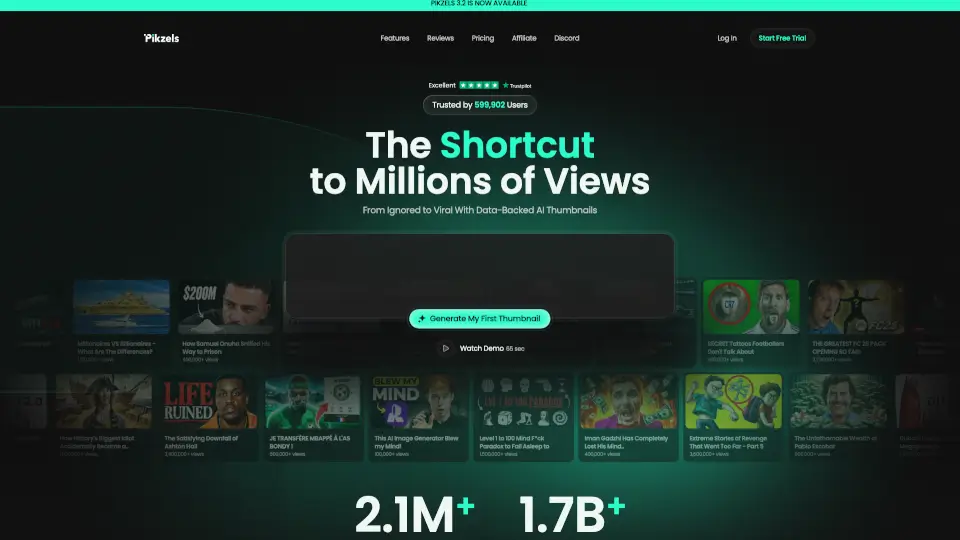
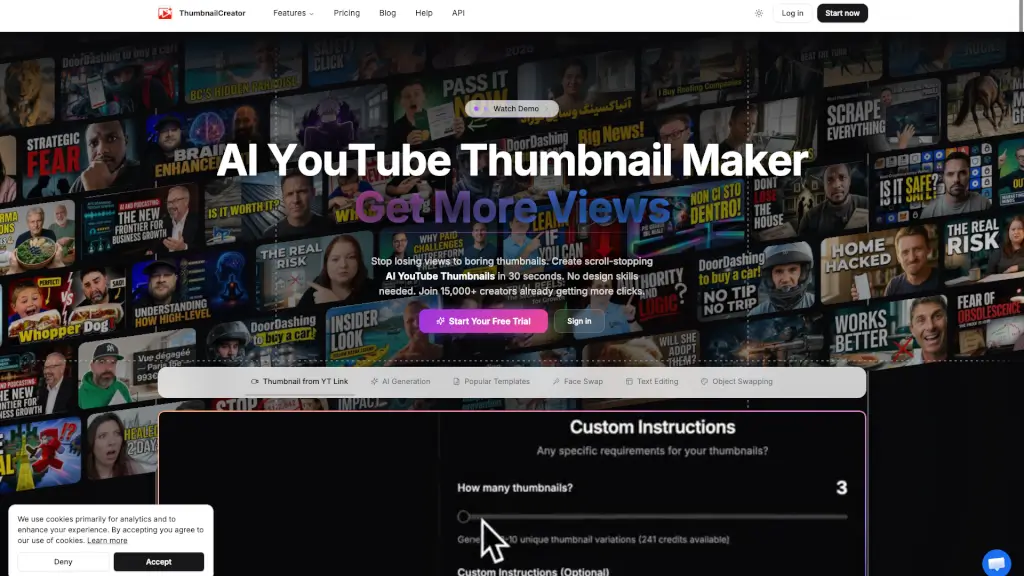
Meet ThumbnailCreator – the AI-powered tool that turns any YouTube video link into a scroll-stopping thumbnail in seconds. No design skills? No problem. Just paste a URL, and our AI analyzes every frame, reads the transcript, and generates multiple cinematic options optimized for clicks. With over 15,000 creators already boosting their click-through rates, this is the easiest way to stop losing views to boring thumbnails.
What are the features of ThumbnailCreator.com?
- AI Thumbnail Generation from YouTube Link: Paste any video URL – the AI watches the video, reads the transcript, and extracts the perfect moment to create a professional thumbnail.
- Face Swap & Object Swapping: Easily swap faces or objects in your thumbnails to highlight the most engaging elements without editing skills.
- Style Cloning: Clone the style of any thumbnail you love and apply it to your own videos for consistent, branded looks.
- AI Viral Clips Generator: Drop in a long video (up to 3+ hours) and the AI finds the 30-second hooks that go viral on TikTok, Shorts, and Reels.
- Predictive CTR Optimization: The AI predicts how much your click-through rate will improve (e.g., +73%) and suggests the best-performing thumbnail.
- Text Editing & Customization: Fine-tune with text overlays, adjust colors, and regenerate specific elements until it’s perfect.
What are the use cases of ThumbnailCreator.com?
- Busy YouTube creators who waste 2–3 hours per thumbnail and want to cut that down to 30 seconds.
- Gaming channels that need bold, action-packed thumbnails fast without hiring a designer.
- Podcasters and educators who want clean, text-driven thumbnails that clearly communicate the episode topic.
- Small business owners managing their own YouTube marketing and needing professional-looking thumbnails on a budget.
- Agency clients managing multiple channels – the AI Optimize feature automatically improves thumbnails at scale.
- Content repurposers who want to create viral clips from long-form videos for Shorts, Reels, and TikTok.
How to use ThumbnailCreator.com?
- Paste your YouTube URL – Copy the link of any video (e.g., youtube.com/watch?v=EqFFIfm3qQs) and paste it into ThumbnailCreator.
- AI analyzes your video – The AI watches every frame, reads the transcript, and identifies key moments and context.
- Choose your favorite – Browse multiple generated thumbnail options, each with a predicted CTR boost. Click to pick the best one.
- Customize and perfect – Use the editor to add text, swap faces, change objects, or regenerate specific elements. Fine-tune until it’s exactly right.
- Download or upload – Export in YouTube-optimized resolution or upload directly to your channel with one click.