What is Thordata MCP Server?
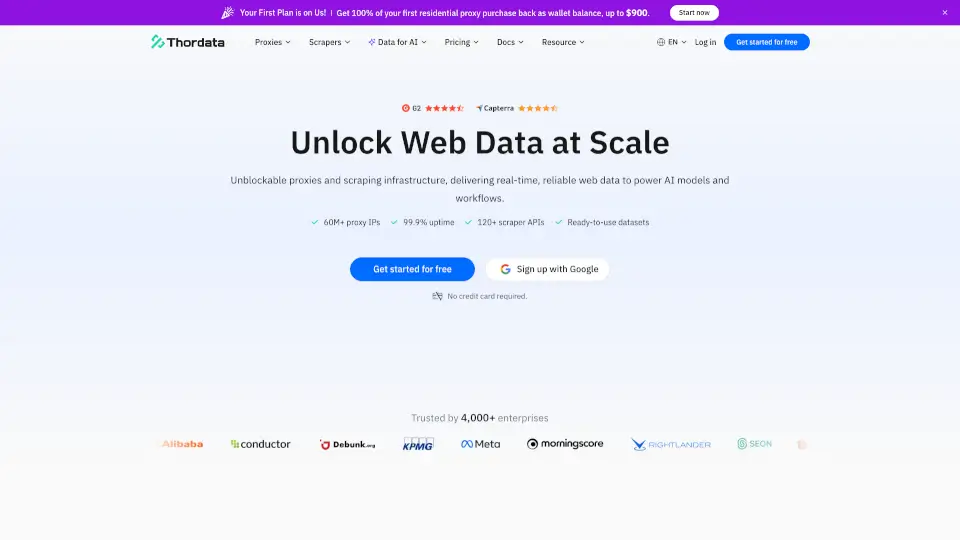
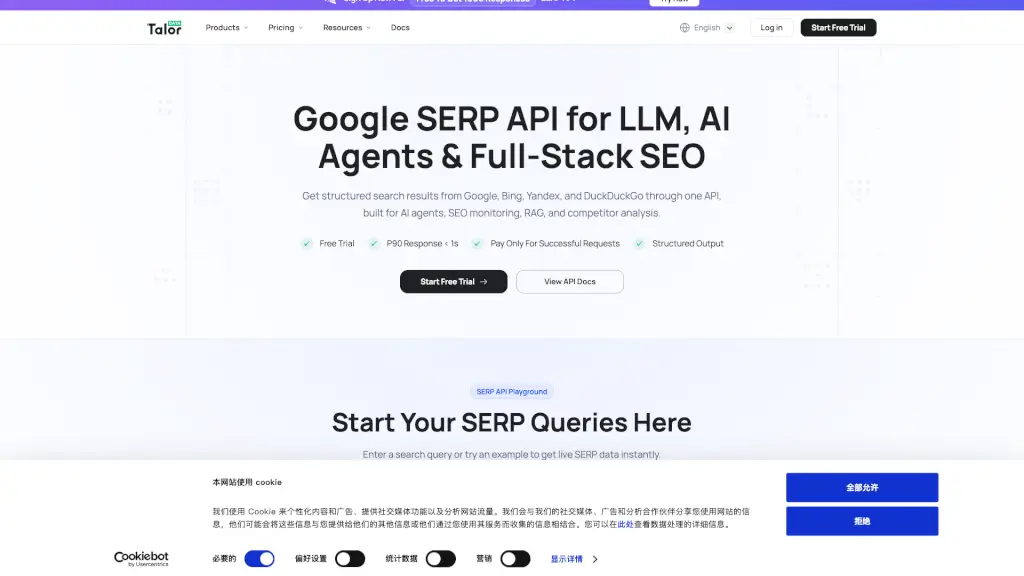
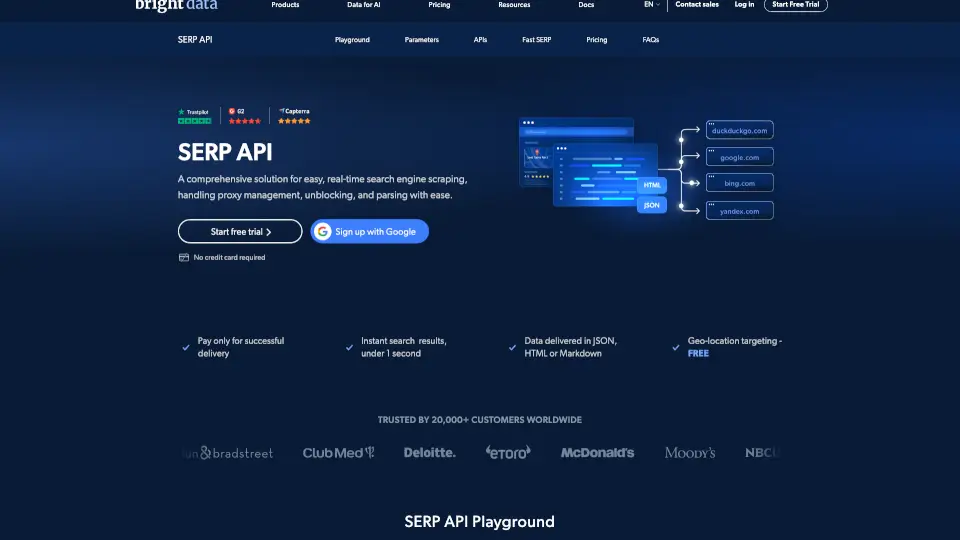
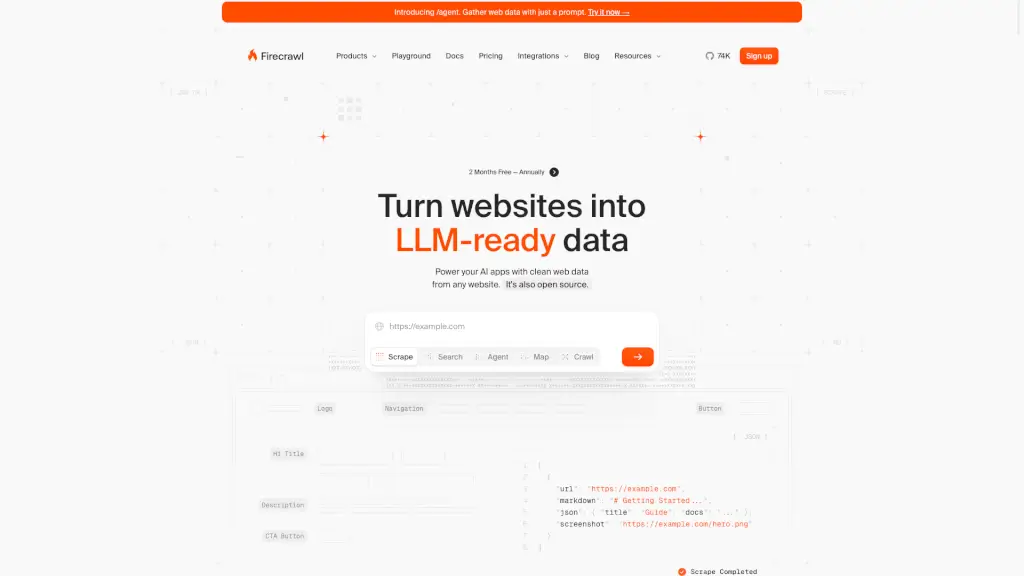
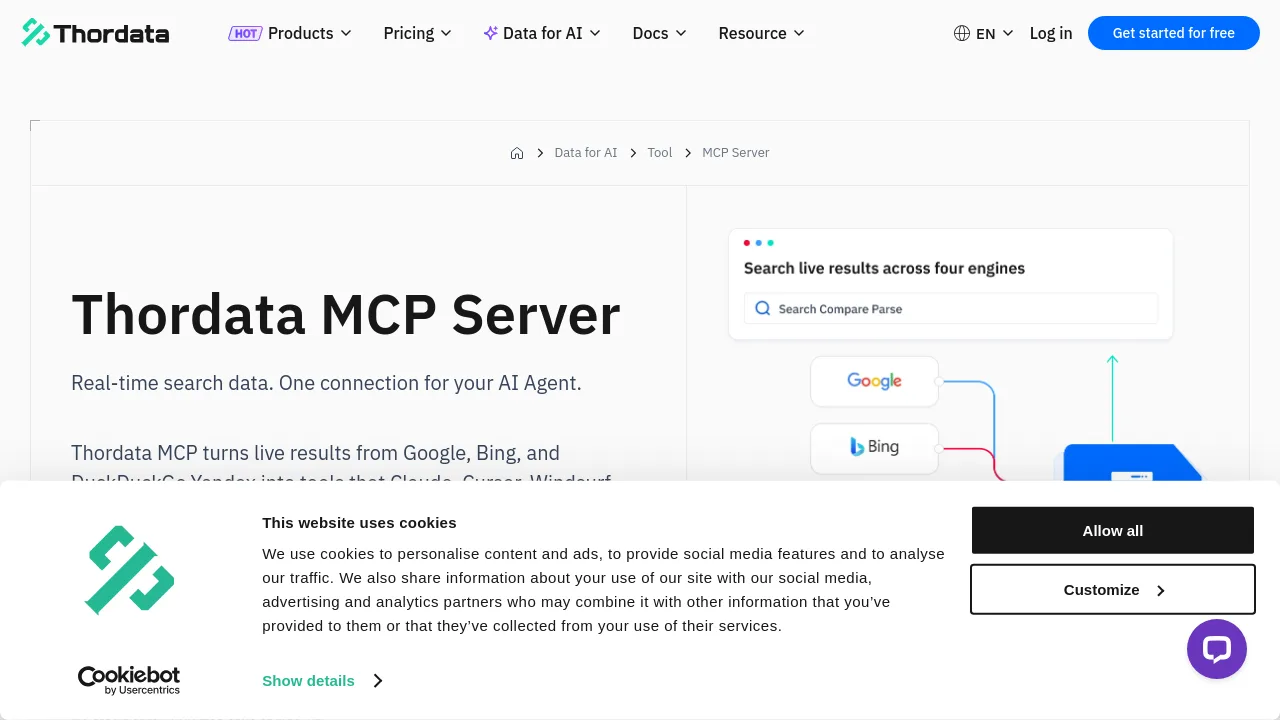
Thordata MCP is an AI-powered real-time web search and data extraction tool designed for developers, analysts, and teams who need live, structured search results from Google, Bing, and other engines. It enables AI agents and automation clients to fetch, parse, and compare current web data instantly, without maintaining custom scrapers or handling anti-bot measures. Ideal for workflows that rely on up-to-the-minute search evidence, regional results, and easy tool integrations without coding.
What are the features of Thordata MCP Server?
- Real-Time Multi-Engine Search: Instantly queries Google, Bing, DuckDuckGo, and more for live results, supporting search across 190+ countries and cities.
- Structured JSON Output: Delivers clean, ready-to-use search data in JSON, compatible with downstream agents and automation workflows.
- Built-In Anti-Bot Bypass: Handles CAPTCHAs, blocking, and JavaScript rendering automatically, so users don’t have to manage complex anti-bot solutions.
- Natural-Language Query Support: Allows agents and clients to describe search tasks in plain sentences, automating the interface and parameter setup.
- Seamless Client Integration: Works natively with Claude, Cursor, Windsurf, n8n, LlamaIndex, Dify, and any setup supporting MCP / JSON-RPC.
What are the use cases of Thordata MCP Server?
- AI research teams needing live, structured search results for Q&A, fact-checking, or knowledge gap filling.
- Digital marketers monitoring keyword rankings and SERP features in real time across different regions.
- Agencies or brands auditing online brand mentions, competitor ads, or exposure on search engines.
- Developers automating content monitoring, alerting, or search-driven workflows without building custom scrapers.
How to use Thordata MCP Server?
- Register for a Thordata account and generate an API key in the console.
- Choose an installation path—copy the provided config JSON or use a supported integration.
- Connect your AI agent or compatible client using the MCP endpoint and your API key.
- Issue natural-language search queries directly from your client or tool interface.
- Review, extract, or pipeline the structured results to your preferred tools or workflows.