
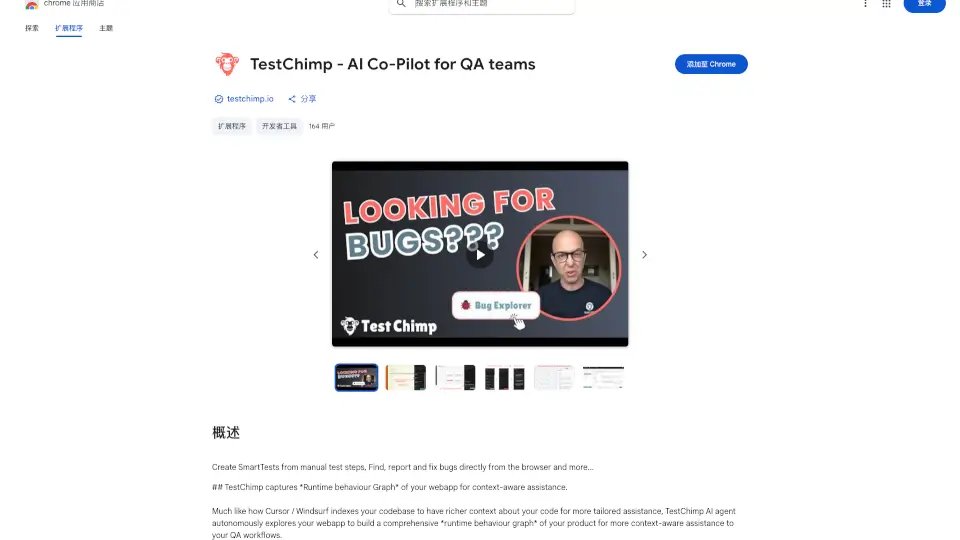
What is TestChimp?
TestChimp is a game-changer for testers and developers. It’s a Chrome extension that captures both UI and API activity during manual testing sessions and converts them into automation tests effortlessly. Whether you’re into API testing, UI testing, or bug reporting, TestChimp simplifies the process with its no-code approach.
What are the features of TestChimp?
- Multi-Step API Tests: Create complex API tests in one click by analyzing payloads and auto-suggesting assertions.
- UI Test Scripts: Generate robust UI tests with intelligent locators and meaningful assertions, exportable as Playwright, Cypress, or Selenium scripts.
- Bug Reporting: Share session recordings via unique permalinks, eliminating the need for bulky video uploads.
- Exploratory Testing Tools: Access common edge cases, dynamic values, and custom vocabulary items for quicker testing.
What are the use cases of TestChimp?
- API Testing: Automate user journey API tests from manual sessions.
- UI Testing: Generate and export UI test scripts for frameworks like Playwright or Selenium.
- Bug Reporting: Share detailed session recordings with developers for faster troubleshooting.
- Exploratory Testing: Use built-in tools to test edge cases and dynamic inputs.
How to use TestChimp?
- Install the TestChimp Chrome extension.
- Start a manual testing session to capture UI and API activity.
- Convert the recorded session into automation tests with one click.
- Export tests in your preferred language or run them directly on TestChimp cloud.
- Share session permalinks for bug reporting or collaboration.