
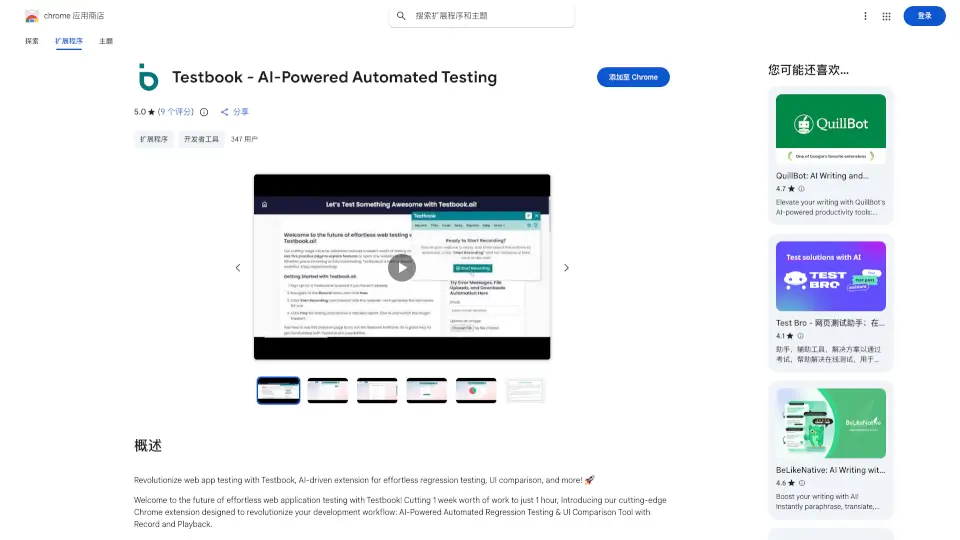
What is Testbook?
Testbook is your go-to Chrome extension for AI-powered automated testing. It’s designed to make web app testing a breeze, cutting down a week’s work to just an hour. Whether you’re into regression testing, UI comparison, or record and playback, Testbook has got you covered.
What are the features of Testbook?
- AI-Powered Regression Testing: Automate regression tests effortlessly, ensuring your code changes don’t break existing features.
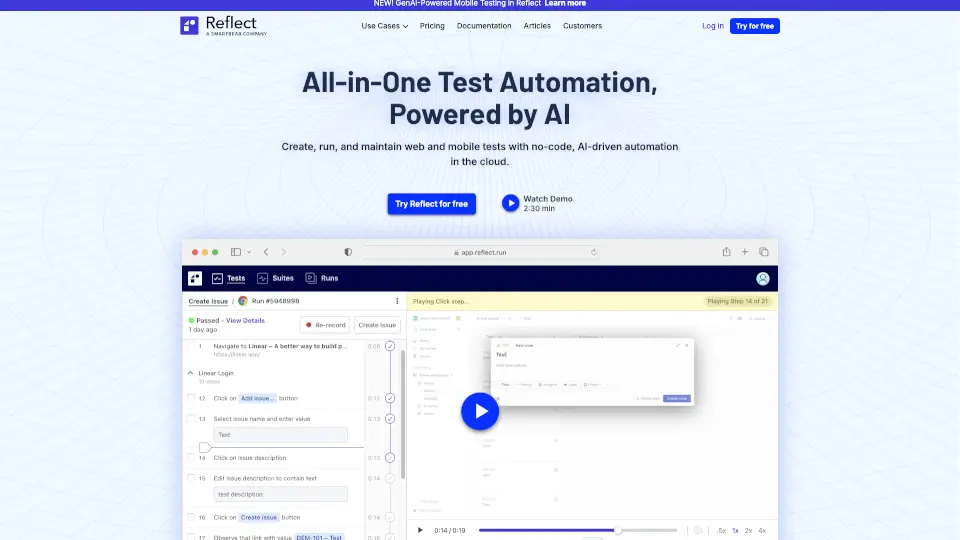
- Record and Playback: Easily record interactions with your web app and play them back without any coding.
- Cross-Browser Compatibility: Test your app across different browsers and platforms for a consistent user experience.
- Testing Cloud Integration: Works seamlessly with Saucelabs, BrowserStack, and more.
- AI-Powered UI Testing: Detect visual discrepancies with AI for accurate UI comparisons.
- Multi-Window and Multi-Tab Support: Record and playback interactions across multiple tabs and windows.
- Detailed Reports & Test History: Get comprehensive reports and track your test history for continuous improvement.
What are the use cases of Testbook?
- Web Developers: Quickly test new features without manual effort.
- QA Teams: Automate repetitive testing tasks and focus on critical issues.
- Product Managers: Ensure a flawless user experience across all browsers.
How to use Testbook?
- Install the Extension: Add Testbook to your Chrome browser.
- Record Interactions: Start recording your interactions with the web app.
- Playback: Replay the recorded actions to test for any issues.
- Analyze Reports: Check detailed reports for any discrepancies.