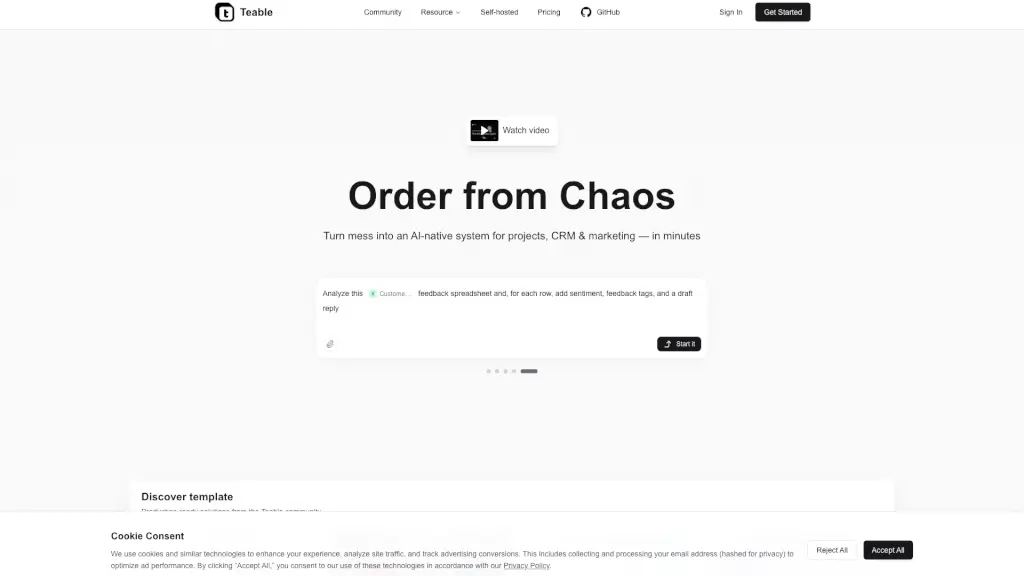
What is Teable?
Teable is an AI-native database that turns your messy spreadsheets, documents, and files into smart, organized systems—fast. Whether you're managing leads, tracking projects, or analyzing customer feedback, Teable uses AI to extract data, automate workflows, and build custom apps without coding. Think of it as your personal assistant for data: just describe what you need, and Teable handles the heavy lifting.
Unlike traditional databases that require technical know-how, Teable is built for real people. You can import receipts, contracts, resumes, or Excel files, and instantly get structured tables with key details pulled out automatically. Plus, with ready-made templates from the community and natural-language automation, you’ll go from chaos to clarity in minutes—not days.
What are the features of Teable?
- AI-Powered Data Extraction: Upload files like PDFs, images, or spreadsheets, and let AI pull out structured info (e.g., vendor names from receipts or contract terms from legal docs).
- No-Code App Builder: Turn your database into a live app with dashboards, forms, and UIs—just by chatting with Teable.
- Natural Language Automation: Set up workflows like “Notify me when a new lead is added” using plain English, no scripting needed.
- Smart Analysis & Reporting: Ask questions like “Show top customer complaints last month” and get instant charts, sentiment tags, and draft replies.
- Batch Content Generation: Create marketing images, product visuals, and social copy at scale using AI prompts.
- Self-Hosted Option: Keep full control over your data with private deployment, backed by ISO 27001 and ISO 9001 certifications for security.
What are the use cases of Teable?
- Build a simple CRM that auto-captures leads from a landing page and sends follow-up reminders.
- Organize sales contracts by extracting buyer info, payment terms, and signing dates across dozens of PDFs.
- Turn customer feedback spreadsheets into actionable insights with AI-added sentiment scores and reply drafts.
- Process expense receipts (photos or scans) to auto-fill vendor, date, tax, and category fields.
- Screen job applicants by converting resumes into structured candidate profiles with skills, experience, and gaps highlighted.
- Launch a product website or restaurant reservation system using community-built, production-ready templates.
How to use Teable?
- Start by clicking “Get Started” and signing in—no credit card needed for the free plan.
- Use the AI prompt bar to describe your goal (e.g., “Organize these receipts”) and upload your files.
- Choose or customize a community template (like Task Tracker or Simple Client CRM) to skip setup.
- Connect automations using natural language: “When a new row is added to Leads, send me a Slack message.”
- Generate reports or dashboards by asking questions directly in the interface—no SQL required.
- Upgrade or deploy privately if you need more credits, storage, or data control.