Tableau logo

Tableau

0
5.0
(0 Reviews)
United States39.00%

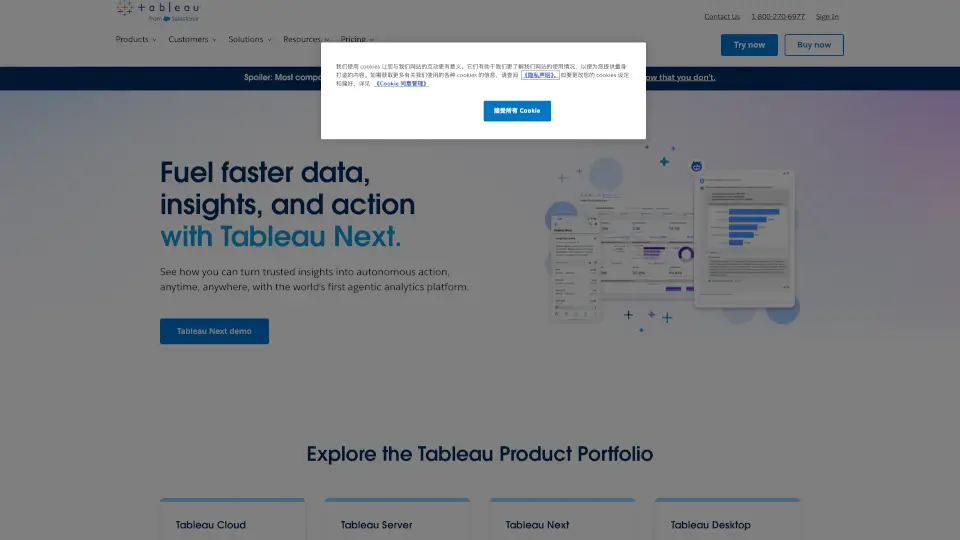
Tableau is a user-friendly business intelligence and analytics software that helps you connect to data, create visualizations, and share insights with ease, making data-driven decisions accessible to everyone.

Added on: 2025.12.20 · Updated on: 2025.12.20
Social Media:
Visit Site
View Alternatives
Tableau

Tableau Product Information

What is Tableau?

Tableau is a powerful and user-friendly business intelligence and analytics software that helps you see and understand your data. Whether you're a business leader, an analyst, or a developer, Tableau makes it easy to connect to almost any database, create stunning visualizations with a simple drag-and-drop interface, and share insights with just a click. With Tableau, you can turn complex data into clear, actionable insights, making it a go-to tool for anyone who wants to make data-driven decisions.

What are the features of Tableau?

  • Data Connectivity: Connect to almost any database, from spreadsheets to cloud services, and bring all your data together in one place.
  • Drag-and-Drop Interface: Create beautiful and insightful visualizations without needing to write a single line of code.
  • Sharing and Collaboration: Share your dashboards and reports with colleagues, partners, or the public, and collaborate in real-time.
  • AI-Powered Insights: Get intelligent, AI-driven suggestions and automated insights to help you discover patterns and trends faster.
  • Flexible Deployment: Choose between fully hosted cloud solutions, self-hosted servers, or even work offline with Tableau Desktop.
  • Governance and Security: Ensure your data is secure and compliant with robust governance and security features.

What are the use cases of Tableau?

  • Business Intelligence Reporting: Generate comprehensive reports and dashboards to track KPIs and performance metrics.
  • Data Visualization: Create interactive and visually appealing charts, graphs, and maps to communicate insights effectively.
  • Sales and Marketing Analysis: Analyze customer data, sales trends, and marketing campaigns to optimize strategies and boost ROI.
  • Financial Planning and Analysis: Build detailed financial models and forecasts to support budgeting and strategic planning.
  • Healthcare Data Analysis: Visualize patient outcomes, operational efficiency, and resource allocation in healthcare settings.
  • Educational Analytics: Track student performance, enrollment trends, and educational outcomes to improve teaching and learning.

How to use Tableau?

  • Connect to Your Data: Start by connecting to your data sources, whether they are in the cloud, on-premises, or in spreadsheets.
  • Create a New Workbook: Open a new workbook and start dragging and dropping fields to create your first visualization.
  • Customize Your Viz: Use the formatting tools to customize colors, labels, and other elements to make your viz more engaging.
  • Build a Dashboard: Combine multiple visualizations into a dashboard to provide a comprehensive view of your data.
  • Share Your Insights: Publish your dashboard to Tableau Server or Tableau Cloud and share it with others via a link or email.
  • Collaborate and Iterate: Work with your team to gather feedback and make improvements to your visualizations and dashboards.

Do you like this tool?

Upvote to help others discover it!

Tableau Alternatives

Microsoft Power BI

Microsoft Power BI is a versatile business analytics tool that transforms raw data into meaningful insights through interactive visualizations, detailed reports, and real-time dashboards, empowering better decision-making.

US
23.60%
|
51.8M
|
5.0
TalktoData

TalktoData AI turns anyone into a data whiz by delivering instant analysis and visuals through simple chats. Perfect for businesses, researchers, or curious minds—no tech degree required.

IN
84.23%
|
14.6K
|
4.0
Sourcetable

Sourcetable is the ultimate AI spreadsheet that simplifies data analysis, cleaning, and visualization. Perfect for students, professionals, and data enthusiasts.

US
41.85%
|
79.0K
|
5.0
Basedash

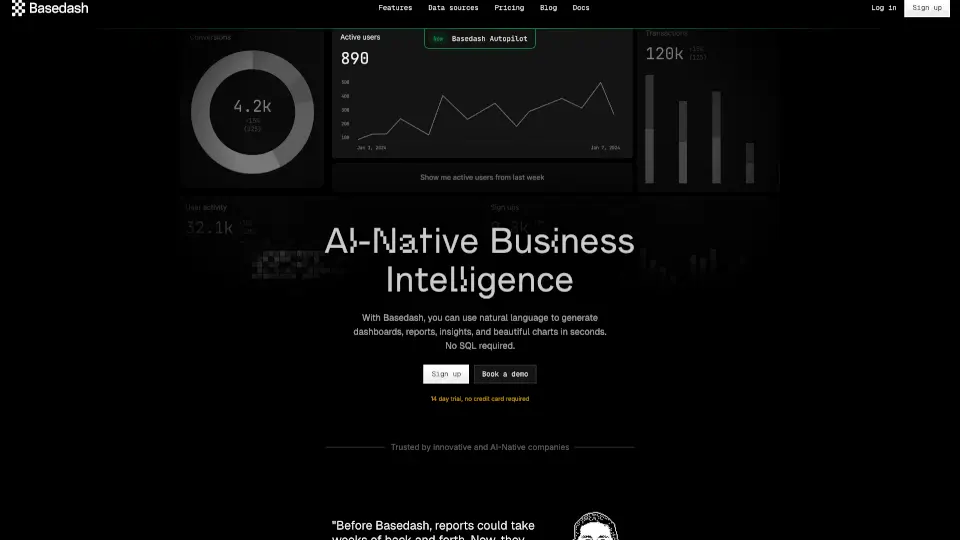
Basedash simplifies data visualization with AI, allowing users to create dashboards and charts effortlessly.

US
29.69%
|
51.3K
|
5.0
vizGPT

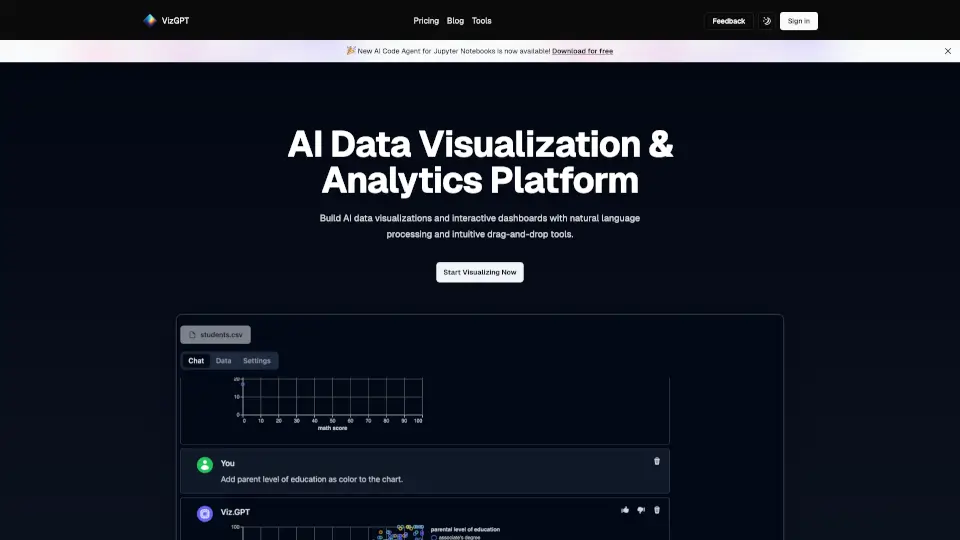
vizGPT turns your data into interactive charts and analytics dashboards using natural language and drag-and-drop tools, making data analysis easy and fast.

US
17.52%
|
44.4K
|
4.0
Quadratic

Quadratic is your all-in-one AI spreadsheet for data insights and database connections.

IN
29.54%
|
167.5K
|
5.0
ChartPixel

Transform your data into insights with ChartPixel's easy-to-use platform.

US
51.78%
|
12.6K
|
4.0
Julius AI

Julius AI is a versatile, user-friendly AI data analyst that helps you visualize, clean, and analyze data with ease. Perfect for businesses, educators, and researchers.

US
24.33%
|
755.3K
|
5.0
Tableau Related Other Categories

Tableau Traffic Analysis

💡 Insights

📈
High Traffic
Over 1M monthly visits. Widely recognized and stable choice.
⚠️
Slight Decline
Traffic has slightly decreased recently.
💎
High Stickiness
Low bounce rate (27%) and deep engagement (8.1 pages/visit). Excellent user experience.
🎯
Strong Brand
60% direct traffic. High user loyalty.
  • Monthly Visits

    6.84M

  • Bounce Rate

    27.35%

  • Pages Per Visit

    8.07

  • Visit Duration

    00:06:37

  • Global Rank

    5551

  • Country Rank

    2918

Visits Over Time

Traffic Sources

Direct59.60%
Search32.16%
Referrals6.63%
Paid0.89%
Social0.64%
Mail0.08%

Top Keywords

1
tableau
CPC$1.77
209.95KTraffic
2
tableau public
CPC$2.12
73.59KTraffic
3
tableu
20.06KTraffic
4
tableau desktop
CPC$3.16
11.30KTraffic
5
tableau download
CPC$2.61
10.49KTraffic

Top Regions

RegionPercentage
United States
United States
39.00%
Japan
Japan
12.32%
India
India
6.61%
United Kingdom
United Kingdom
4.72%
Australia
Australia
3.15%
Low
High

Tableau FAQ

What is Tableau used for?

Can I use Tableau if I don't have coding skills?

How do I connect to my data in Tableau?

Is Tableau available in the cloud?

Can I use Tableau offline?

Does Tableau offer AI-powered features?

How can I share my Tableau dashboards?

Is Tableau suitable for small businesses?

Tableau Reviews

0

0

0 Reviews

Write a Review

0

Login to leave a review
Sign In

Recent Reviews

No reviews yet

Tableau Embed

Use website badges to drive community support for SeekTool.ai. They are easy to embed in your homepage or footer.

Light
Dark
Tableau - Featured on SeekTool.aiTableau - Featured on SeekTool.ai
How to install?

Looking for Tableau Alternatives?

Compare top AI tools similar to Tableau. Find the best option for your needs.

View Alternatives

Reviews

0.0

Share your experience with this tool...

Trending

Featured

Subscribe to our AI Newsletter

Get the top AI stories delivered to your inbox weekly.