What is Microsoft Power BI?
Microsoft Power BI is a powerful tool that helps you transform your data into meaningful insights. With its user-friendly interface and robust features, it allows you to create stunning visualizations, detailed reports, and interactive dashboards. Whether you're a business analyst, a data scientist, or just someone who wants to make sense of their data, Power BI makes it easy to uncover trends, patterns, and key metrics that can drive better decision-making.
What are the features of Microsoft Power BI?
- Data Visualization: Create beautiful and insightful charts, graphs, and maps to visualize your data.
- Interactive Dashboards: Build dynamic dashboards that update in real-time, allowing you to monitor your KPIs at a glance.
- Data Integration: Connect to a wide range of data sources, from Excel spreadsheets to cloud services, and bring all your data together in one place.
- Collaboration: Share your reports and dashboards with colleagues, and collaborate on projects in real-time.
- Custom Reports: Design custom reports tailored to your specific needs, with the ability to add filters, slicers, and more.
- Mobile Access: Access your dashboards and reports on the go with the Power BI mobile app, available for iOS and Android.
What are the use cases of Microsoft Power BI?
- Business Intelligence: Analyze sales data, customer behavior, and market trends to make informed business decisions.
- Financial Reporting: Generate financial reports and track budget performance with ease.
- Project Management: Monitor project progress, resource allocation, and timelines in real-time.
- Marketing Analytics: Track the effectiveness of marketing campaigns, analyze customer engagement, and optimize your strategies.
- Operational Efficiency: Identify bottlenecks and areas for improvement in your operations by visualizing key performance indicators.
How to use Microsoft Power BI?
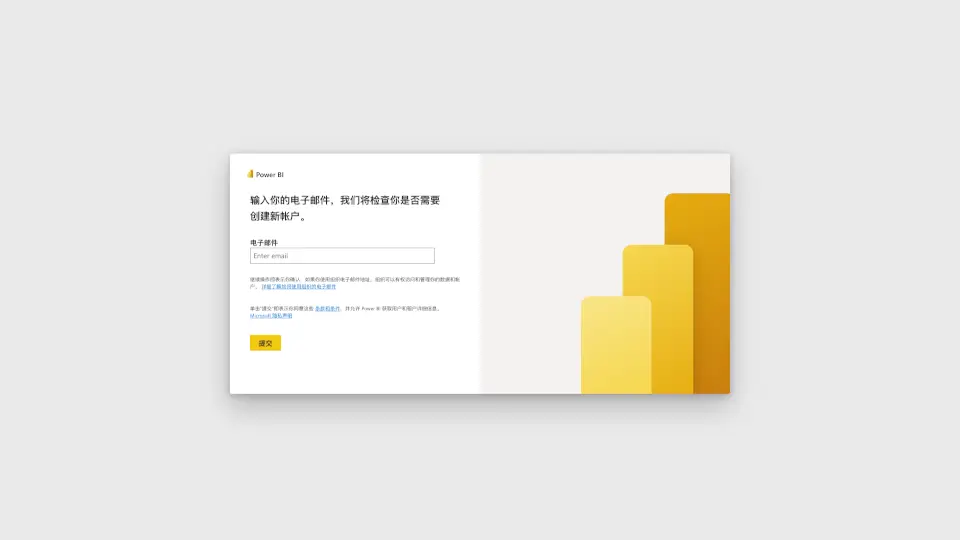
- Sign up for a Power BI account using your email address.
- Connect to your data sources, such as Excel, SQL Server, or cloud services like Azure.
- Create a new report by selecting the data you want to visualize.
- Choose from a variety of visualization options, such as charts, tables, and maps, to represent your data.
- Customize your dashboard by adding filters, slicers, and other interactive elements.
- Share your reports and dashboards with team members or publish them to the web.