
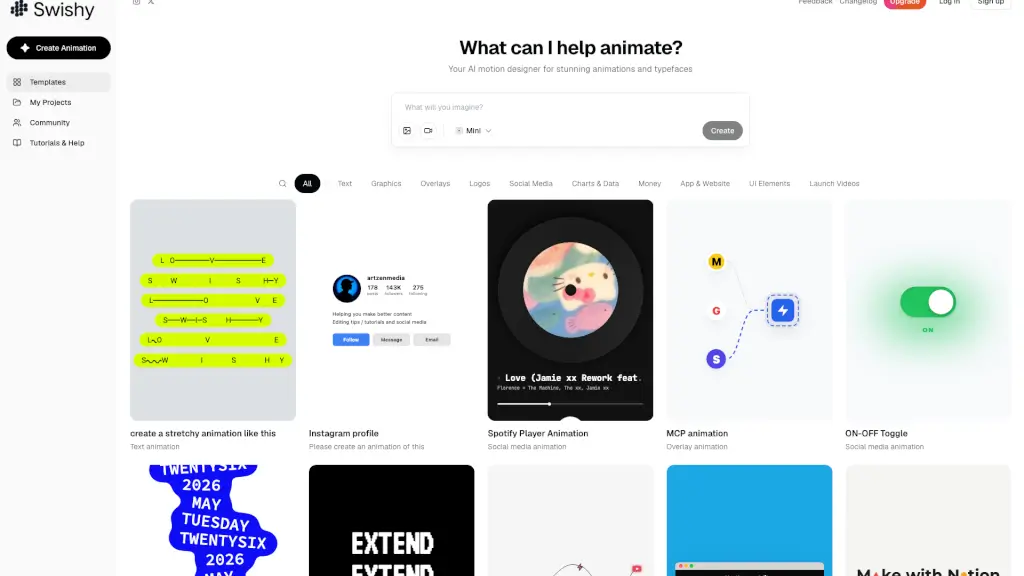
What is Swishy?
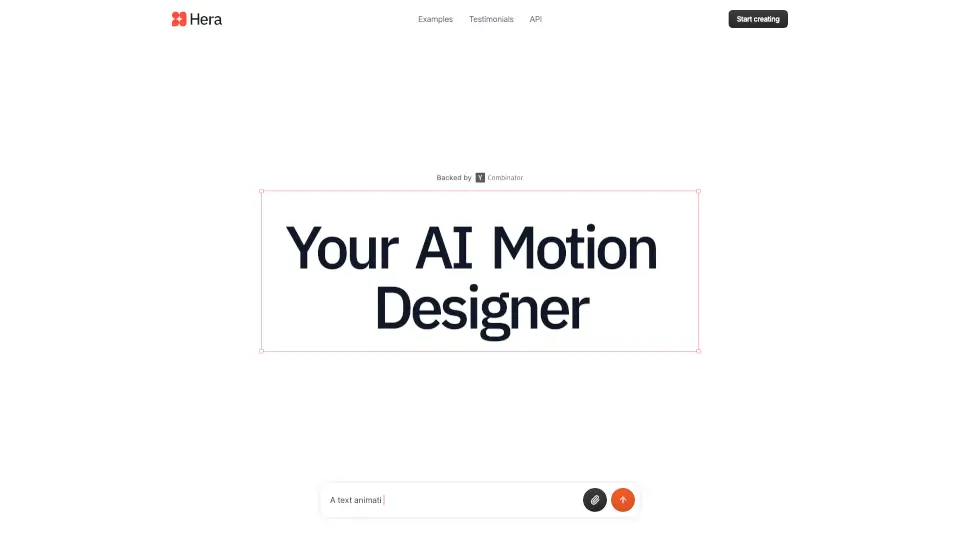
Swishy is your AI-powered motion design sidekick that turns simple ideas into stunning animations—no After Effects or design degree required. Whether you're a marketer, content creator, or small business owner, Swishy helps you create professional-grade motion graphics, animated text, and eye-catching social media clips in seconds, not hours.
Built for real people (not just animators), Swishy uses smart AI to understand timing, visual flow, and design principles so you don’t have to. Just describe what you want—like “Instagram story with bouncing emojis” or “futuristic logo reveal”—and Swishy generates it instantly, ready to export as MP4, MOV, or GIF.
What are the features of Swishy?
- AI Motion Designer: Automatically builds layered animations using intelligent design logic and visual hierarchy.
- Animated Typeface Generator: Creates dynamic kinetic typography and custom animated fonts that grab attention.
- One-Click Export: Instantly download your creations as MP4, MOV, or GIF—perfect for social media or presentations.
- No-Code Animation: Skip complex software; animate logos, UI elements, charts, and text with simple prompts.
- Social Media Templates: Pre-built, platform-optimized animations for Instagram, TikTok, YouTube, and more.
- Fast Generation: Most animations are ready in under 30 seconds, based on user data.
- After Effects Alternative: Achieve pro-level motion graphics without learning steep software curves.
What are the use cases of Swishy?
- Create engaging Instagram Stories with animated text and branded overlays in minutes.
- Design sleek app demo videos showing UI interactions like toggles, notifications, or loading screens.
- Produce explainer videos or launch trailers for startups using animated infographics and kinetic text.
- Animate logos or brand names with smooth reveals, morphs, and 3D-style spins.
- Visualize data trends with animated bar charts, timelines, or financial dashboards.
- Build TikTok or YouTube Shorts with trendy text effects like terminal typing, squiggle flow, or stretch animations.
How to use Swishy?
- Start on desktop for the best experience—Swishy works best with a mouse and full screen.
- Choose a category (Text, Logos, Social Media, UI Elements, etc.) to narrow your animation type.
- Describe your idea clearly: e.g., “Apple-style 30-second countdown with emojis” or “Netflix logo animation.”
- Browse or customize templates if you’d rather tweak than start from scratch.
- Preview your animation in real time and adjust timing or style if needed.
- Click Export to download as MP4, MOV, or GIF—ready to share anywhere.