
What is Instories?
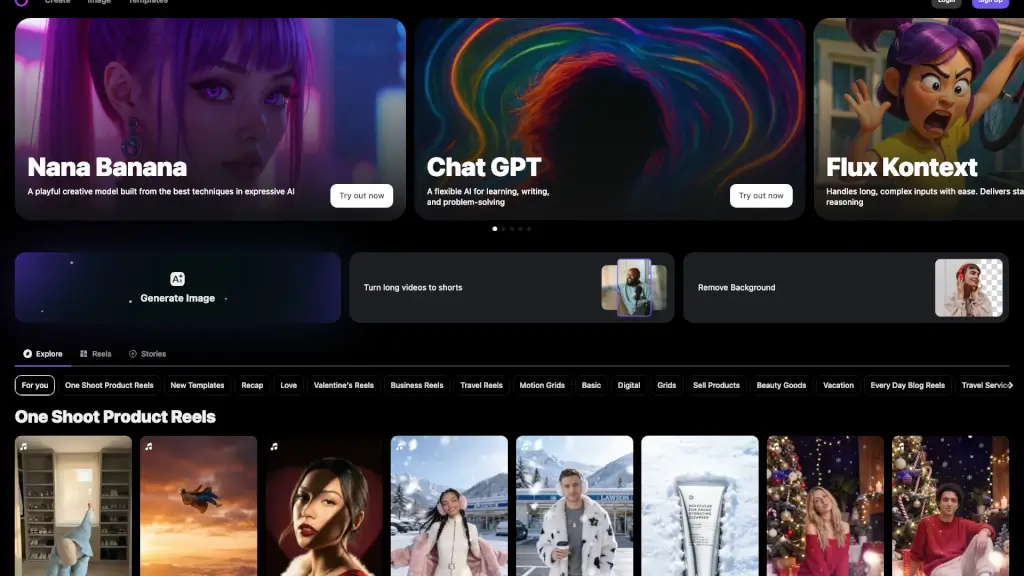
Instories is a user-friendly and powerful tool designed to help you create stunning and engaging animated stories in just minutes. With over 300 stylish templates, Instories makes it easy for anyone, from beginners to seasoned creators, to produce unique and eye-catching videos. Whether you're looking to boost your social media presence, share personal moments, or promote your business, Instories has the tools and features to bring your vision to life.
What are the features of Instories?
- Stylish Templates: Choose from over 300 professionally designed templates to create unique and visually appealing stories.
- Easy-to-Use Interface: Instories offers a simple and intuitive interface that allows you to design and edit your stories with ease.
- Animation Tools: Add dynamic animations to your stories to make them more engaging and interactive.
- Customization Options: Customize your designs with text, stickers, and filters to make each story uniquely yours.
- Background Removal: Effortlessly remove backgrounds to focus on the main elements of your content.
- Export and Share: Quickly export your creations and share them directly to your favorite social media platforms.
What are the use cases of Instories?
- Social Media Marketing: Create compelling stories to engage your audience and drive more traffic to your profile.
- Personal Branding: Showcase your personality and build your brand with creative and professional-looking stories.
- Event Promotion: Announce and promote events with eye-catching and informative stories.
- Travel Vlogs: Share your travel experiences with beautifully designed and animated stories.
- Product Showcases: Highlight your products or services with high-quality, attention-grabbing stories.
- Daily Life Updates: Keep your friends and followers updated with visually appealing stories about your daily life.
How to use Instories?
- Select a Template: Browse through the extensive library of templates and choose one that fits your needs.
- Add Your Content: Upload your photos or videos and place them into the template.
- Customize: Add text, stickers, and filters to personalize your story.
- Animate: Use the animation tools to add movement and interest to your story.
- Preview and Edit: Preview your creation and make any necessary adjustments.
- Export and Share: Once you're satisfied, export your story and share it on your preferred social media platform.