

What is SwipeStory?
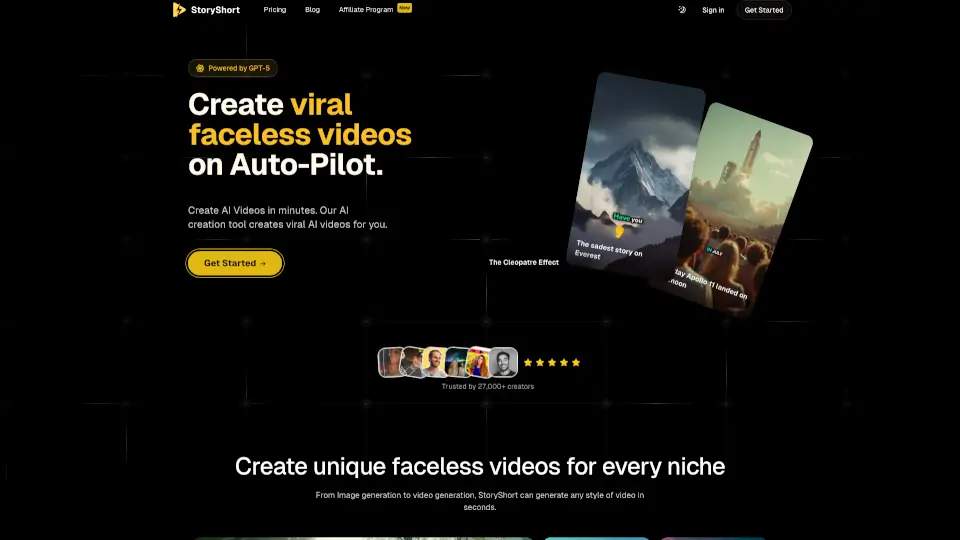
SwipeStory is a game-changing AI tool that makes creating viral faceless videos as easy as pie. Whether you're looking to tell a story, share an idea, or just want to create engaging content for social media, SwipeStory has got you covered. With just a few clicks, you can turn your ideas into stunning TikTok, Instagram, and YouTube stories. No need to worry about complex software or hours of editing—SwipeStory handles everything from script generation to publishing, so you can focus on what matters most: your content.
What are the features of SwipeStory?
- AI Script Generation: Automatically generate a script with AI, making it super easy to get started.
- Voiceover Options: Choose from a variety of realistic AI voices to bring your script to life.
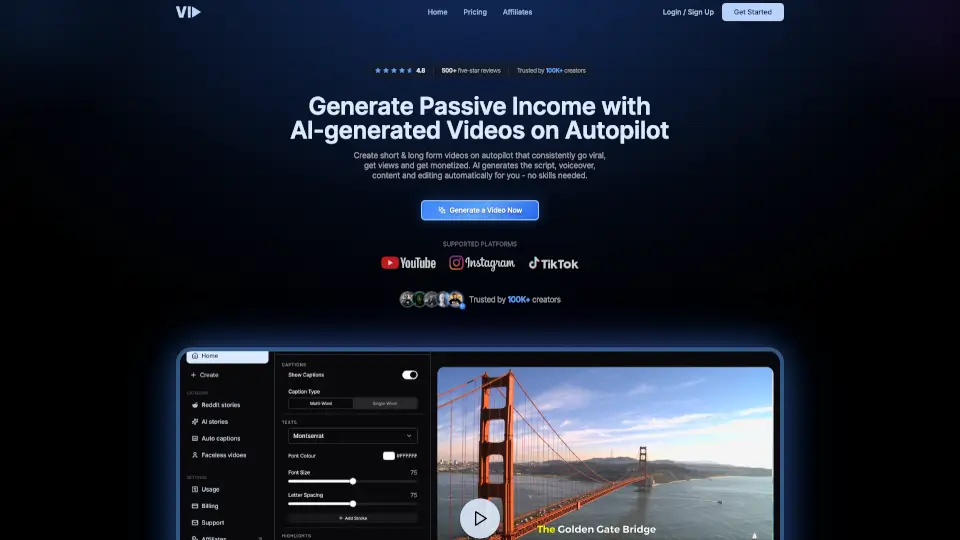
- Customizable Captions: Add beautiful, customizable captions to make your videos more accessible and engaging.
- Background Music Library: Access a wide range of background music to enhance the mood of your videos.
- Fast Cloud Rendering: Render high-quality videos in seconds using our powerful cloud pipeline.
- Direct Publishing: Publish your videos directly to platforms like YouTube, TikTok, and Instagram without leaving the app.
What are the use cases of SwipeStory?
- Telling War History Stories: Create engaging and informative videos about historical events.
- Sharing Bible Stories: Bring religious stories to life with captivating visuals and voiceovers.
- Creating Pixar-Style Animations: Generate short, animated videos that capture the magic of Pixar.
- Producing Horror Content: Make spine-chilling horror stories that will keep your audience on the edge of their seats.
- Documenting Real Tragedies: Share important and impactful stories with a touch of realism.
- Exploring Ancient Rome: Dive into the rich history of ancient civilizations with visually stunning videos.
How to use SwipeStory?
- Choose Your Topic: Start by selecting the topic or story you want to tell.
- Generate a Script: Let the AI generate a script for you, or write your own.
- Select a Voice and Style: Pick a voice and style that best fits your story.
- Add Background Music: Choose from the extensive library to set the right mood.
- Customize Captions: Add and customize captions to make your video more engaging.
- Publish Directly: Once your video is ready, publish it directly to your preferred platform.