What is Stacker?
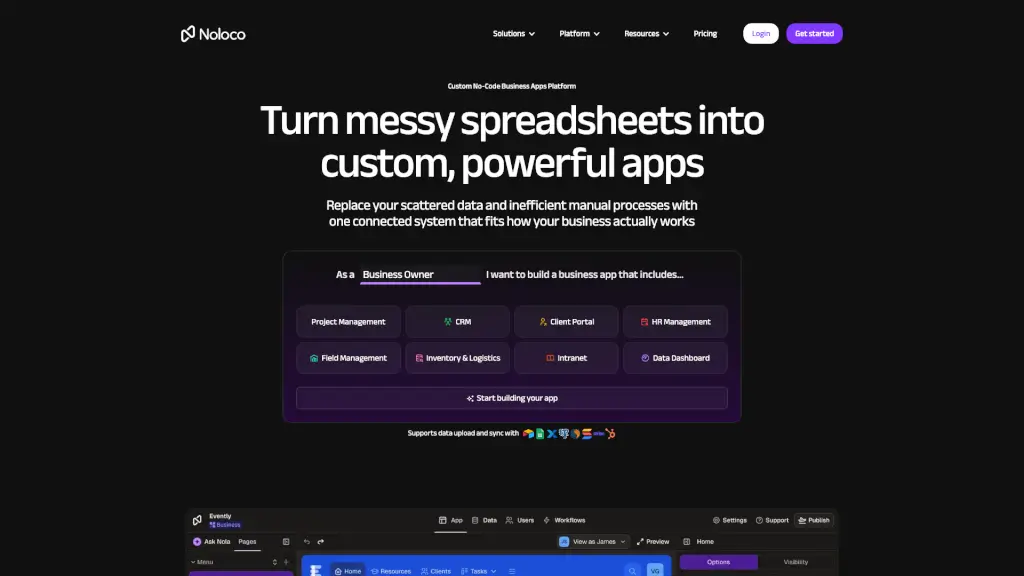
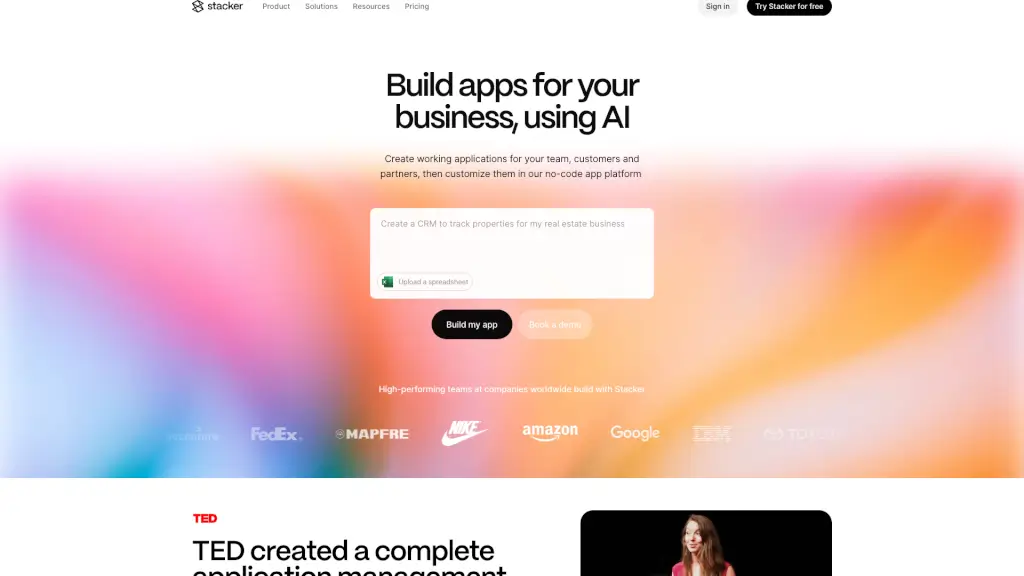
Stacker is a versatile no-code platform designed to help businesses of all sizes build custom applications that fit their unique needs. Whether you need a CRM, an internal tool, or a customer portal, Stacker makes it easy to create and customize these apps without needing to write a single line of code. This means your team can focus on what they do best—running your business—while Stacker handles the technical side.
What are the features of Stacker?
- No-Code App Builder: Quickly design and build functional apps using a drag-and-drop interface.
- Customization: Tailor your apps to match your brand and specific requirements with extensive customization options.
- Integration: Seamlessly integrate with other tools and services like Zapier, Google Sheets, and more.
- Security: Enterprise-grade security features to keep your data safe and compliant with industry standards.
- Collaboration: Work together with your team in real-time, making collaboration and feedback a breeze.
- Templates: Get started quickly with pre-built templates for common business needs.
What are the use cases of Stacker?
- CRM System: Build a custom CRM to manage customer relationships and sales pipelines.
- Internal Tools: Create tools for your team, such as project management dashboards or HR portals.
- Customer Portals: Develop self-service portals for your customers to access information and support.
- Task Management: Implement a to-do list app or task management system to keep your team organized.
- Event Management: Manage events and registrations with a custom-built event management app.
- Inventory Management: Track and manage inventory levels and orders with a tailored inventory system.
How to use Stacker?
- Upload a Spreadsheet: Start by uploading your data from a spreadsheet to get your app up and running quickly.
- Choose a Template: Select a pre-built template that matches your use case, or start from scratch.
- Customize Your App: Add and arrange elements, set up workflows, and customize the look and feel.
- Integrate with Other Tools: Connect your app to other services and tools to streamline your processes.
- Test and Launch: Test your app thoroughly, then launch it to your team or customers.
- Iterate and Improve: Gather feedback and make continuous improvements to your app.