
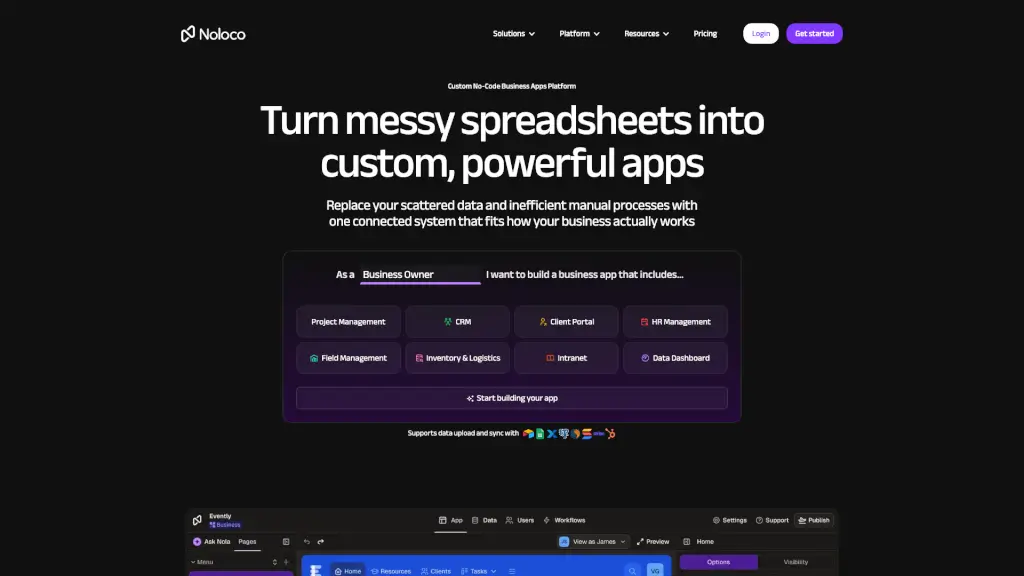
What is Noloco?
Noloco is a no-code app builder designed to help businesses turn messy spreadsheets and scattered data into powerful, custom apps. Whether you're managing projects, tracking leads, or streamlining HR processes, Noloco makes it easy to create the exact tools your team needs without any coding experience. With a simple drag-and-drop interface, you can build, customize, and deploy apps that boost productivity and centralize your operations.
What are the features of Noloco?
- Interface Builder: A point-and-click app builder that lets you create custom apps without writing any code.
- Connected Data: Manage and sync your data with Noloco Tables, integrating seamlessly with tools like Google Sheets, Airtable, and more.
- Workflows and Automations: Set up custom automations to improve team productivity, automate emails, notifications, and webhooks.
- Permissions: Keep tight control over user access levels, setting permissions by role and restricting access to specific records.
- Integrations: Connect everything your team needs to work, from Zapier and Make to Xero and Slack.
- Mobile Apps: Download your app to any device and access it on the go.
What are the use cases of Noloco?
- Project Management: Keep track of customers, users, or leads with a fully customizable back office app.
- CRM: Build a custom CRM that fits your workflow, centralizes your data, and enables seamless collaboration.
- Client Portal: Empower your customers with self-service and a fully-branded, personalized experience.
- HR Management: Create custom HR solutions for onboarding, employee management, and more.
- Intranet: Simplify communication, collaboration, and information sharing within your team.
- Inventory & Logistics: Build tools for inventory management, supply chain, and logistics.
How to use Noloco?
- Import Your Data: Centralize your data from multiple sources in minutes.
- Customize the Layout: Use the drag-and-drop interface to make your app look and feel exactly how you want.
- Set Up Workflows: Automate tasks and set up workflows to save time and reduce errors.
- Define Permissions: Control who sees and does what in your app, ensuring security and privacy.
- Publish and Share: Deploy your app and share it with your team, clients, or anyone else who needs access.