What is Spline?
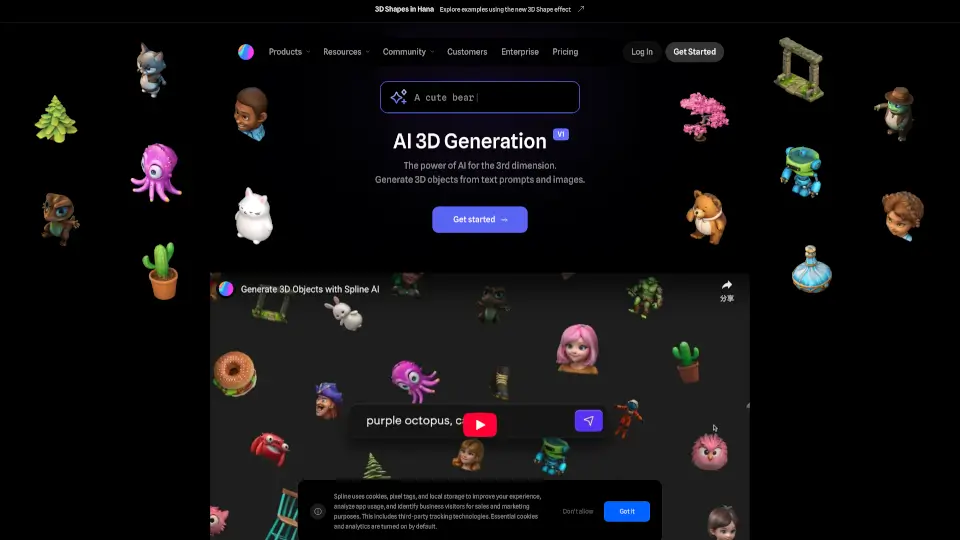
Spline is a browser-based 3D design tool that lets you create, animate, and publish interactive 3D content without coding. Think of it as a simpler, web-native alternative to Blender or Cinema 4D, built specifically for designers who want to add 3D to their websites and apps. You work right in your browser, share designs with a link, and export as lightweight web assets. It bridges the gap between 2D design tools and complex 3D software, making 3D accessible for everyone from UI designers to motion artists.
What are the features of Spline?
- Real-time Collaboration: Multiple designers can work on the same 3D scene simultaneously, with changes visible instantly—perfect for team projects or remote feedback sessions.
- Browser-based Editor: No downloads or installs needed. Everything runs in your Chrome or Firefox browser, so you can start designing on any computer.
- Drag-and-Drop 3D Modeling: Create basic geometries (cubes, spheres, torus) and combine them with boolean operations, all with intuitive mouse controls. No command-line knowledge required.
- No-Code Interactivity: Add hover effects, click animations, and scroll-based triggers to your 3D objects without writing a single line of JavaScript or CSS.
- URL-Based Sharing: Each project gets a unique URL. Send the link to clients or teammates; they can view and interact with the 3D scene immediately, no export or hosting required.
- Export for Web: Download your designs as GLB, USDZ, or embedded HTML/JS code—ready for integration into websites, Webflow, Framer, or React projects.
What are the use cases of Spline?
- Interactive Landing Pages: Add a rotating 3D product model on your SaaS homepage that users can spin with their mouse, replacing static hero images.
- UI/UX Prototyping: Mock up a 3D dashboard icon or a floating menu system to show clients how a spatial interface would feel before development.
- Brand Assets: Create animated 3D logos or brand mascots that auto-play on social media and company presentations.
- Product Configurators: Build a simple 3D customizer (e.g., change a chair's color or material) for e-commerce without needing a developer.
- Educational Visuals: Animate the solar system or a molecular structure for online courses—viewers can rotate and zoom to understand complex concepts.
How to use Spline?
- Start with a Template: Press "New File" and pick a pre-made scene (e.g., "Interactive Clock" or "3D Button") to see how interactions are wired.
- Add and Shape Objects: Click the + icon to add basic shapes. Use the scale, rotate, and move handles—similar to Photoshop's transform tool—to position them.
- Apply Interaction: Select any object, go to the "Events" panel, and choose "on Click" or "on Hover." Then pick an effect like rotation, scale change, or opacity fade. No code needed.
- Preview and Share: Hit the "Play" icon to test interactions in-browser. Then copy the unique project URL and paste it into an email or Slack for feedback.
- Export for Web: Once finished, go to "Export" and choose "Embed" to copy HTML code, or "File > Export as GLB" for use in Three.js or Webflow.