
What is Spellbook?
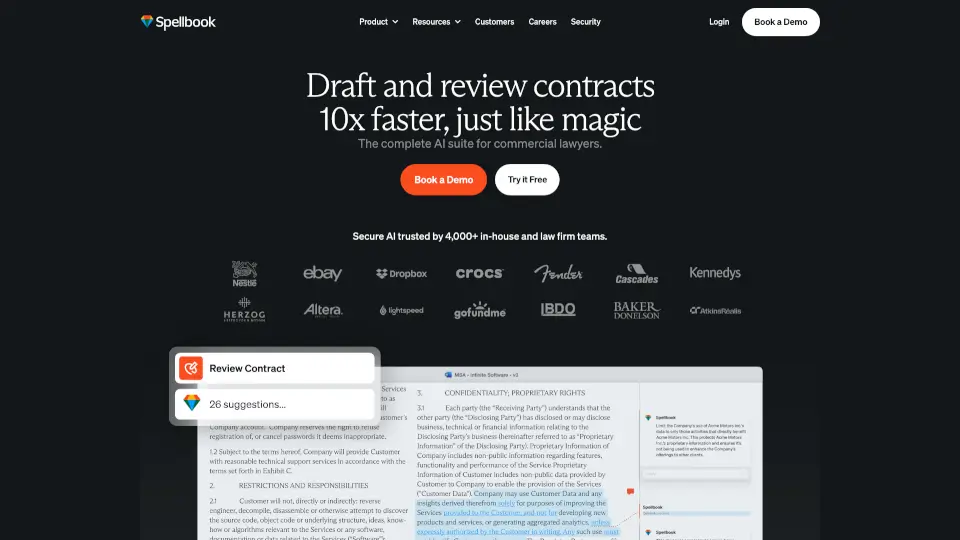
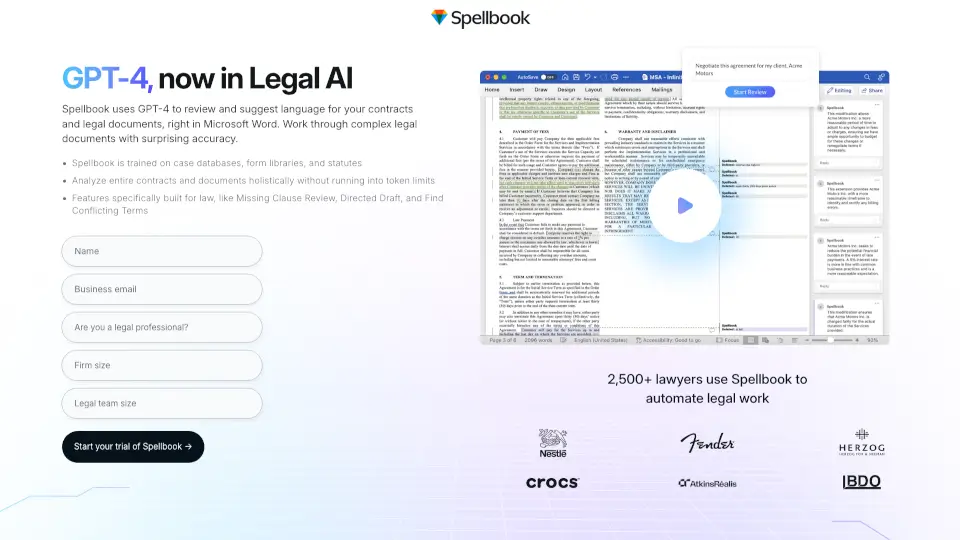
Spellbook brings the power of GPT-4 directly into Microsoft Word to help lawyers draft, review, and refine contracts faster and smarter. Instead of wrestling with clunky legal tech or copying clauses from outdated templates, you get AI-powered suggestions that understand both legal language and real-world context—right where you already work.
Trained on billions of lines of legal text—including case law, statutes, and standard form libraries—Spellbook doesn’t just fill blanks. It analyzes your entire document holistically, spots missing or conflicting terms, and offers precise language tailored to your deal. Whether you're in-house, at a firm, or handling litigation support, Spellbook cuts through complexity so you can focus on strategy, not syntax.
What are the features of Spellbook?
- Missing Clause Review: Automatically flags common clauses that might be absent from your agreement based on document type and industry standards.
- Find Conflicting Terms: Scans your full contract to highlight contradictory language that could create legal risk or ambiguity.
- Directed Draft: Lets you describe what you need in plain English (e.g., “Add a non-compete for California”), and Spellbook drafts clean, enforceable language.
- Full-Document Analysis: Works on entire contracts without hitting token limits—no more chopping documents into pieces.
- Legal-Tuned GPT-4: The only GPT-4–powered tool fine-tuned specifically for legal drafting and integrated natively into Microsoft Word.
- Real-World Knowledge: Understands facts beyond legal texts thanks to training on Wikipedia, books, and general internet data—so it grasps context like jurisdictional nuances or industry norms.
What are the use cases of Spellbook?
- A corporate associate quickly adds a GDPR-compliant data clause to an international SaaS agreement.
- In-house counsel reviews a vendor contract and instantly spots a missing indemnification provision.
- Litigation teams analyze settlement agreements for inconsistent liability caps before signing.
- Solo practitioners draft employment contracts with jurisdiction-specific non-solicitation terms in minutes.
- Legal ops teams standardize hundreds of NDAs across departments using consistent, vetted language.
- Law firms accelerate due diligence by auto-flagging unusual termination conditions in acquisition docs.
How to use Spellbook?
- Install the Spellbook add-in from the Microsoft AppSource store.
- Open any Word document containing a legal agreement—no formatting required.
- Highlight a section or let Spellbook scan the whole contract to surface suggestions.
- Use the sidebar to accept, edit, or reject AI-generated clause recommendations.
- Describe your intent in plain language using “Directed Draft” for custom clause creation.
- Export or share your finalized document—all edits stay within Word’s native track-changes system.