
What is SpeechFlow?
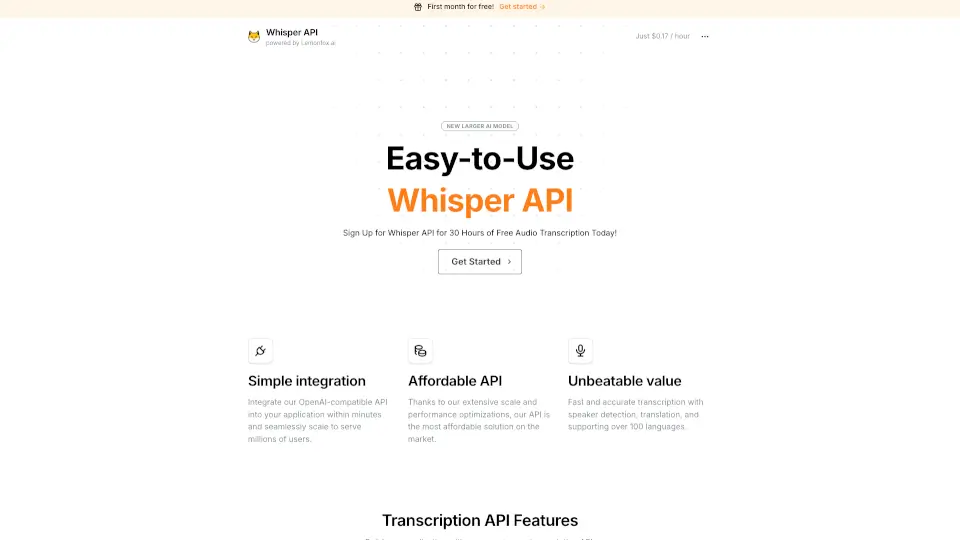
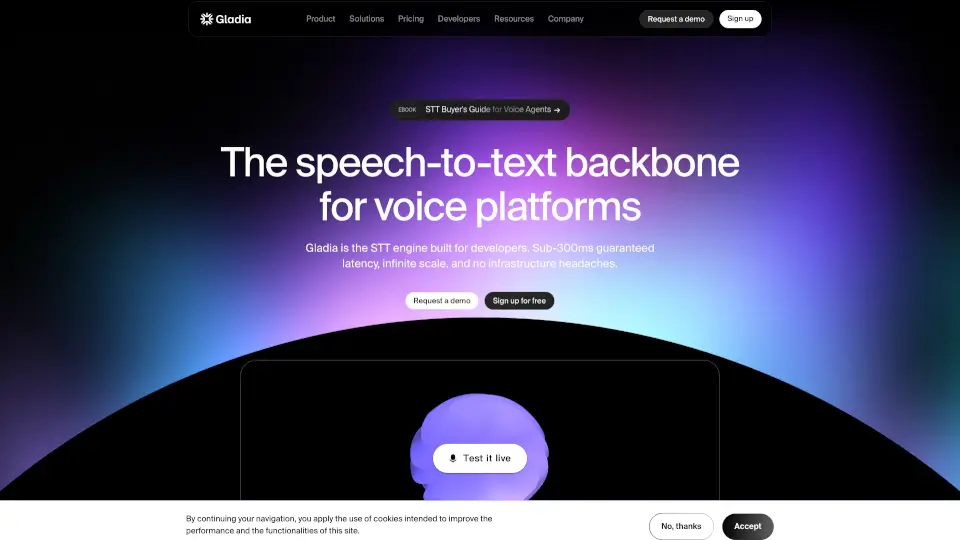
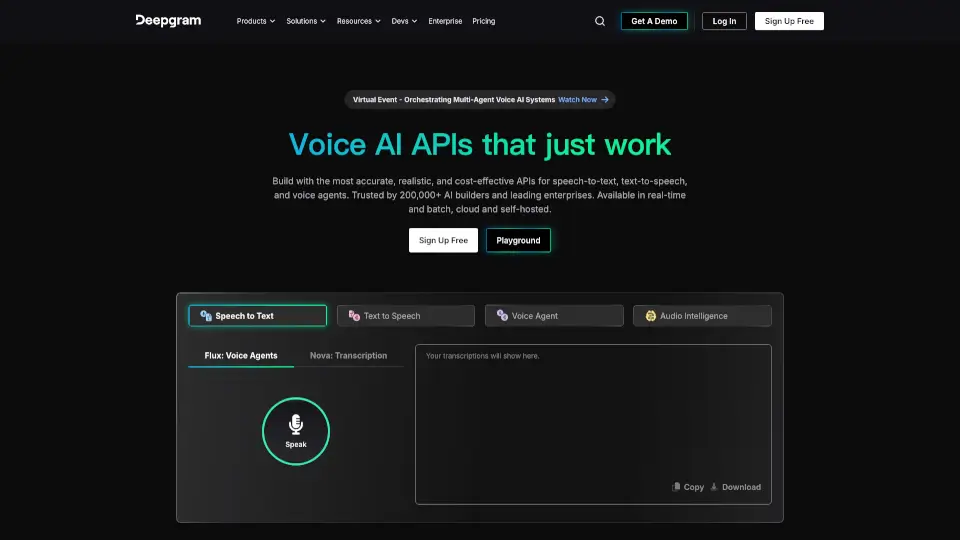
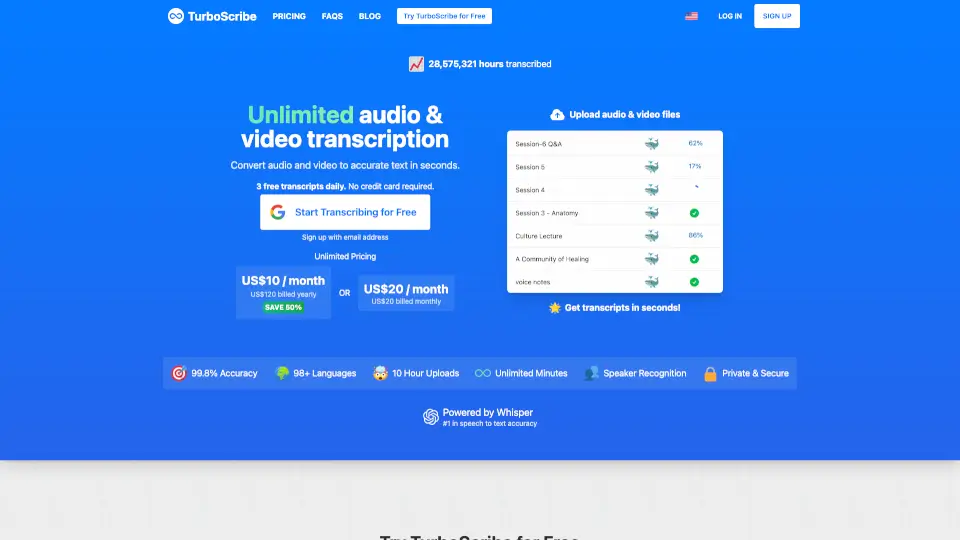
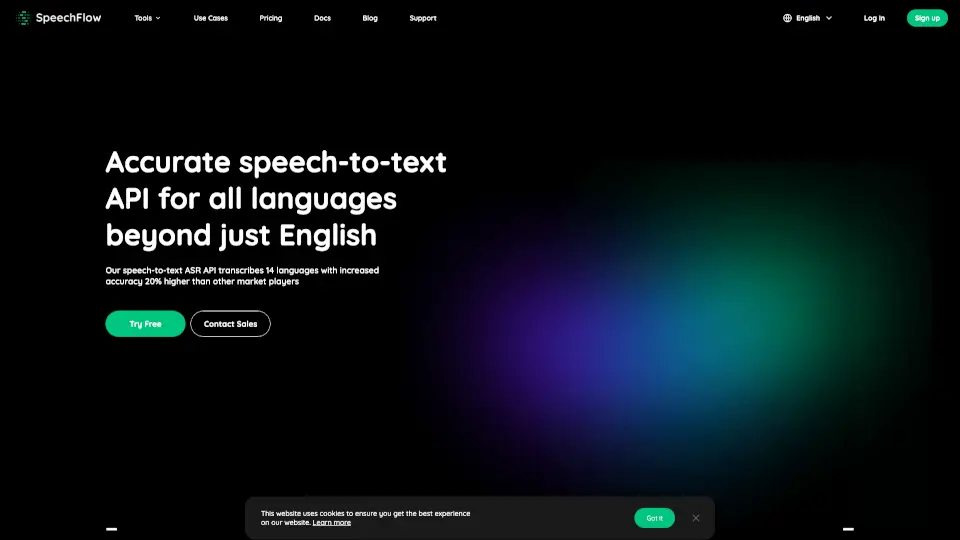
SpeechFlow is a smart, fast, and accurate speech-to-text API that turns spoken words into clear, readable text. Whether you're working with audio files, video content, or live recordings, SpeechFlow uses advanced AI to deliver transcriptions in 14 languages—with accuracy that’s reportedly 20% higher than many competitors. It’s built for developers, businesses, and creators who need reliable, scalable transcription without the hassle.
Designed with simplicity in mind, SpeechFlow works right out of the box. Just upload an audio file or paste a YouTube link, and get back properly punctuated, easy-to-read text in minutes. From customer support teams to podcasters and researchers, anyone who deals with voice content can save time and boost productivity using this tool.
What are the features of SpeechFlow?
- High-Accuracy ASRDelivers speech recognition with up to 20% better accuracy than other leading services across 14 languages.
- Multi-Language SupportTranscribes in English, French, German, Japanese, Korean, Russian, and more—with more languages on the way.
- Fast ProcessingConverts up to 1 hour of audio in under 3 minutes, making it ideal for time-sensitive workflows.
- Flexible DeploymentWorks in the cloud or on-premises, giving you control over security and infrastructure.
- Pay-As-You-Go PricingCosts just $0.0002 per second—you only pay for what you actually use.
- Developer-Friendly APISimple integration with code snippets available for Python, Node.js, Java, Go, PHP, Ruby, C#, Rust, and TypeScript.
What are the use cases of SpeechFlow?
- Transcribe customer service calls for quality assurance and training
- Convert podcast episodes or interviews into blog posts or captions
- Generate subtitles for videos using automatic speech recognition
- Automate note-taking during meetings or webinars
- Build voice-enabled apps or accessibility tools for users with hearing impairments
- Process legal depositions, medical dictations, or academic lectures quickly and accurately
How to use SpeechFlow?
- Sign up for a free account on SpeechFlow and get your API Key ID and API Key Secret
- Choose whether to transcribe a local audio file or a remote file (like from a URL or YouTube)
- Use the provided code snippet in your preferred programming language to send the file to the API
- Retrieve your unique taskId from the initial response
- Query the API again using that taskId to get your final transcription result
- Review and use the clean, punctuated text in your app, report, or workflow