What is Google Cloud Speech to Text?
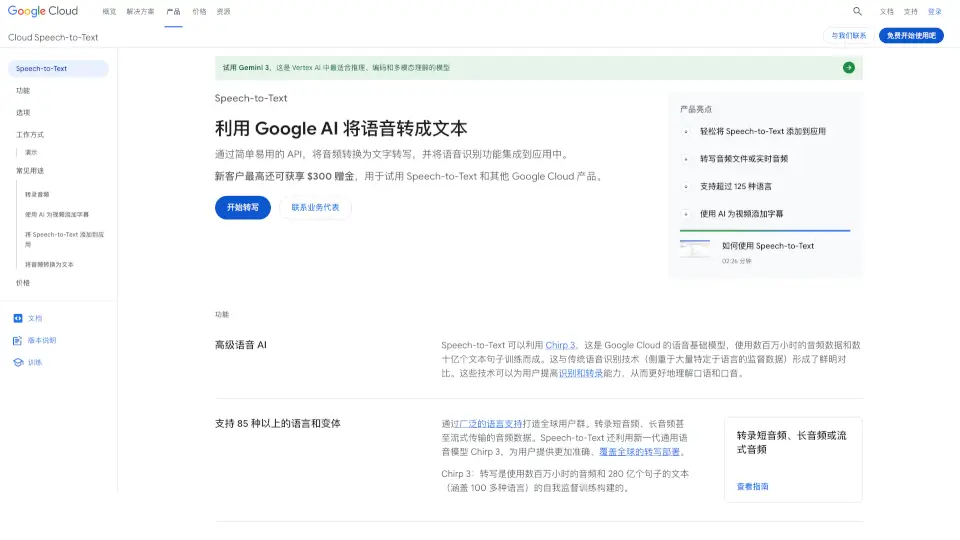
Google Cloud Speech-to-Text is a powerful AI-powered service that turns spoken audio into accurate, searchable text. Built on Google’s advanced Chirp 3 foundation model—trained on millions of hours of audio and billions of sentences—it delivers industry-leading accuracy across diverse accents, languages, and noisy environments. Whether you're transcribing customer calls, adding subtitles to videos, or building voice-enabled apps, this tool makes it fast and easy.
Unlike older speech recognition systems that rely heavily on language-specific training data, Speech-to-Text uses self-supervised learning to understand natural human speech more effectively. It supports over 125 languages and variants, offers real-time streaming, and includes smart features like speaker diarization, punctuation, and profanity filtering—all through a simple API or no-code web interface.
What are the features of Google Cloud Speech to Text?
- Chirp 3 AI ModelGoogle’s state-of-the-art speech foundation model trained on massive multilingual datasets for superior accuracy.
- 125+ Language SupportTranscribe speech in over 125 languages and dialects, ideal for global applications.
- Real-Time & Batch ProcessingChoose from synchronous (short audio), asynchronous (long files), or streaming (live mic or video) transcription.
- Speaker DiarizationAutomatically identifies who spoke which part in multi-person conversations.
- Model AdaptationBoost accuracy for domain-specific terms (e.g., medical jargon or brand names) using custom phrases or classes.
- Built-in Security & ComplianceIncludes data residency, audit logging, and customer-managed encryption keys (CMEK) in API v2.
- Noise RobustnessHandles background noise without requiring pre-processing or external filters.
- Automatic Punctuation (Beta)Adds commas, periods, and question marks to make transcripts readable.
What are the use cases of Google Cloud Speech to Text?
- Adding accurate, AI-generated subtitles to YouTube-style videos or live streams.
- Transcribing customer service calls for quality assurance and analytics.
- Building voice-controlled apps or hands-free interfaces for healthcare or logistics.
- Converting lecture recordings or meeting notes into searchable text documents.
- Enabling accessibility by providing real-time captions for virtual events.
- Indexing podcast or interview content for search and content discovery.
- Supporting multilingual content creation with transcription + translation workflows.
How to use Google Cloud Speech to Text?
- Sign up for Google Cloud and enable the Speech-to-Text API (new users get $300 in free credits).
- Choose your method: use the web-based upload tool for quick tests or integrate the Speech-to-Text V2 API into your app.
- Upload audio files (from local device or Cloud Storage) or stream live audio via microphone.
- Configure settings like language code, enable speaker diarization, or add custom vocabulary for better accuracy.
- Review and export your transcript—ready for subtitles, analysis, or archival.
- For enterprise needs (like on-prem deployment or large-scale projects), contact Google Cloud sales.