
What is SpeakApp AI?
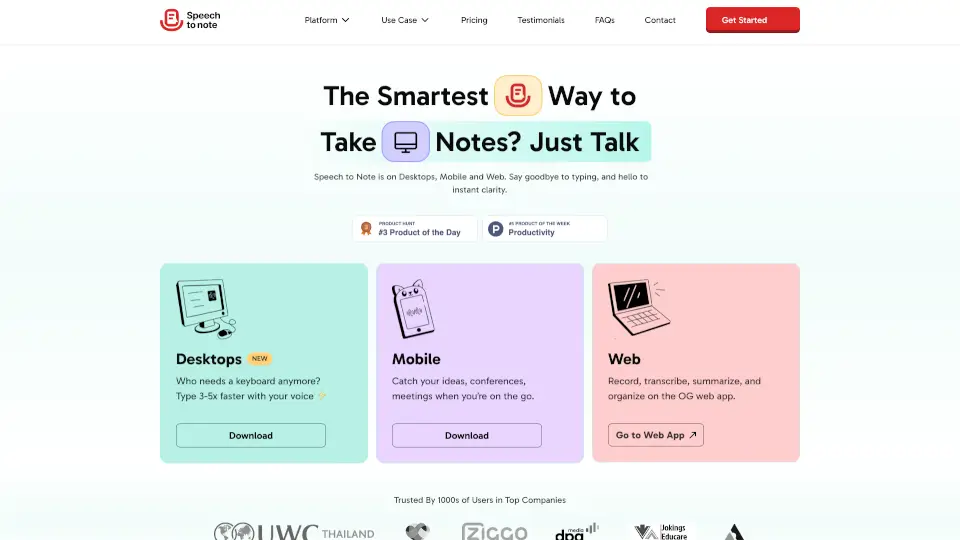
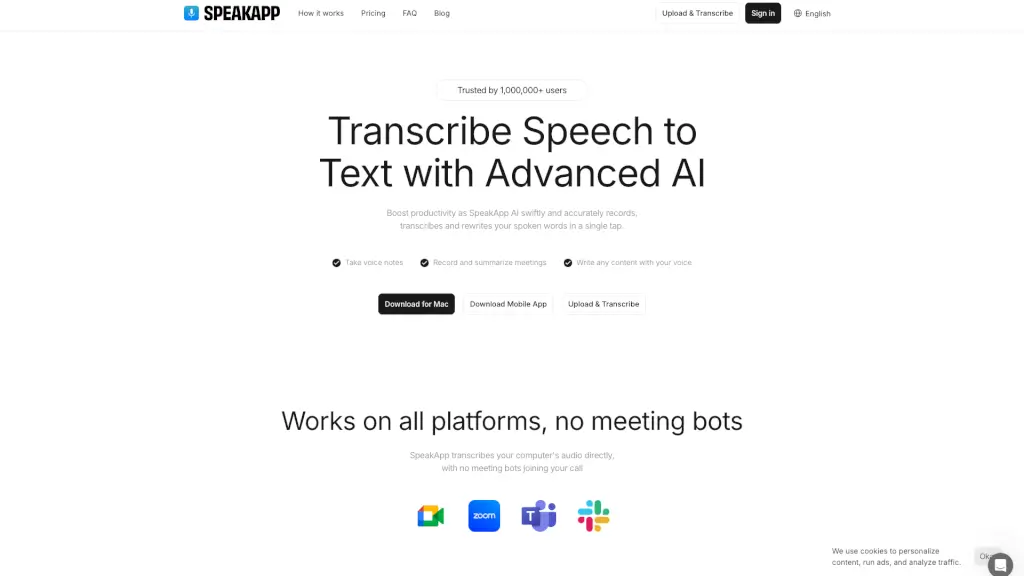
SpeakApp AI is your smart, all-in-one tool for turning spoken words into polished text—fast. Whether you're jotting down a quick idea, recording a team meeting, or capturing a university lecture, SpeakApp uses advanced AI to transcribe speech with impressive accuracy and speed. No more frantic note-taking or missing key points—you speak, and SpeakApp handles the rest.
What sets SpeakApp apart is its ability to do more than just transcribe. It can summarize, rewrite, translate into 50+ languages, and even adjust tone—all in one tap. Trusted by over 1 million users, it works seamlessly across Mac, mobile, and web without requiring bots to join your calls, keeping your conversations private and uninterrupted.
What are the features of SpeakApp AI?
- Instant Voice-to-Text Transcription: Record live audio or upload files and get near-instant, 99% accurate transcriptions.
- AI-Powered Summarization: Automatically turn long recordings into clear bullet points or concise summaries.
- Multilingual Support & Translation: Auto-detects your language and translates transcripts into 20+ languages while preserving meaning.
- Voice Content Creation: Dictate blog posts, emails, tweets, or notes—then refine them with AI editing tools.
- Cross-Platform Compatibility: Works on Mac, iOS, Android, and via browser—no account needed to start.
- Privacy-First Design: All data is encrypted, and you can delete recordings with one tap. No personal info required.
What are the use cases of SpeakApp AI?
- Students recording lectures at UCL or other universities and getting searchable, summarized notes afterward.
- Professionals capturing client meetings and instantly generating action items or follow-up emails.
- Authors and journalists brainstorming scenes or interviews by speaking aloud, then organizing ideas later.
- Freelancers documenting project briefs or feedback calls without typing a single word.
- Legal consultants transcribing client consultations accurately for records and compliance.
- Multilingual teams recording discussions in one language and sharing translated transcripts with global colleagues.
How to use SpeakApp AI?
- Tap “Record” to start a voice note—or upload an existing audio file from WhatsApp, email, or another app.
- Let SpeakApp transcribe your speech automatically; it supports multiple speakers and background noise.
- Use the “Summarize” button to get key takeaways or bullet points from long recordings.
- Switch languages or apply translation with one click—ideal for international collaboration.
- Edit, rewrite, or adjust tone (e.g., formal email vs. casual note) using built-in AI tools.
- Export, share, or delete your transcripts directly from the app’s clean, intuitive interface.