What is SparkVid?
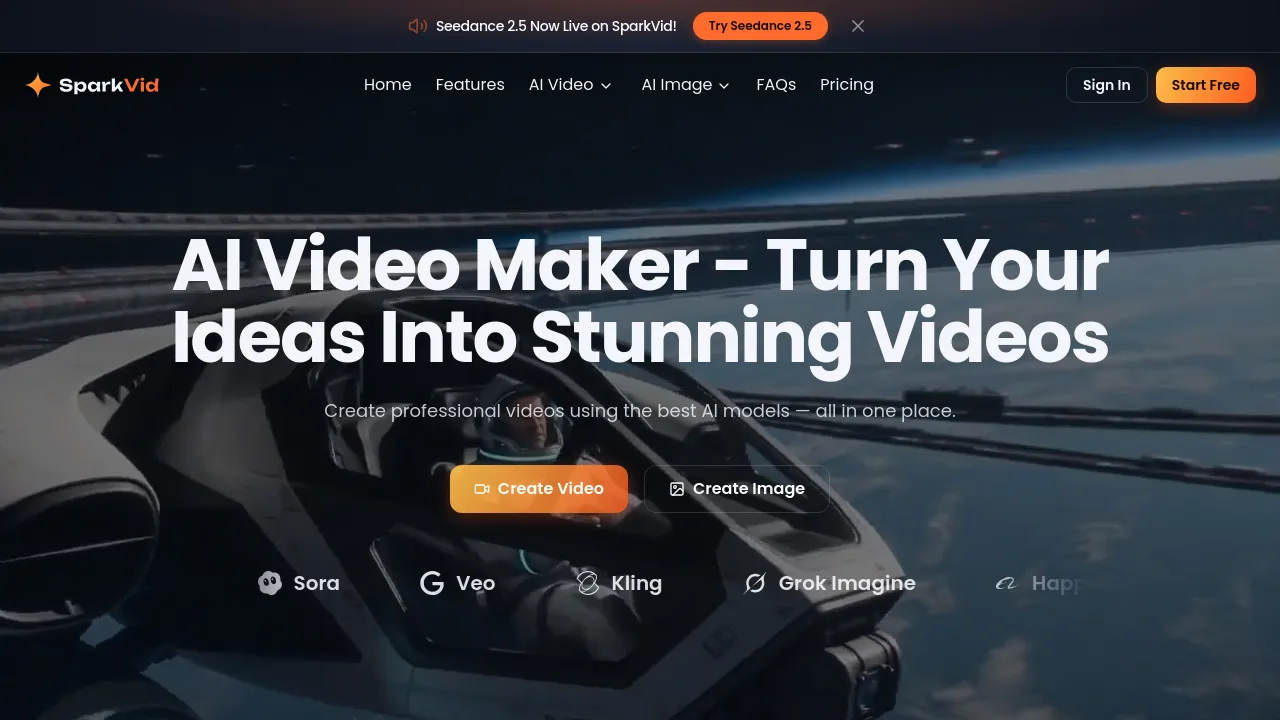
SparkVid is an AI video maker for creators, marketers, and filmmakers that lets you generate professional videos from text prompts or uploaded images. It combines multiple AI models — including Seedance, Kling, and Veo — in one browser-based tool. You can also control motion, edit videos by describing changes, and create matching images. It’s designed for anyone who needs quick video production without traditional editing.
What are the features of SparkVid?
- Multi-Model Video Generation: Choose from Seedance, Kling, Veo, and other engines to create videos from text or image inputs. Compare outputs side by side on the same run.
- AI Motion Control: Transfer motion from a reference video onto your own character or subject. Direct camera movements like pans, zooms, and orbits with simple controls.
- AI Video Editing by Description: Edit existing clips by typing a sentence — remove objects, swap backgrounds, or restyle footage without masks or keyframes.
- Image Making for Video Starters: Build concept art, product shots, or characters using GPT Image or Nano Banana, then send the frame directly into the video maker.
- Consistent Character & Product Rendering: Keep faces, products, and styles steady from the first frame to the last across different model runs.
What are the use cases of SparkVid?
- Social Media Creators: Generate short, scroll-stopping videos for TikTok, Reels, and YouTube from text prompts without filming.
- E-commerce Teams: Turn flat product photos into lifestyle-style videos that show the product in context, with consistent packaging and labels.
- Marketers & Advertisers: Quickly produce multiple ad variations to test creative concepts in minutes instead of weeks.
- Filmmakers & Storyboarders: Previsualize scenes, pitch ideas, and prototype shots using motion control before any on-set production.
- Educators & Explainers: Visualize complex concepts and build engaging lesson content from simple text prompts.
How to use SparkVid?
- Pick an AI model — Seedance, Kling, or Veo — based on the visual style you want.
- Write a text prompt describing the scene, camera move, lighting, and style, or upload an image as a starting frame.
- Set the duration, resolution, and optional end frame or reference clip for motion control.
- Generate the video, then preview the output. Refine by editing the prompt or switching models.
- Export the final clip in HD directly from the browser — no software download needed.