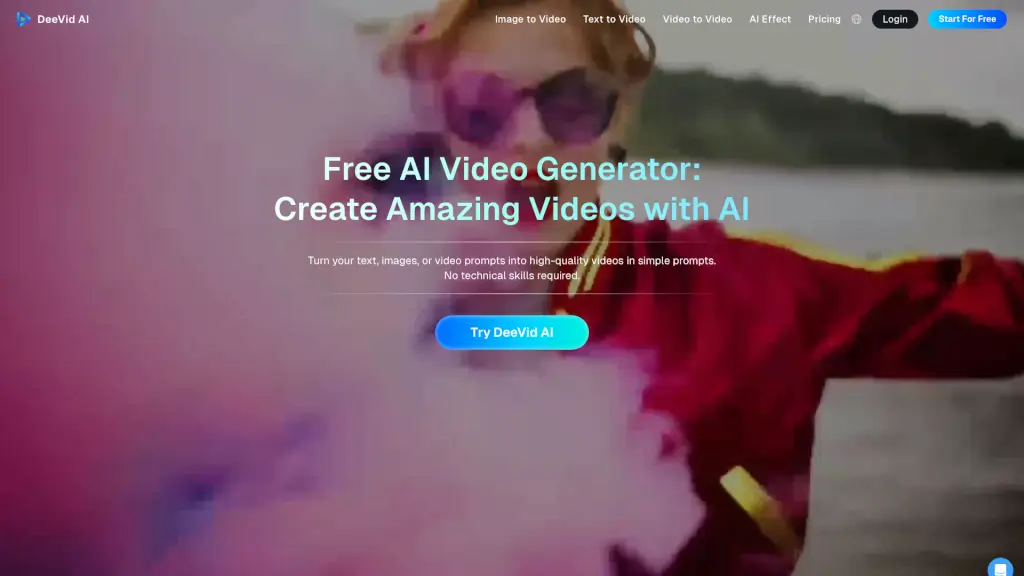
What is DeeVid AI?
Looking to create stunning videos with just a few clicks? DeeVid AI is your go-to solution. This free AI video generator turns your text, images, or existing videos into high-quality, ready-to-use content. Whether you're a content creator, marketer, or just someone who loves to experiment with creative ideas, DeeVid AI makes it easy and fun. No need for technical skills—just input your prompt, and let the AI do the magic!
What are the features of DeeVid AI?
- Text to VideoTransform written content into captivating videos with ease. Just type in your text, and watch as the AI brings your words to life.
- Image to VideoTurn still images into animated video clips. Add movement, transitions, and effects to make your images come alive.
- Video to VideoConvert your existing videos into new styles and formats. Add special effects, change the mood, or even convert them into different genres.
- Advanced AI ModelsExperiment with top-tier models like Veo 3.1, Sora 2, Nano Banana, and more, all in one place.
- Customization OptionsPersonalize your videos with different styles, effects, and formats to suit your needs.
- Data PrivacyYour images and videos are securely processed. We do not share your data with any third parties, ensuring your intellectual property is protected.
What are the use cases of DeeVid AI?
- Content CreatorsGenerate engaging videos for social media, blogs, or personal projects.
- MarketersCreate promotional videos, ads, and marketing content that grabs attention.
- EducatorsProduce educational videos, tutorials, and presentations to enhance learning.
- Event PlannersMake memorable videos for events, weddings, and celebrations.
- BusinessesDevelop professional-looking videos for product launches, company updates, and more.
- ArtistsExperiment with creative ideas and bring your artistic visions to life.
How to use DeeVid AI?
- Sign up for a free trial or log in if you already have an account.
- Choose the type of input you want to use: text, image, or video.
- Input your prompt or upload your file.
- Customize the video with different styles, effects, and formats.
- Preview and adjust the video as needed.
- Download or share your finished video directly.