

What is SongGenerator.io?
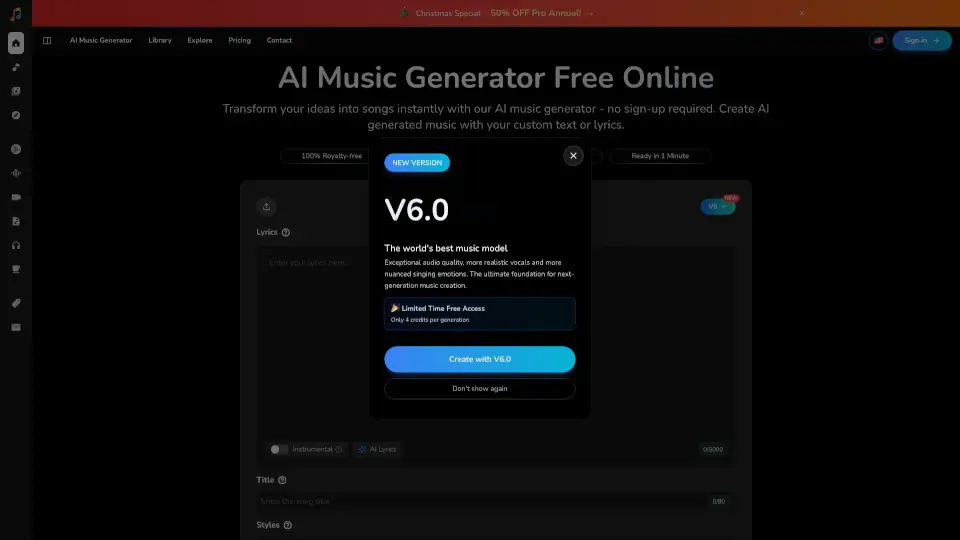
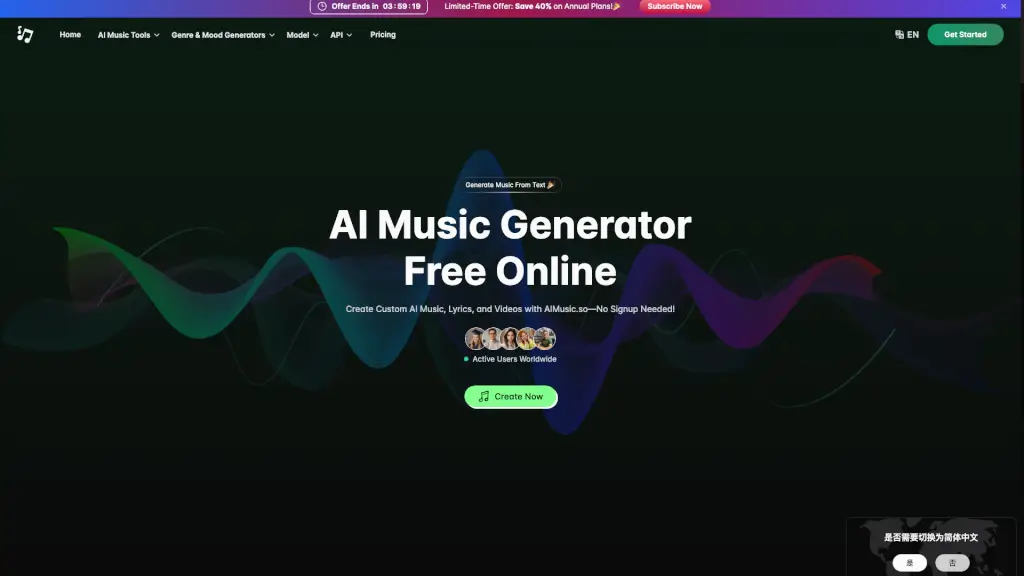
SongGenerator.io is an AI song generator that helps you create professional-quality, royalty-free music in seconds. Just type a description or lyrics, and it transforms your ideas into complete songs. Whether you need a track for YouTube, a podcast intro, or just want to experiment with music, this tool makes it easy—no musical experience required. Plus, you can try it for free without signing up or entering a credit card.
What are the features of SongGenerator.io?
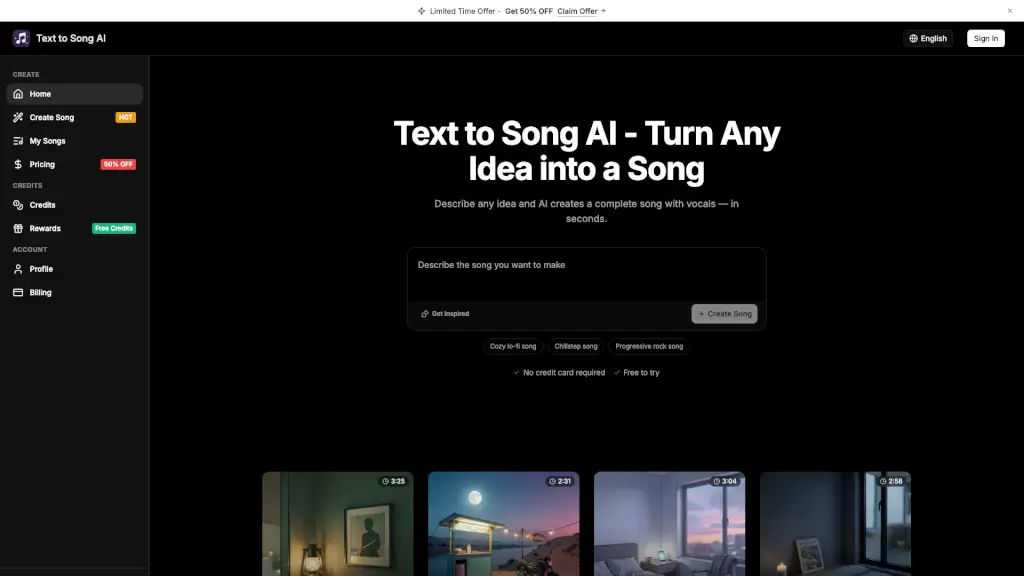
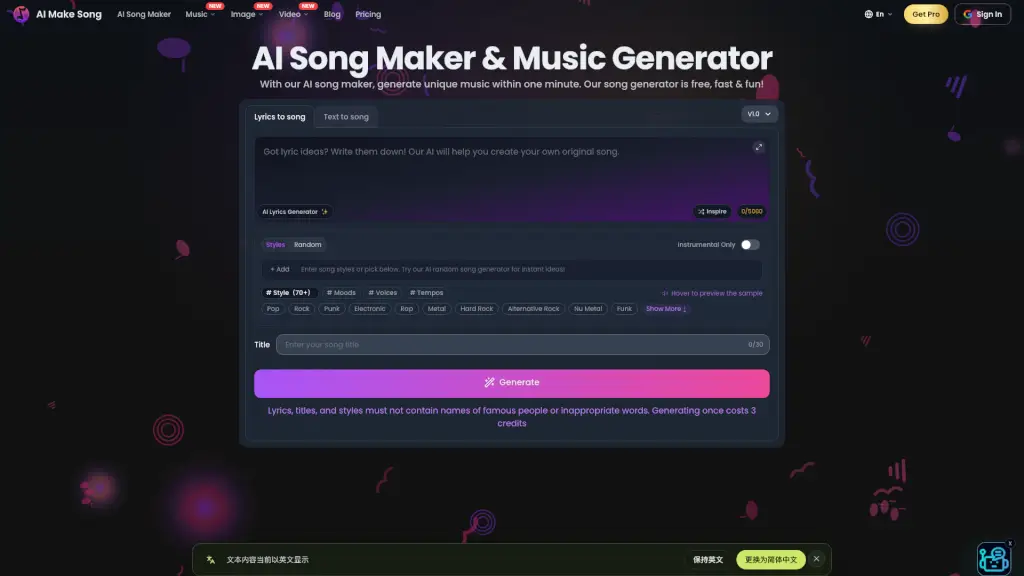
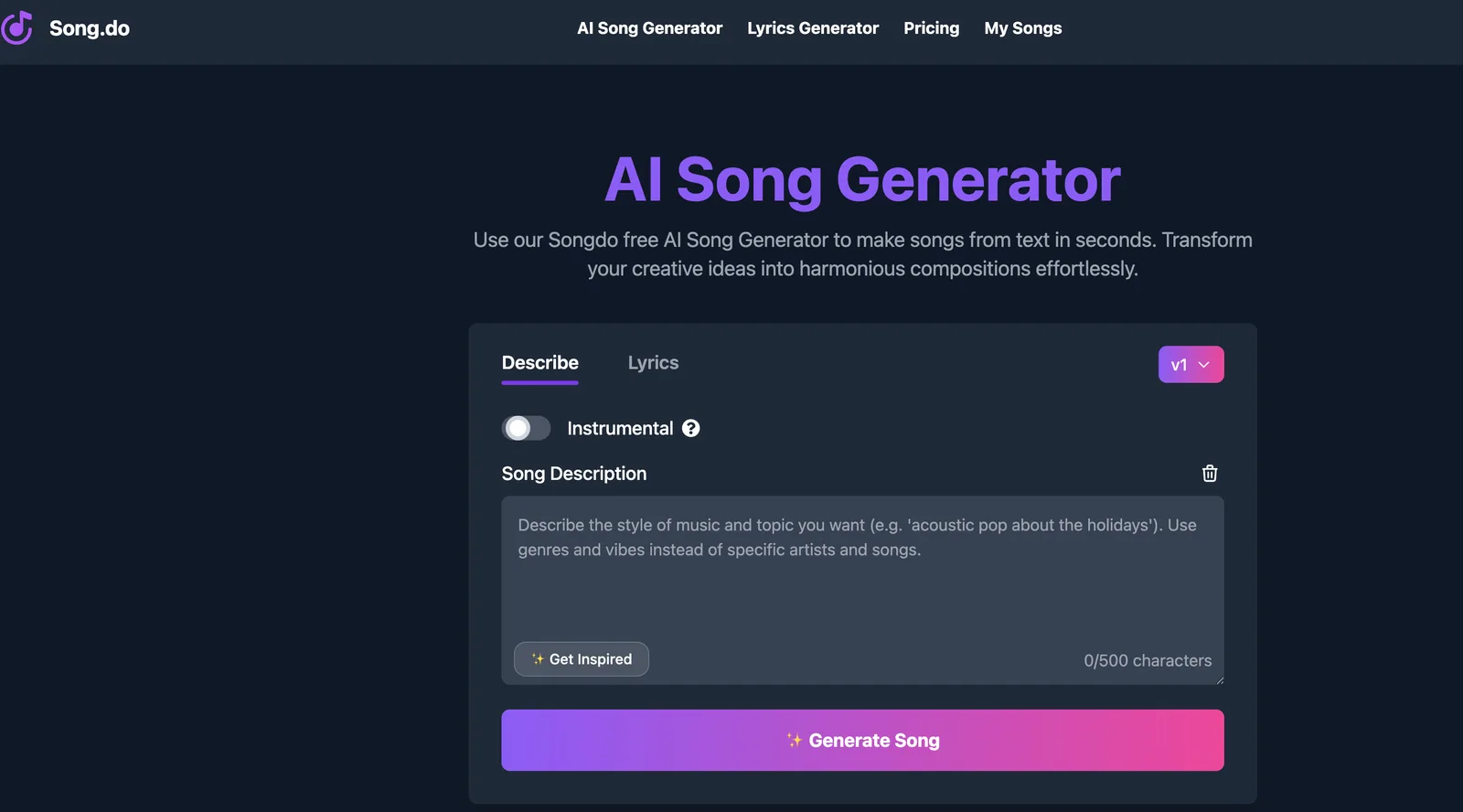
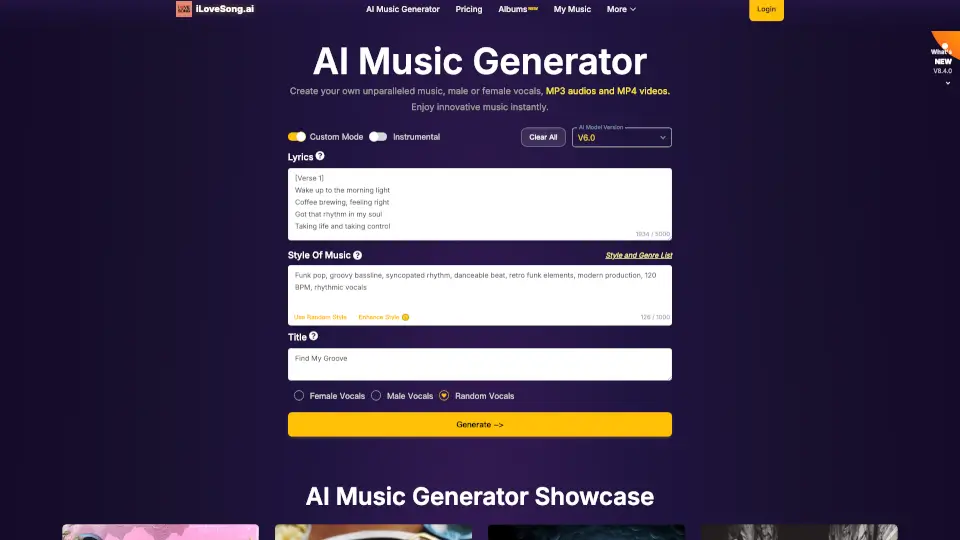
- Text to Music Generation: Describe any style or genre (e.g., "soulful country ballad") and the AI creates a full song with instruments, vocals, and production.
- Vocal Remover: Upload any song to isolate vocals and get separate instrumental and vocal tracks—perfect for remixes or karaoke.
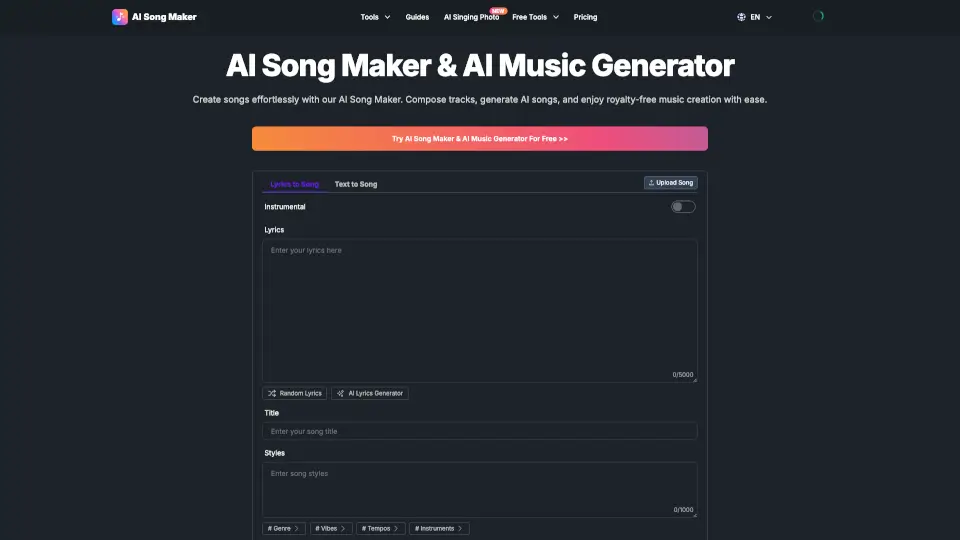
- AI Lyrics Generator: Generate original lyrics in multiple languages, with two versions to choose from, to spark your songwriting creativity.
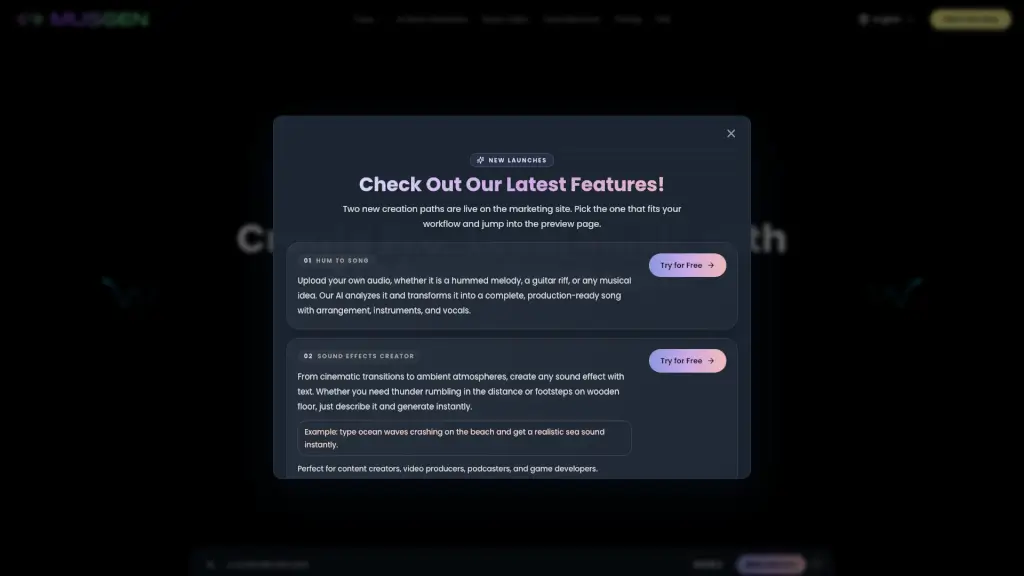
- Sound Effects Generator: Create custom sound effects instantly to enhance your music, videos, or projects.
- Commercial License Download: Subscribers (annual plan) can download a royalty-free license PDF to distribute songs on Spotify, Apple Music, etc.
- Multiple Export Formats: Download your AI-generated tracks as MP3, WAV (subscribers), or MP4 (lyrics video) for any use.
- Extend & Personalize: Subscribers can extend tracks for longer duration and customize titles and cover artwork.
- Multi-Language Platform: Use the tool in multiple languages, making it accessible worldwide.
What are the use cases of SongGenerator.io?
- Content Creators: Generate custom intro/outro music for YouTube videos or podcasts without worrying about copyright claims.
- Songwriters: Use the lyrics generator to overcome writer’s block and quickly produce demo-quality songs.
- Musicians: Create instrumental versions of popular songs using the vocal remover for covers or practice tracks.
- Podcasters: Design unique, royalty-free background music that matches the tone of each episode.
- Social Media Marketers: Produce short, engaging audio clips for TikTok, Reels, or ads with the text-to-music feature.
- Hobbyists: Experiment with different genres and styles just for fun, with no commitment.
How to use SongGenerator.io?
- Step 1: Go to SongGenerator.io and click "Create Your Song Now" to open the AI music generator interface.
- Step 2: Type a description (e.g., "upbeat dance track with female vocals") or paste your own lyrics, then let the AI work its magic.
- Step 3: Preview your generated song and use the extend tool (subscribers) to make it longer or smoother.
- Step 4: Download your track in MP3, WAV, or MP4 format—free users get MP3/MP4, subscribers get high-quality WAV.
- Step 5: For commercial use, annual subscribers can generate and download a royalty-free license PDF (name, address, email required).