What is Site24x7?
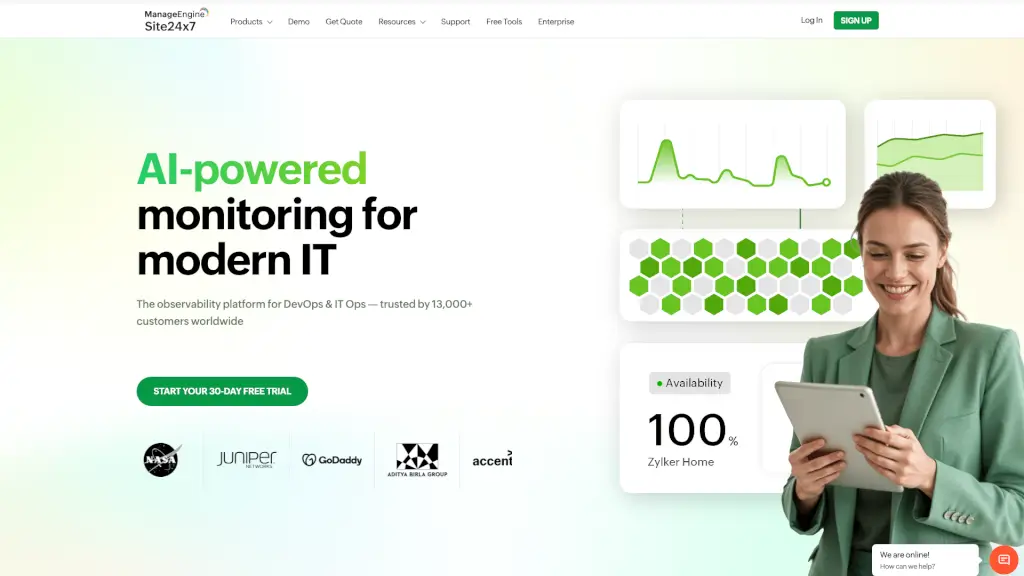
Site24x7 is a powerful all-in-one IT monitoring platform that helps businesses keep their websites, servers, networks, and cloud environments running smoothly—24/7. Whether you're a small startup or a large enterprise, Site24x7 gives you real-time visibility into your entire digital infrastructure so you can catch problems before they affect users.
With both free and paid plans, Site24x7 delivers instant alerts via email, SMS, Slack, and more the moment something goes wrong. Trusted by over 13,000 customers worldwide, it combines synthetic monitoring, real user insights, log management, and AI-powered analytics in one intuitive dashboard—so you don’t need to juggle multiple tools.
What are the features of Site24x7?
- Website MonitoringTrack uptime, performance, and SSL certificates from 130+ global locations for URLs, APIs, DNS, FTP, and more.
- Real User Monitoring (RUM)See how actual visitors experience your site by analyzing speed, errors, and behavior across devices, browsers, and regions.
- Synthetic Transaction MonitoringSimulate multi-step user journeys (like logins or checkouts) in real browsers to catch workflow failures before customers do.
- Cloud & Server MonitoringMonitor AWS, Azure, GCP, Kubernetes, VMware, and on-prem servers with deep metrics and root-cause analysis.
- Log ManagementCollect, search, and analyze logs from across your stack to troubleshoot issues faster.
- AIOps-Powered InsightsUse machine learning to detect anomalies, predict outages, and automate responses.
- Network MonitoringKeep tabs on routers, switches, firewalls, and network traffic with performance and configuration tracking.
- Free Tools & Status PagesOffer public status pages for transparency and use free utilities like speed tests and DNS checkers.
What are the use cases of Site24x7?
- A SaaS company uses synthetic monitoring to ensure its checkout flow works flawlessly across regions.
- An MSP (Managed Service Provider) monitors dozens of client networks and servers from a single pane of glass.
- An e-commerce team leverages Real User Monitoring to identify why mobile users in Europe see slow load times.
- A DevOps engineer sets up automated alerts for database slowdowns and API errors during peak traffic.
- A startup uses the free website monitoring plan to track uptime for their main landing page without spending a dime.
- An IT manager reduces cloud costs by using cloud cost management to spot and eliminate unused AWS resources.
How to use Site24x7?
- Sign up for a 30-day free trial at Site24x7.com—no credit card required.
- Add your website URL or server IP to start basic monitoring in under a minute.
- Choose monitoring locations (global or private) based on where your users are.
- Set up alert channels (email, SMS, Slack, etc.) so your team gets notified instantly.
- Explore dashboards for RUM, logs, or cloud metrics to dive deeper into performance trends.
- Use pre-built plugins or create custom ones to monitor unique application metrics.