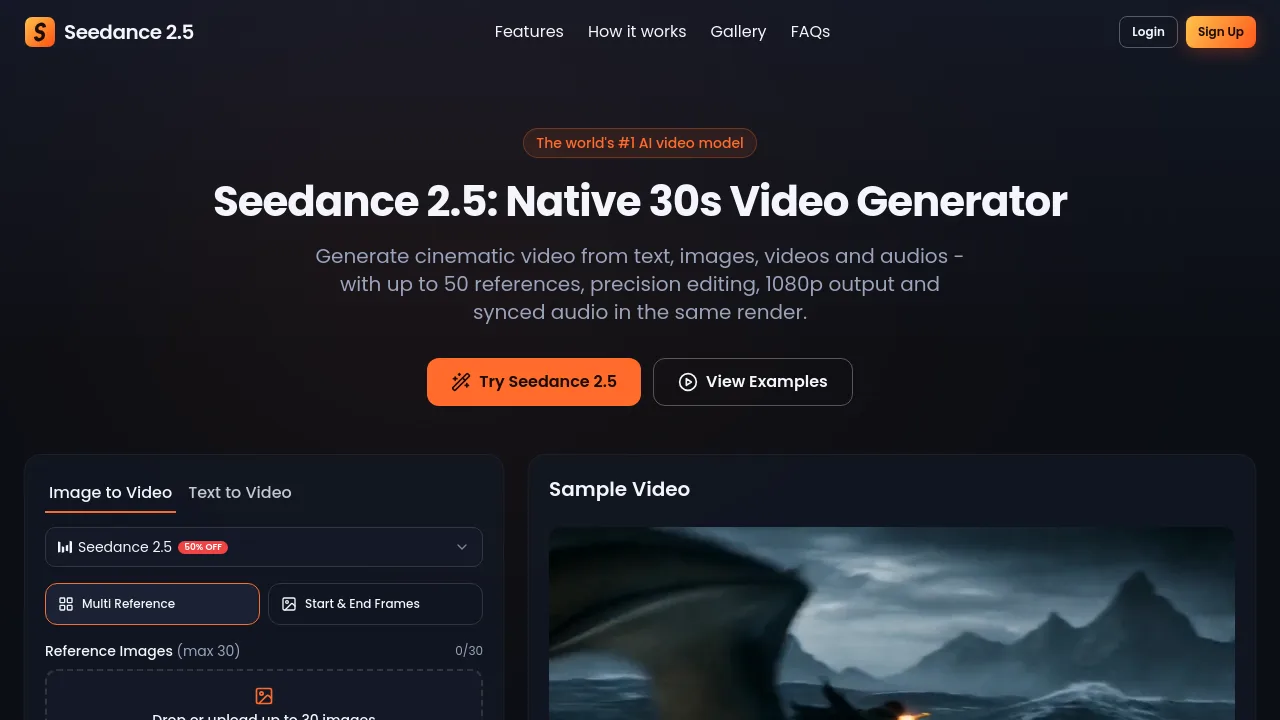
What is Seedance 2.5?
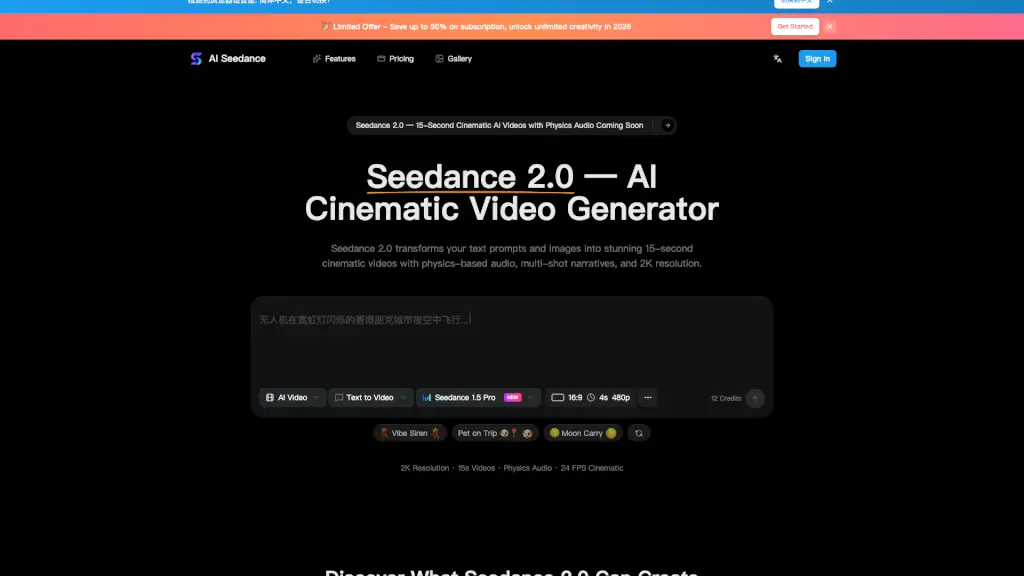
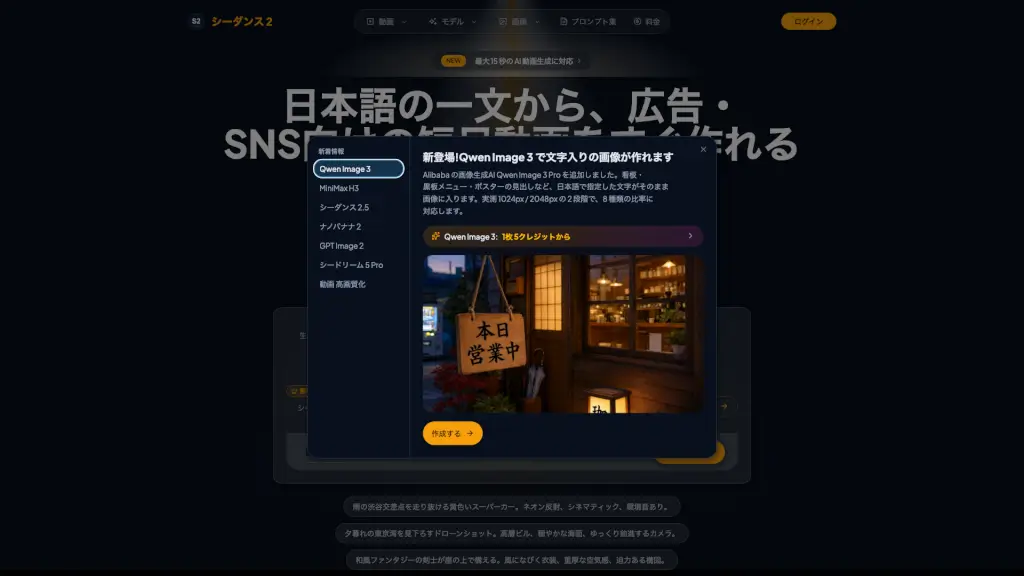
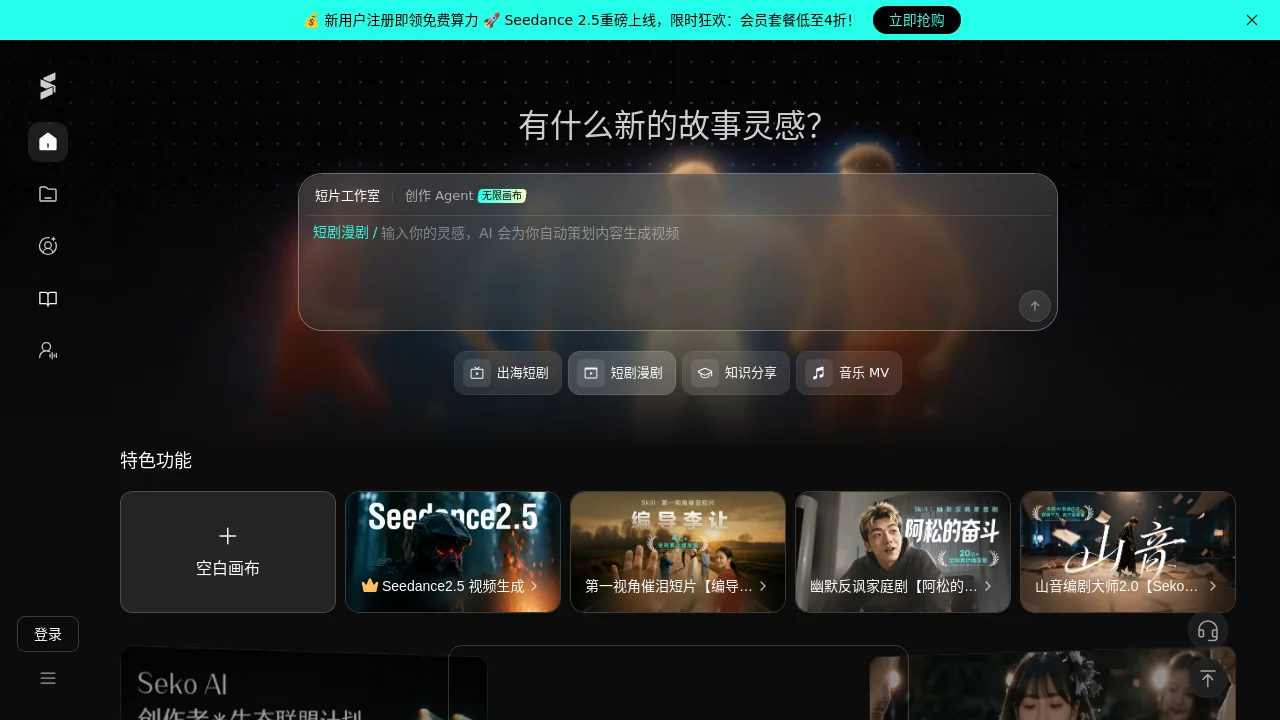
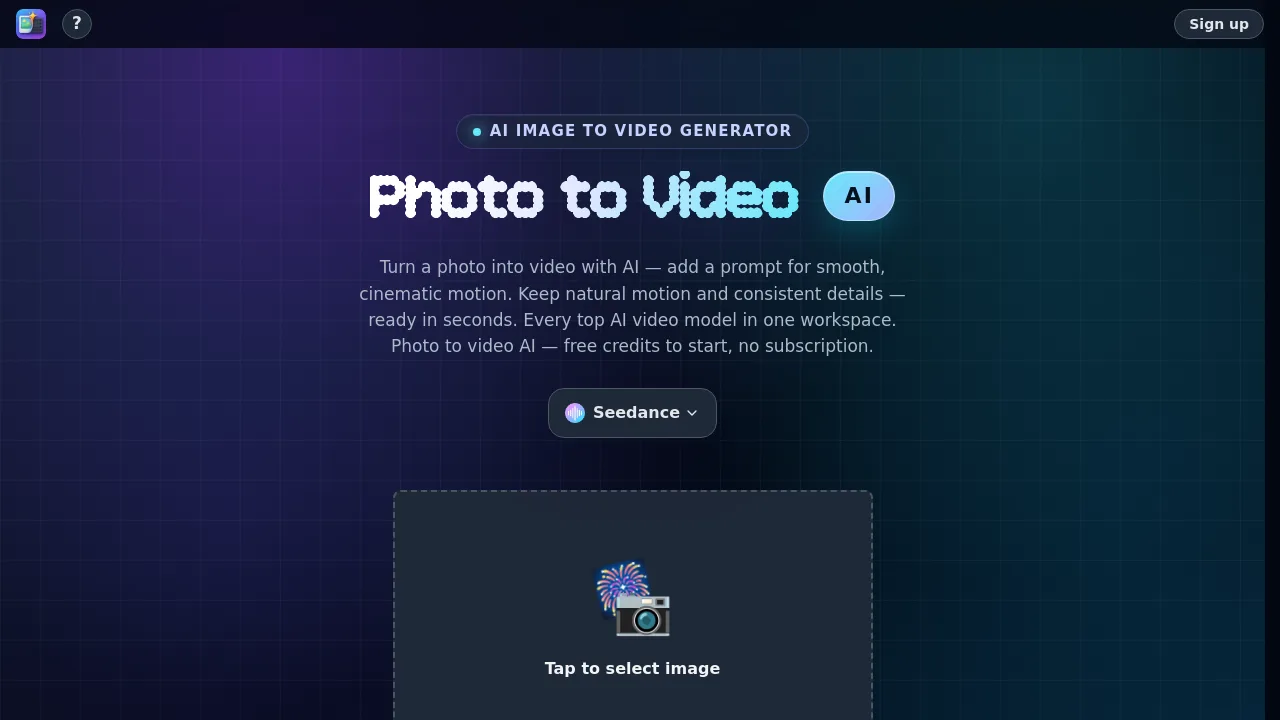
Seedance 2.5 is a multimodal AI video generator for filmmakers, marketers, and content creators. It produces native 30-second continuous clips from text, images, videos, and audio references — with synced dialogue, camera direction, and precision editing in one render. Unlike five-second fragment tools, Seedance 2.5 keeps subject, style, and timing consistent across up to 50 uploaded references and outputs up to 1080p in any aspect ratio. Ideal for anyone needing a coherent scene, not stitching clips.
What are the features of Seedance 2.5?
- Native 30-Second Continuous TakesGenerates a single shot up to 30 seconds long, allowing a full scene to play out before cutting — critical for filmmakers and storytellers.
- 50 Multimodal ReferencesCombine up to 30 images, 10 videos (30s total), and 10 audios (30s total) in one generation to lock subject, style, timing, and motion.
- Precision Video Editing via PromptRestyle a shot, swap an element, or extend a take by describing the change in plain language — the rest of the frame stays intact.
- Native Synced AudioDialogue, ambience, and effects come out of the same generation pass, already aligned with the picture — no separate sound editing step.
- Camera & Motion DirectionCall out moves like dolly-in, whip pan, or slow orbit in the prompt; Seedance 2.5 follows the move while subjects remain consistent.
- Ready-to-Post OutputsExport up to 1080p in landscape (16:9), portrait (9:16), square (1:1), or other ratios — so one idea ships to site hero, Reel, and ad without reframing.
What are the use cases of Seedance 2.5?
- Social creatorsGenerate vertical clips with synced dialogue and ambience, ready for Reels, Shorts, and TikTok — no crew or separate sound pass.
- Marketing teamsSpin hook variants from the same product photo, swap backgrounds or talent, and ship landscape plus vertical from one idea.
- Filmmakers & studiosPitch sequences as moving shots, lock cast and location with references, then iterate blocking and camera without booking a stage.
- E-commerce brandsTurn one packshot into a lit, moving product clip; keep the SKU consistent across angles and markets without a studio day.
- EducatorsIllustrate a process or concept when stock footage doesn’t have it — native audio means explanation and picture land together.
How to use Seedance 2.5?
- Add your referencesUpload images, videos, and audio files — up to 50 total — to keep subject, style, and sound consistent.
- Write the shotDescribe what happens, who is in frame, and how the camera moves. Direction beats adjectives.
- Select duration and resolutionChoose from 4 to 30 seconds, and output at 480p, 720p, or 1080p in your preferred aspect ratio.
- Generate and shareHit generate, watch the clip appear in the panel, download when ready, and post directly.