
What is SAM TTS?
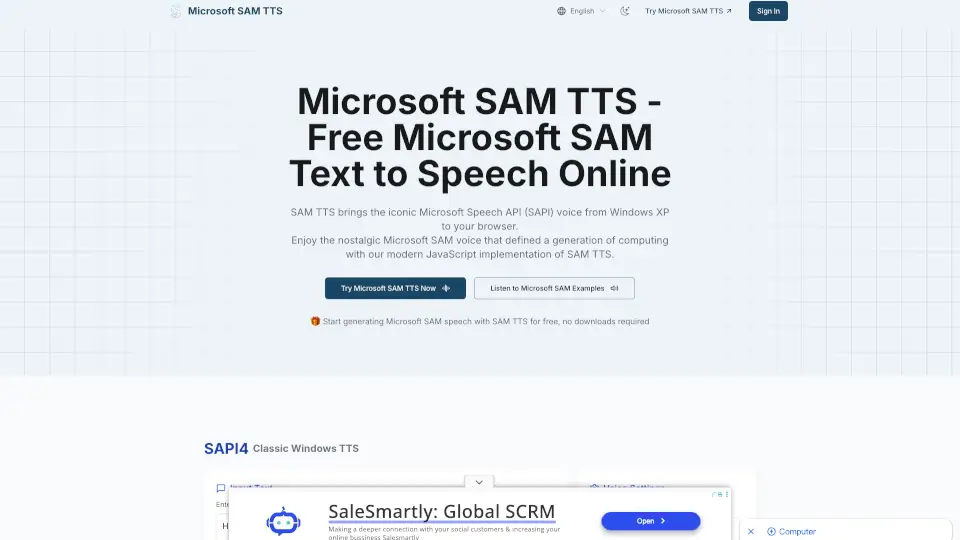
Microsoft SAM TTS brings the classic Windows XP text-to-speech voice right to your browser. No downloads, no hassle—just type your text and listen to the iconic Microsoft SAM voice. It’s fast, lightweight, and perfect for anyone who loves a bit of retro computing nostalgia.
What are the features of SAM TTS?
- Authentic Microsoft SAM Voice: Experience the original Windows XP voice, recreated for the web.
- Customizable Settings: Adjust pitch, speed, mouth, and throat for unique voice effects.
- Wide Voice Preset Library: Choose from classic voices like Default SAM, Elf, Little Robot, and more.
- Browser-Based & Lightweight: Runs directly in your browser, under 100KB, with no external dependencies.
- Easy Integration: Simple JavaScript API for developers to add SAM TTS to any project.
- Cross-Platform Compatibility: Works on Chrome, Firefox, Safari, and mobile devices.
What are the use cases of SAM TTS?
- Add Nostalgic Voice to Projects: Perfect for games, apps, and creative content.
- Educational Tools: Use SAM TTS for fun classroom activities or learning aids.
- Content Creation: Make videos, presentations, or podcasts with a distinctive voice.
- Accessibility: Provide speech output for websites and applications.
How to use SAM TTS?
- Enter your text in the input box.
- Choose your preferred voice and adjust pitch, speed, mouth, and throat settings.
- Click to play the voice or download the audio as a WAV file.
- Developers can use the JavaScript API to integrate SAM TTS into their own apps.