What is Ryter Pro?
Ryter AI Humanizer is a powerful tool designed to transform stiff, robotic AI-generated text into natural, human-like writing that easily bypasses major AI detectors like Turnitin, GPTZero, and Originality.ai. Whether you're a student polishing an essay, a content creator preparing educational materials, or a marketer under tight deadlines, Ryter helps you produce undetectable, authentic content in seconds. With over 50,000 users and a 99.9% success rate, it’s the #1 ranked AI humanizer for making your AI text truly human.
What are the features of Ryter Pro?
- Bypass AI Detectors: Ryter successfully passes Turnitin, GPTZero, Originality.ai, Content at Scale, and more — tested in real-world scenarios with near 100% success.
- Natural Human-Like Output: Advanced algorithms transform rigid AI writing into fluid, engaging text that reads like it was written by a real person.
- Fast Processing: Optimized technology rewrites and checks your content in seconds, not minutes.
- High Fidelity: Keeps your original meaning and key information intact while adjusting tone, sentence structure, and word choice.
- Privacy First: Your text is never stored permanently — it’s processed in real time and deleted immediately for maximum security.
- API Access: Integrate Ryter seamlessly into your workflow or business with a powerful REST API.
What are the use cases of Ryter Pro?
- Academic Writing: Students and researchers can humanize essays, papers, and theses to avoid false AI detection flags while maintaining original arguments.
- Content Creation: Bloggers, YouTubers, and educators can turn AI-generated drafts into natural, audience-friendly content.
- Marketing & Business: Consultants and marketing managers can produce persuasive, high-volume copy that passes detection and preserves brand voice.
- Journalism & Publishing: Writers can polish AI-assisted articles to sound more authentic and meet editorial standards.
- Personal Projects: Anyone needing to rewrite AI-generated text for emails, social media, or creative writing.
How to use Ryter Pro?
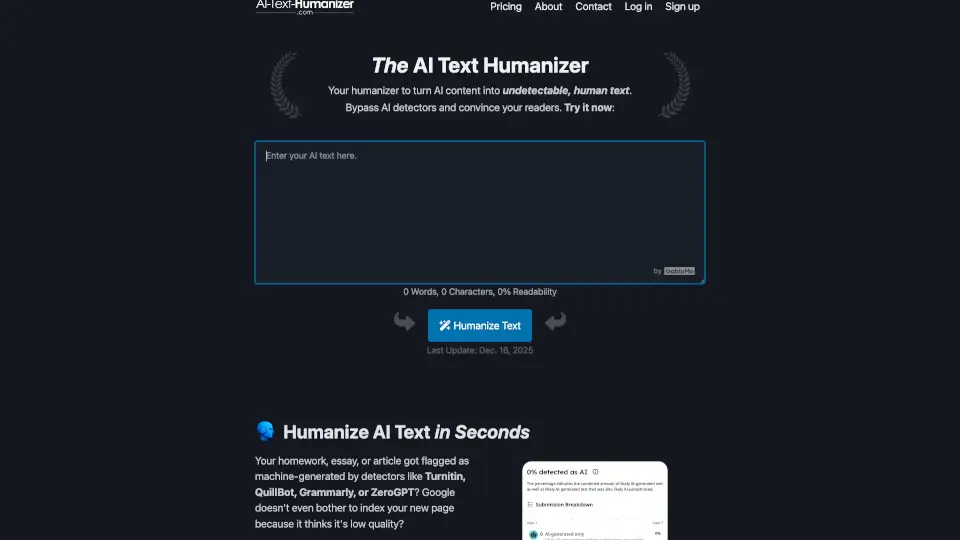
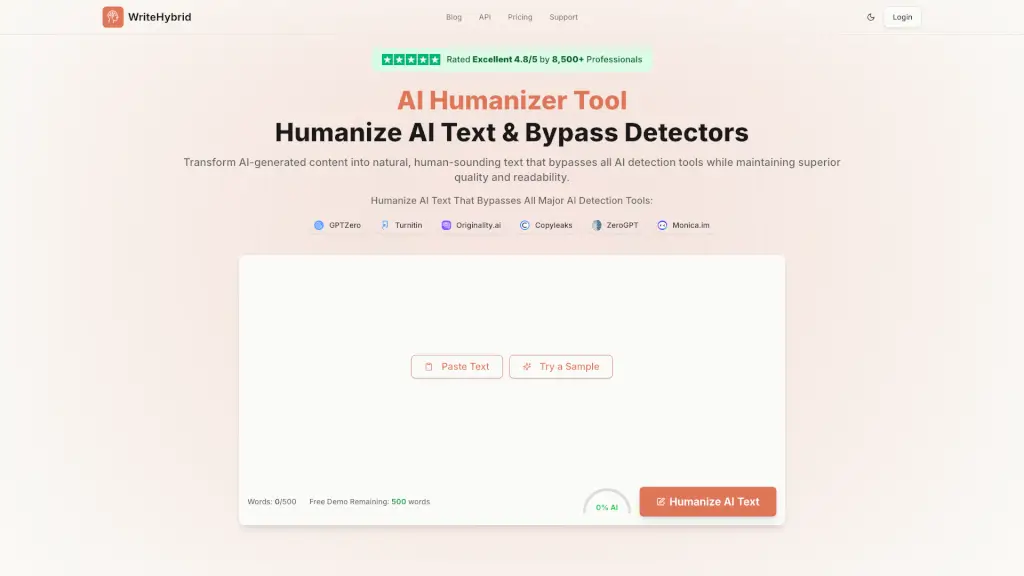
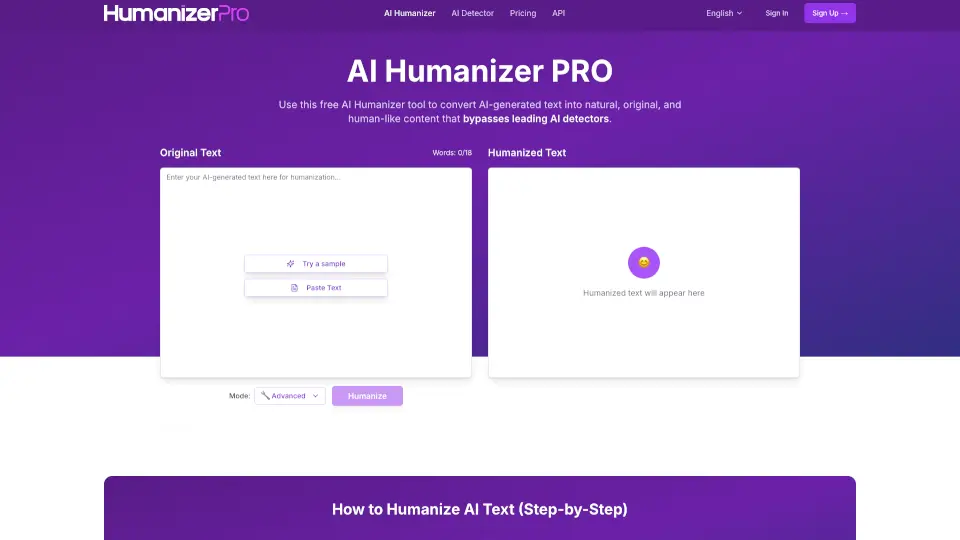
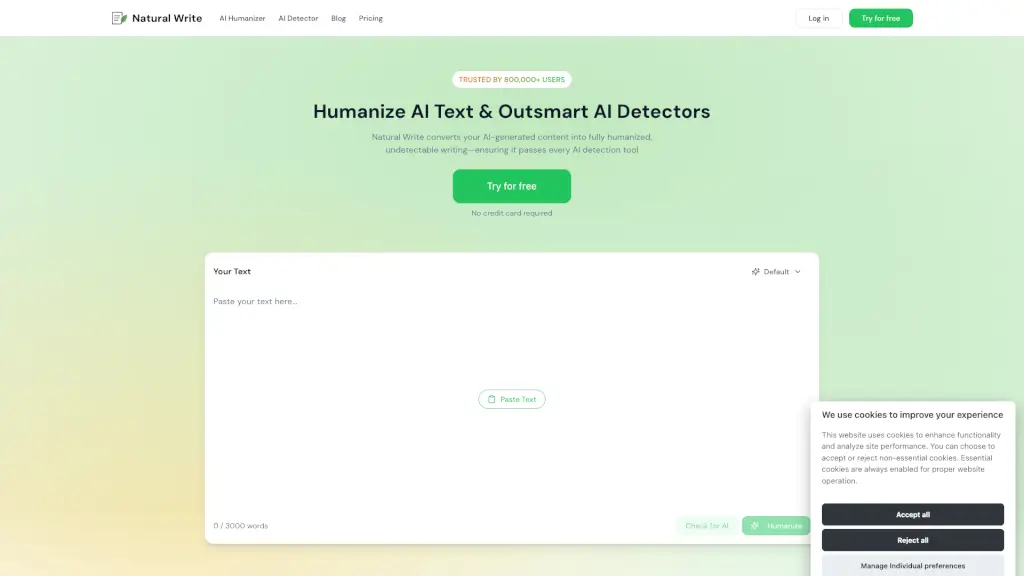
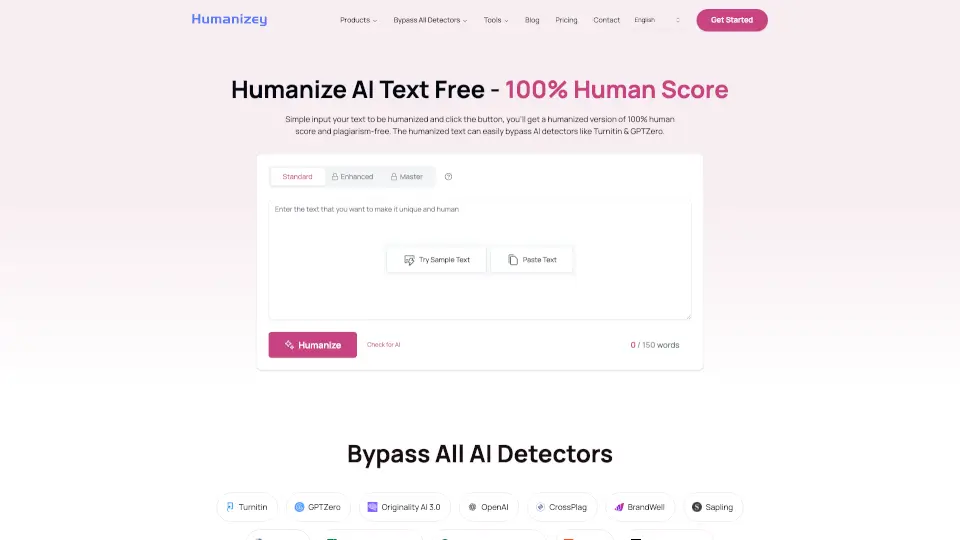
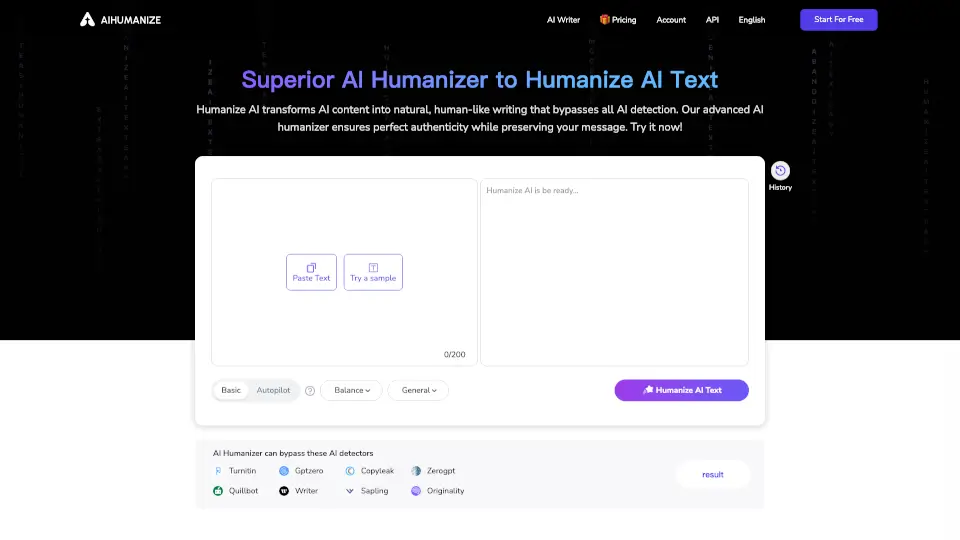
- Step 1: Paste your AI-generated text into the Ryter humanizer box and click the "Humanize" button.
- Step 2: Review the rewritten version. You can repeat the process multiple times until the text feels completely natural.
- Step 3: Select the AI detector you want to test against (e.g., Turnitin, GPTZero) and run a detection report to confirm it’s undetectable.
- Tip: For best results, use the "Enterprise" plan if you need to humanize very long documents (up to unlimited characters per session).