
What is Room AI?
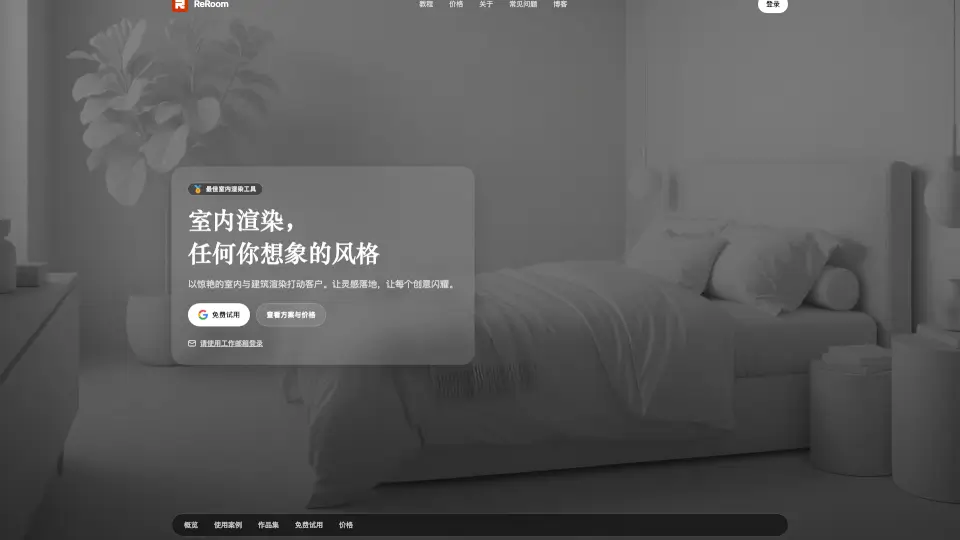
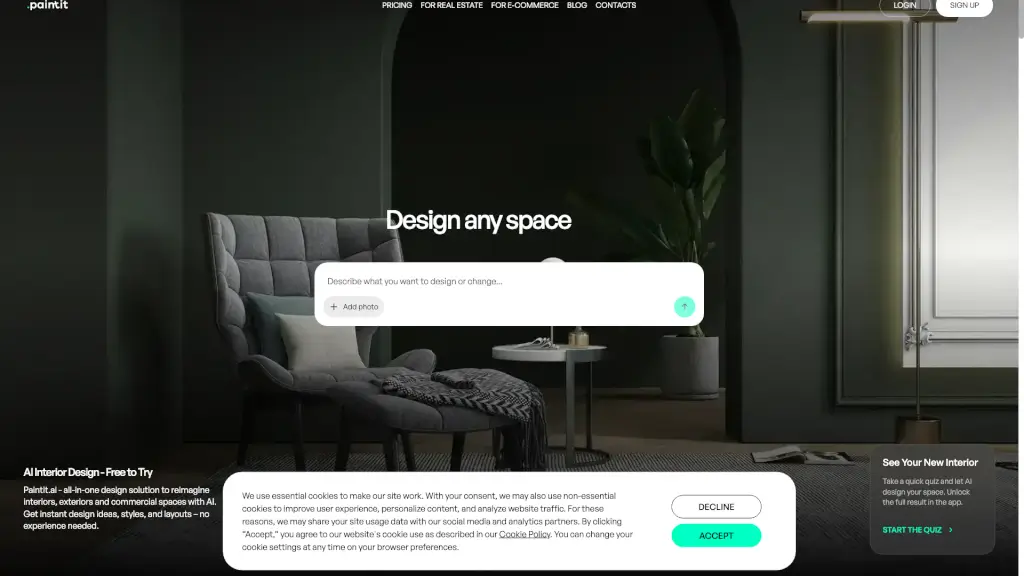
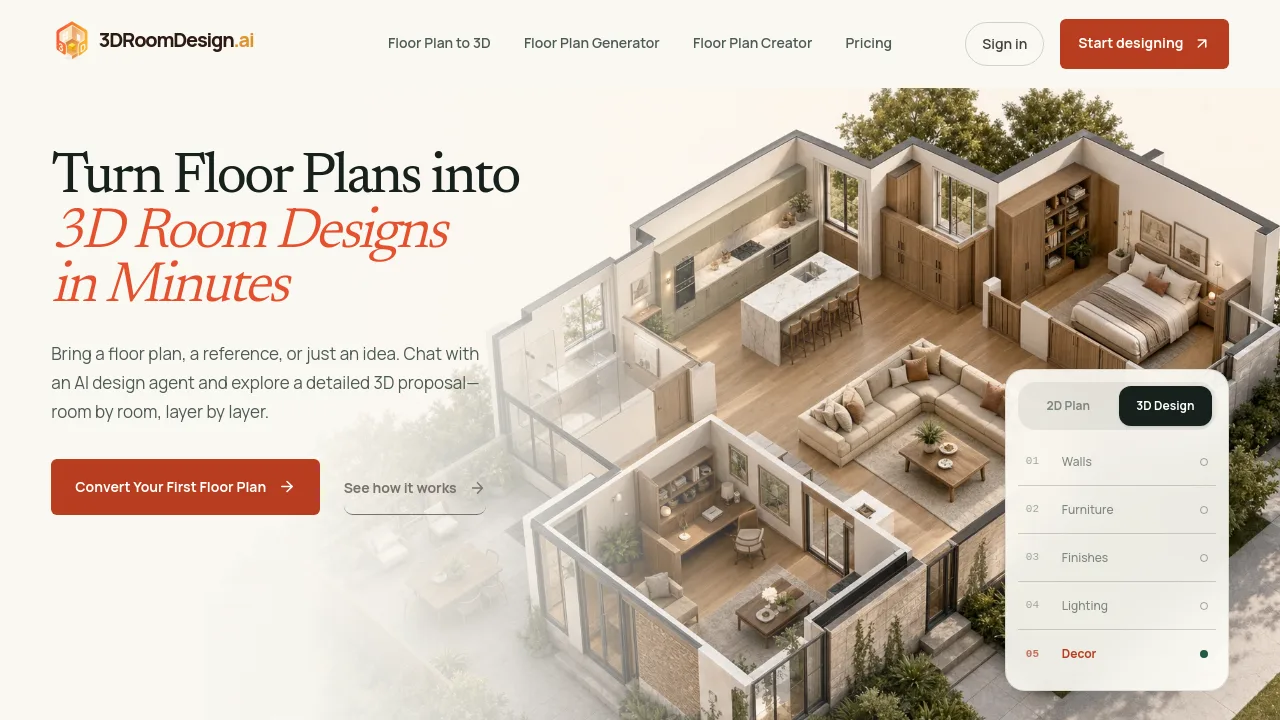
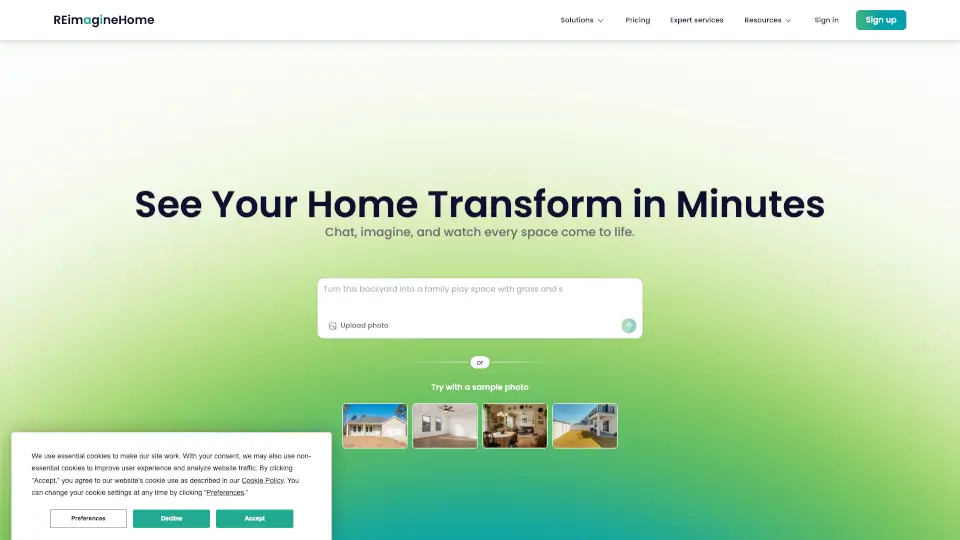
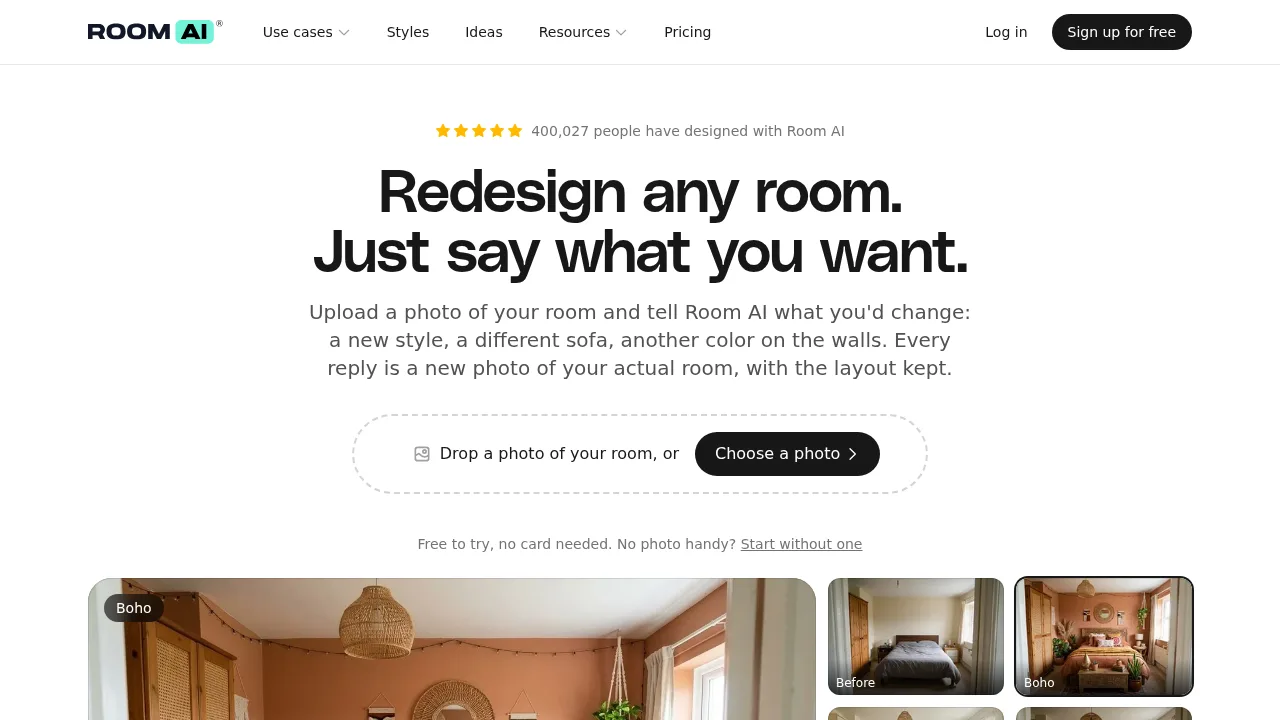
Room AI is a web-based interior design assistant that generates new photos of an uploaded room based on text instructions while preserving the original layout, walls, and camera angle. It supports iterative editing rather than requiring users to restart after each result. A free trial requires an email address but no payment card, while commercial use for listings or client work requires a paid Pro or Team plan.
What are the features of Room AI?
- Text-directed room editingUsers describe specific changes in natural language, such as swapping a sofa or repainting a wall, and the tool outputs a modified photo keeping unrequested elements intact.
- Style libraryIncludes 32 built-in design styles that can be applied by selection, or users can name a custom style or upload a reference photo.
- Iterative version historyEvery generated variation is saved, allowing users to compare results side by side, revert to previous versions, upscale, or continue editing from any point.
- Sketch renderingConverts a hand-drawn sketch into a photorealistic room render while retaining the drawn walls, openings, and object positions.
- Virtual staging and declutteringEmpties a furnished room by filling in the background behind removed items, or furnishes an empty space.
- Exterior relightingModifies the lighting conditions of a house exterior photo, such as converting a daytime shot to dusk with illuminated lights.
What are the use cases of Room AI?
- Real estate listing preparationAgents stage empty rooms, remove clutter, or relight exterior photos to prepare property images for sale.
- Client concept presentationInterior designers turn sketches into renders and generate multiple style directions within a client's actual photographed room.
- Pre-purchase visualizationHomeowners test specific furniture swaps, paint colors, or flooring options in their own space before buying materials.
How to use Room AI?
- Upload a starting imageProvide a phone photo taken in daylight from a doorway or corner, or begin without one by selecting a style or empty room option via the web interface.
- Describe the changeType a natural language instruction specifying what to alter, select a built-in style, or upload a reference photo.
- Review and iterateExamine the generated photo, then issue follow-up instructions to change additional elements while retaining previous edits.
- Compare and saveUse the version history to review past iterations side by side, upscale a preferred result, and save it to the account.
Room AI Pricing Information:
- Free trialNo credit card required; allows testing the tool on a photo before subscribing.
- Personal$29 per month or $19 per month billed yearly. Standard usage limits, restricted to personal use only.
- Pro$99 per month or $69 per month billed yearly. Four times the standard usage limit, includes a commercial license for client work and listings.
- Team$299 per month or $199 per month billed yearly. Twelve times the standard usage limit, includes a commercial license and access for up to 5 people.