
What is Paintit.ai?
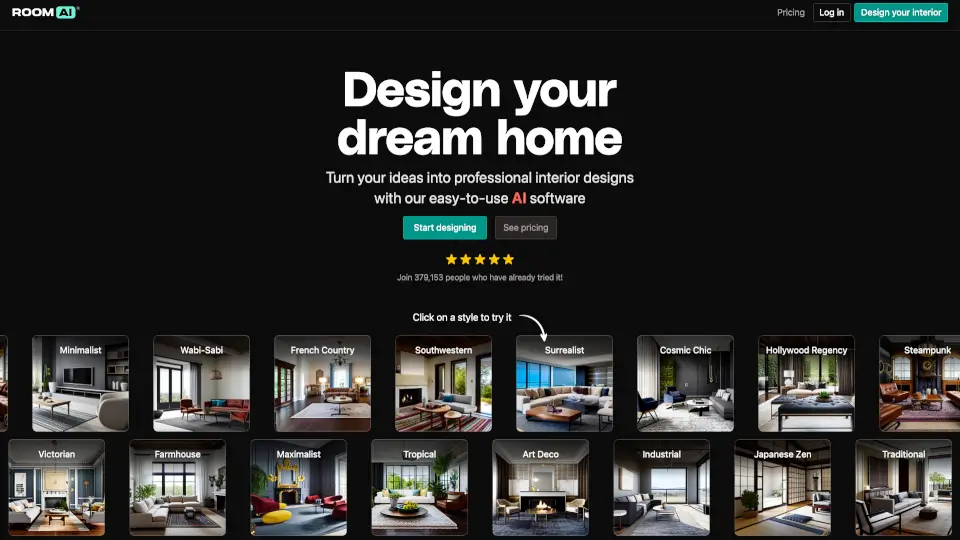
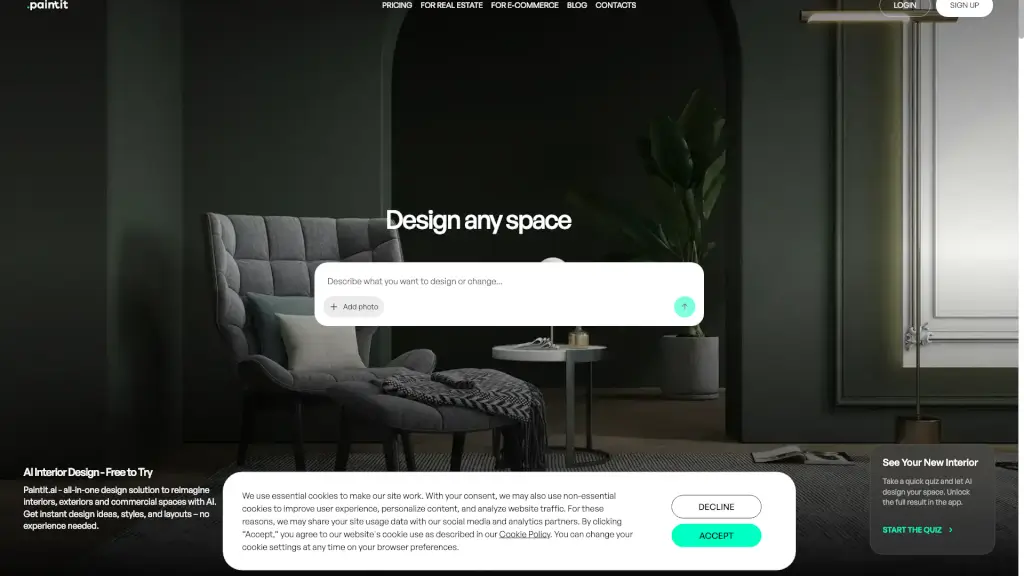
Paintit.ai is a cutting-edge AI interior design tool that lets you transform any room with just a few clicks. Whether you're a homeowner looking to refresh your living space or a professional needing high-quality visuals, Paintit.ai makes it easy and fun. Just upload a photo of your room, choose from a variety of styles, and let the AI do the rest. You can explore different designs, colors, and furniture arrangements in minutes, all without needing any design experience.
What are the features of Paintit.ai?
- AI-Powered Design: Get instant design ideas, styles, and layouts for interiors, exteriors, and commercial spaces.
- Real Furniture Recommendations: Our AI suggests real, purchasable furniture from trusted retailers, making it easy to bring your design to life.
- Fine-Tuning Tools: Adjust colors, materials, and furniture in a few clicks to get the perfect look.
- High-Resolution Exports: Generate professional, 4K resolution images for presentations and marketing.
- Private Mode: Keep your projects private and secure, ensuring client confidentiality.
- Commercial Usage License: Use the designs for commercial purposes, including real estate and staging, with the Monthly Plan.
What are the use cases of Paintit.ai?
- Home Renovation: Redesign your bedroom, living room, or kitchen with a fresh, modern look.
- Real Estate Staging: Create visually appealing listing photos that help buyers see the potential of a property.
- Short-Term Rentals: Refresh your Airbnb or vacation rental to attract more guests and improve bookings.
- Professional Presentations: Generate client-ready concepts and presentations for interior design projects.
- DIY Projects: Test out new paint colors, furniture, and decor before making any purchases.
- Commercial Spaces: Mock up design updates for cafes, restaurants, hotels, and offices for stakeholder approval.
How to use Paintit.ai?
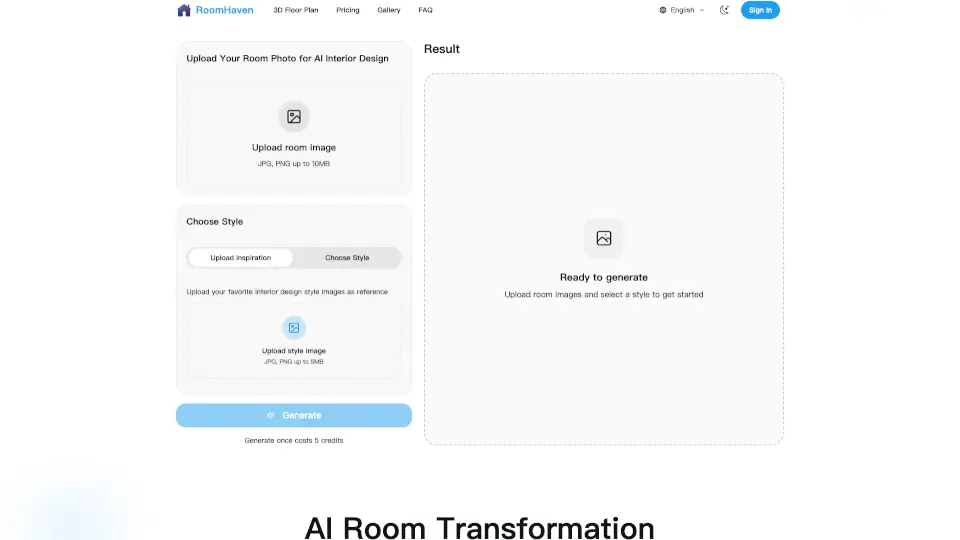
- Upload a Photo: Start by uploading a picture of the room you want to redesign.
- Choose a Style: Browse through various style options and pick one that suits your taste.
- Adjust and Fine-Tune: Use the fine-tuning tools to change colors, materials, and furniture until you’re happy with the result.
- Save and Share: Save your designs and share them with friends, clients, or contractors.
- Get Real Furniture: Click on the suggested furniture items to buy them directly from trusted retailers.
- Iterate and Improve: Keep refining your design until it’s exactly what you want.