
Roo Code logo

Roo Code

5.0
(0 Reviews)
Vietnam6.71%

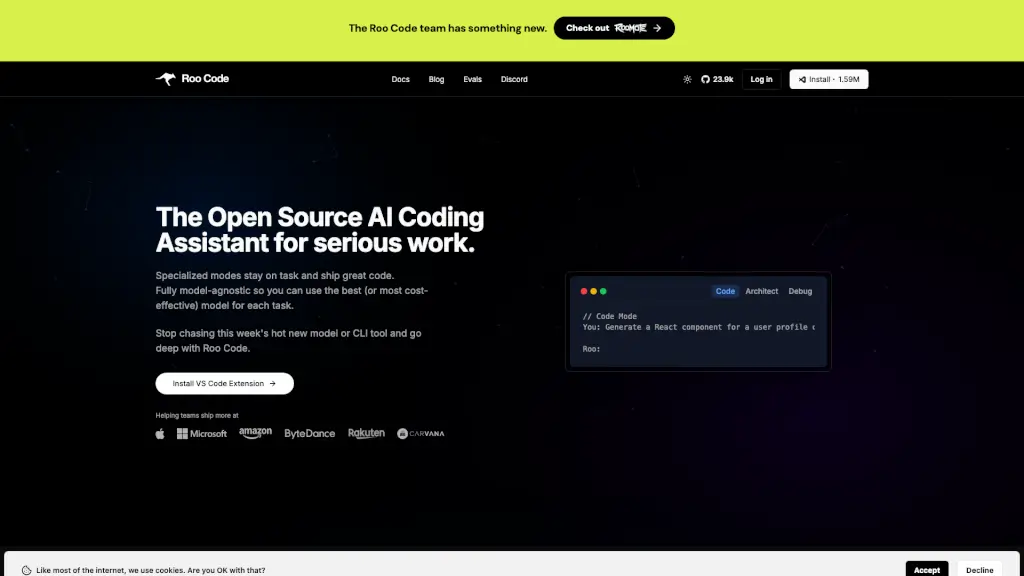
Roo Code is a powerful, open-source AI coding assistant that boosts developer productivity with model-agnostic flexibility, role-specific agents, and secure, private workflows in VS Code.

Verified by SeekTool
Social Media:
Roo Code

Roo Code Product Information

What is Roo Code?

Roo Code is an open-source AI coding assistant that works right inside your VS Code editor—like having a full dev team at your fingertips. Unlike basic autocomplete tools, Roo understands your entire project, makes smart multi-file changes, and stays focused with specialized roles like Architect, Debug, and Test modes.

Built for real developers who ship serious code, Roo Code gives you full control, total privacy, and the freedom to use any AI model you prefer—whether it’s GPT-4o, Claude 3.5, Gemini, or even a local LLM. No lock-in, no hidden costs, and no surprises.

What are the features of Roo Code?

  • Model-Agnostic Design: Use OpenAI, Anthropic, Google, local models, or any provider via API—no vendor lock-in.
  • Specialized Modes: Role-specific agents (Architect, Code, Debug, Test, Ask) stay on-task and know when to hand off work.
  • Granular Auto-Approval: Choose how much autonomy Roo has—from approving every action to letting it run freely as you gain confidence.
  • Large Task Coordination: Orchestrator mode manages complex, multi-hour workflows across files and tools.
  • Secure & Private by Default: Client-only architecture means your code never leaves your machine unless you allow it; SOC 2 Type II compliant.
  • Highly Customizable: Tweak shortcuts, context settings, slash commands, and more—globally or per project.
  • Open Source & Transparent: Fully auditable codebase on GitHub; no training on your data.

What are the use cases of Roo Code?

  • Refactoring a legacy codebase across dozens of files without breaking dependencies
  • Debugging tricky runtime errors by tracing logs and suggesting targeted fixes
  • Generating comprehensive unit and integration tests that match your existing style
  • Planning major feature additions with the Architect mode before writing a single line
  • Onboarding new team members by using Ask mode to explain complex system behavior
  • Rapidly prototyping ideas during “vibe coding” sessions with minimal setup
  • Running automated test suites or build commands after AI-generated changes (with your approval)

How to use Roo Code?

  • Install the Roo Code extension from the VS Code Marketplace
  • Add your preferred AI provider API key in settings (or use free/local models)
  • Open the Roo panel (rocket icon) and type a plain-English request like “Refactor this auth module”
  • Select the appropriate mode (e.g., Debug for errors, Test for coverage)
  • Review and approve file changes or terminal commands before execution
  • Customize behavior via .rooignore, keyboard shortcuts, or repo-level config files
Do you like this tool?

Upvote to help others discover it!

Roo Code Alternatives

Kilo Code

Kilo Code

Kilo Code = AI coding assistant for VS Code. Free, open-source, and packed with smart features to cut your grunt work.

NG
21.24%
26.4K
4.0
OpenCode

OpenCode

OpenCode is a free, open-source AI coding agent that supports LSP, multi-sessions, and integrates with over 75 LLM providers, making coding more efficient and collaborative.

CN
24.31%
10.9M
5.0
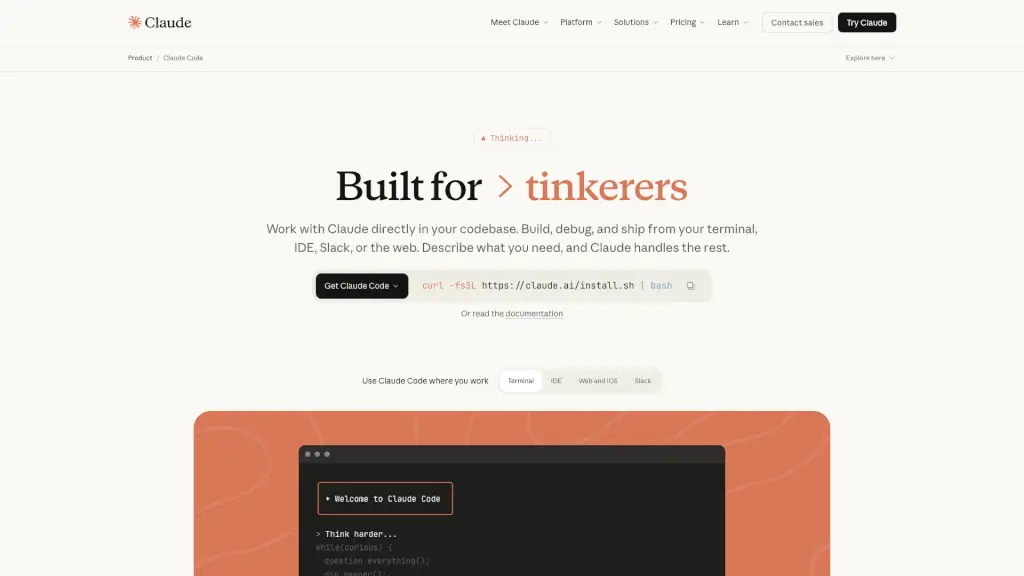
Claude Code

Claude Code

Claude Code is an AI-powered coding assistant that integrates seamlessly with your terminal, IDE, and other tools, making coding, debugging, and refactoring faster and more efficient.

US
22.56%
13.8M
5.0
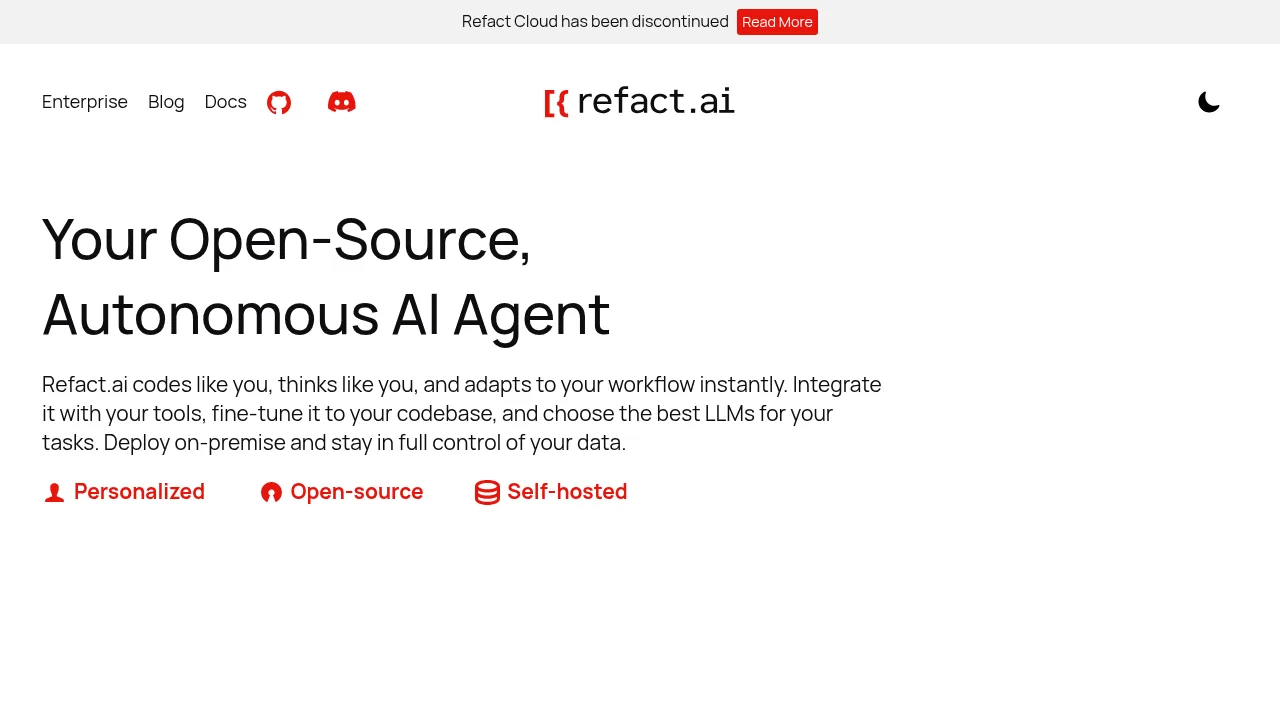
Refact.ai

Refact.ai

Refact.ai is an open-source, secure AI coding assistant that helps you write better code faster. With 20+ LLMs, in-IDE chat, and on-premise deployment, it’s the ultimate tool for developers.

US
12.28%
71.2K
5.0
PearAI

PearAI

PearAI is the ultimate AI code editor, integrating the best AI tools for seamless development. From coding to debugging, it’s designed to make your workflow faster and smarter.

US
23.34%
45.8K
4.0
Codeium

Codeium

Codeium is the ultimate AI coding assistant, trusted by millions for its speed, accuracy, and ease of use. Free for individuals and packed with features, it’s the perfect tool to boost your productivity.

UZ
17.47%
27.5K
4.0
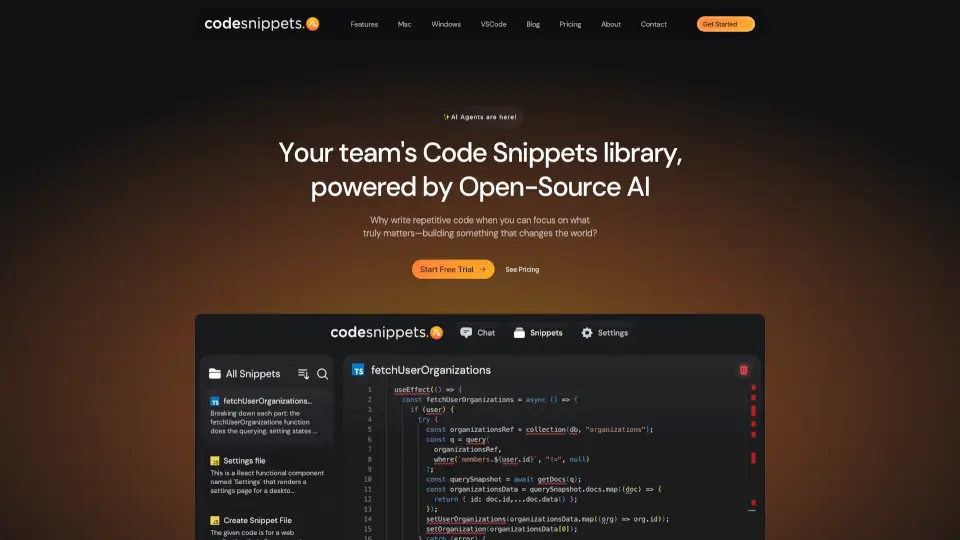
Code Snippets AI

Code Snippets AI

Code Snippets AI is a game-changing tool that boosts productivity, streamlines operations, and gives you an edge in coding. With features like AI context generation, multi-model support, and team collaboration, it’s the ultimate coding companion.

IN
44.03%
4.7K
3.0
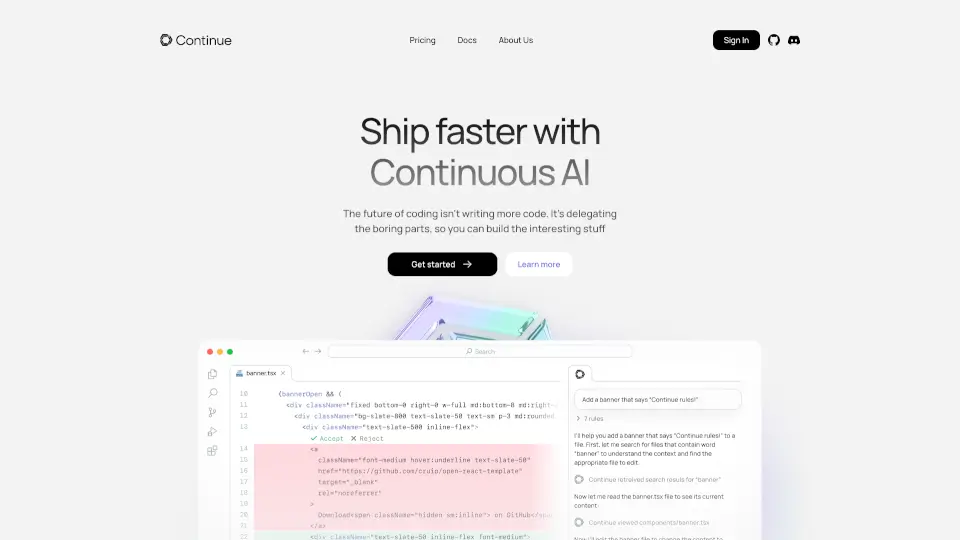
Continue

Continue

Continue is an open-source AI code assistant that enhances development by offering autocompletion, code referencing, and natural language editing.

IN
10.91%
715.2K
5.0

Roo Code Related Other Categories

Roo Code Traffic Analysis

💡 Insights

🌱
Emerging Tool
10K-100K monthly visits. Niche or new tool with potential unique value.
📉
Traffic Decline
Significant traffic drop recently. Check for alternatives.
👍
Good Experience
Bounce rate of 37%. Users are willing to explore features.
🎯
Strong Brand
56% direct traffic. High user loyalty.
  • Monthly Visits

    67.04K

  • Bounce Rate

    36.56%

  • Pages Per Visit

    1.69

  • Visit Duration

    00:00:21

  • Global Rank

    568149

  • Country Rank

    160143

Visits Over Time

Traffic Sources

Direct55.77%
SearchOrganic28.73%
Referrals6.56%
GenAi4.85%
SocialOrganic3.21%
SocialPaid0.39%
Mail0.24%
SearchPaid0.24%
Affiliate0.00%

Top Keywords

1
roo code
CPC$3.34
3.89KTraffic
2
roocode
CPC$4.65
1.09KTraffic
3
roo
CPC$3.09
300Traffic
4
roo code ai
80Traffic
5
roo ai
CPC$0.24
80Traffic

Top Regions

RegionPercentage
Vietnam
Vietnam
6.71%
Russia
Russia
5.09%
United States
United States
3.68%
Brazil
Brazil
3.59%
Thailand
Thailand
3.48%
Low
High

Powered by SimilarWeb

Roo Code FAQ

What exactly is Roo Code?

Roo Code is an open-source, AI-powered coding assistant that runs in VS Code. It goes beyond simple autocompletion by reading and writing across multiple files, executing commands, and adapting to your workflow—like having a whole dev team right inside your editor.

How does Roo Code differ from Copilot, Cursor, or Windsurf?

Roo Code is open-source and fully customizable, letting you integrate any AI model you choose (e.g, OpenAI, Anthropic, local LLMs, etc.). It's built for multi-file edits, so it can read, refactor, and update multiple files at once for holistic code changes. Its agentic abilities go beyond a typical AI autocomplete, enabling it to run tests, open a browser, and handle deeper tasks. And you're always in control: Roo Code is permission-based, meaning you can control and approve any file changes or command executions.

Is Roo Code really free?

Yes! Roo Code is completely free and open-source. You'll only pay for the AI model usage if you use a paid API (like OpenAI). If you choose free or self-hosted models, there's no cost at all.

Will my code stay private?

Yes. Because Roo Code is an extension in your local VS Code, your code never leaves your machine unless you connect to an external AI API. Even then, you control exactly what is sent to the AI model. You can use tools like .rooignore to exclude sensitive files, and you can also run Roo Code with offline/local models for full privacy.

Which AI models does Roo Code support?

Roo Code is fully model-agnostic, giving you the flexibility to work with whatever AI models you prefer. It supports OpenAI models (like GPT-4o, GPT-4, and o1), Anthropic's Claude (including Claude 3.5 Sonnet), Google's Gemini models, and local LLMs via APIs or specialized plugins. You can even connect any other model that follows Roo Code's Model Context Protocol (MCP).

Does Roo Code support my programming language?

Likely yes! Roo Code supports a wide range of languages—Python, Java, C#, JavaScript/TypeScript, Go, Rust, etc. Since it leverages the AI model's understanding, new or lesser-known languages may also work, depending on model support.

Can it handle large, enterprise-scale projects?

Absolutely. Roo Code uses efficient strategies (like partial-file analysis, summarization, or user-specified context) to handle large codebases. Enterprises especially appreciate the on-prem or self-hosted model option for compliance and security needs.

Is it safe for enterprise use?

Yes. Roo Code was built for enterprise environments. You can self-host AI models or use your own trusted provider. All file changes and commands go through permission gating, so nothing runs without your approval. And because Roo Code is fully open-source, it's auditable—you can review exactly how it works before deploying it.

Roo Code Reviews

0

0

0 Reviews
Sign Into leave a review

Recent Reviews

No reviews yet

Roo Code Embed

Use website badges to drive community support for SeekTool.ai. They are easy to embed in your homepage or footer.

Light
Dark
Roo Code - Featured on SeekTool.aiRoo Code - Featured on SeekTool.ai
How to install?

Category Rankings

Ranked by monthly traffic