
What is Reversely.ai?
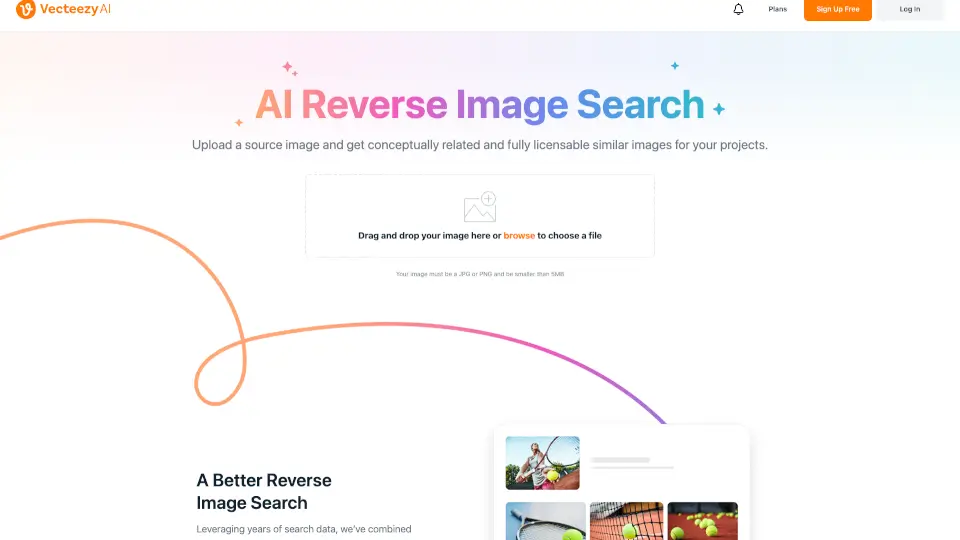
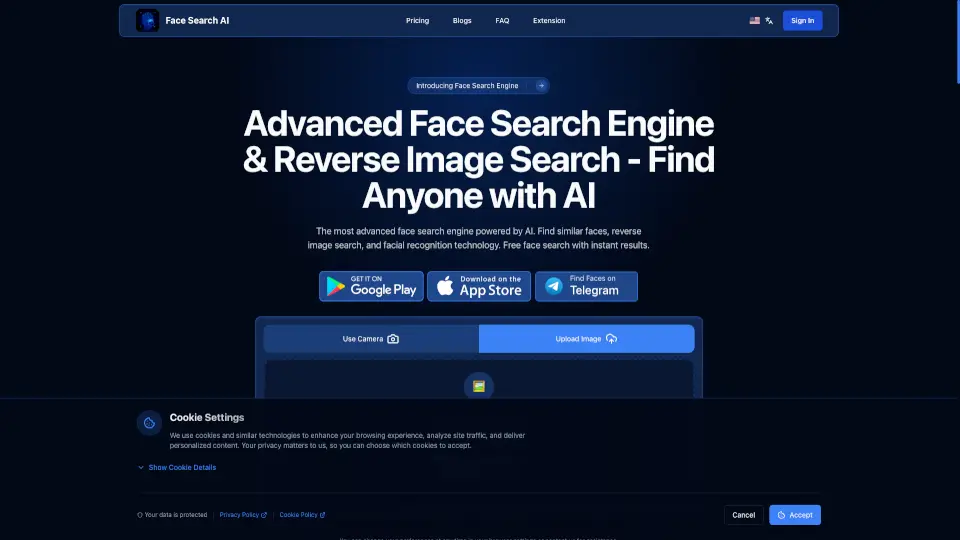
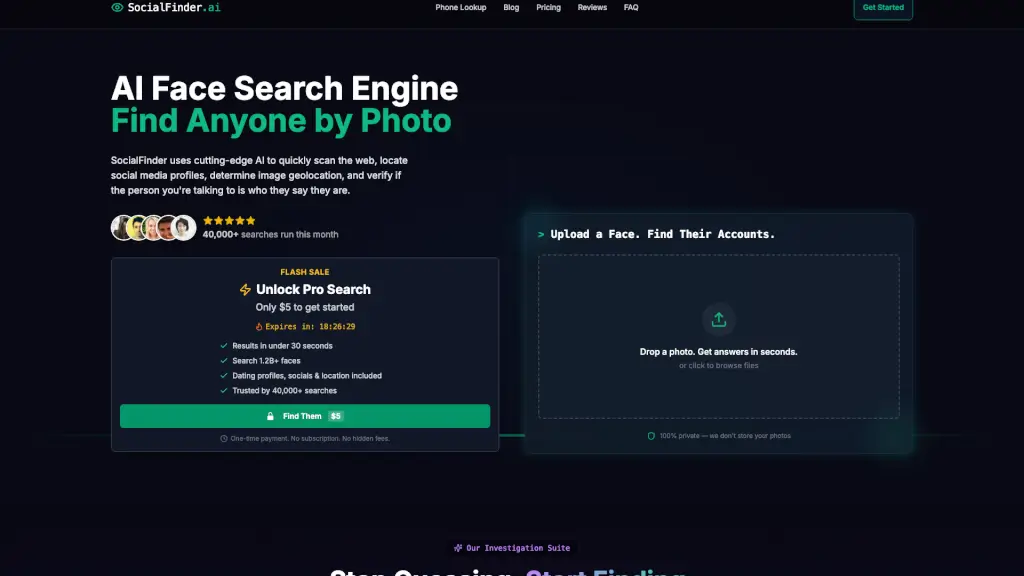
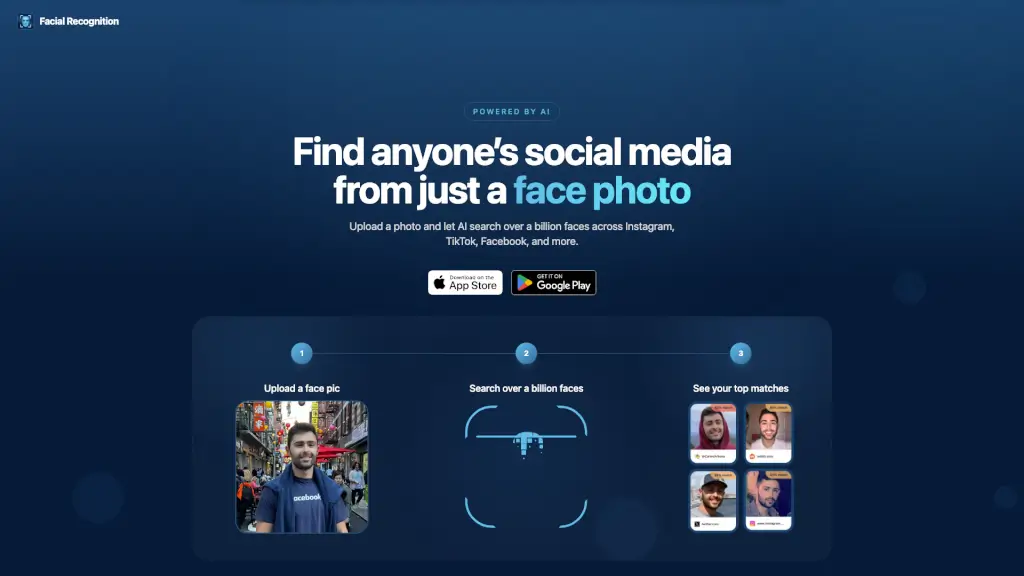
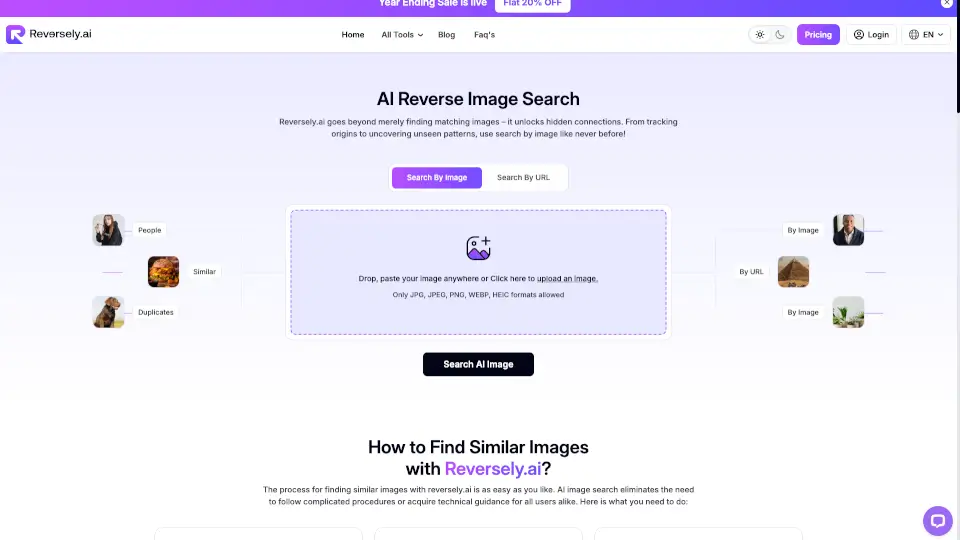
Reversely.ai is a powerful AI-driven platform that helps you find similar images, track the origins of photos, and uncover hidden patterns with just a few clicks. Whether you're a social media influencer, a content creator, or simply someone who loves to explore, Reversely.ai makes it easy to search by image and discover a wealth of information. With its advanced algorithms, you can find matching faces, places, and objects in seconds, making it a must-have tool for anyone who values visual data.
What are the features of Reversely.ai?
- AI Reverse Image Search: Quickly find similar images, duplicates, and hidden connections.
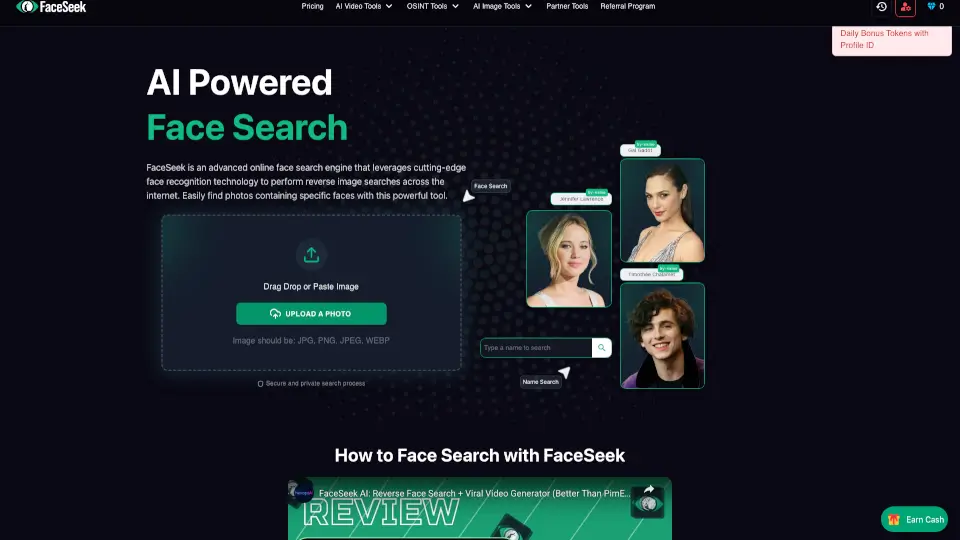
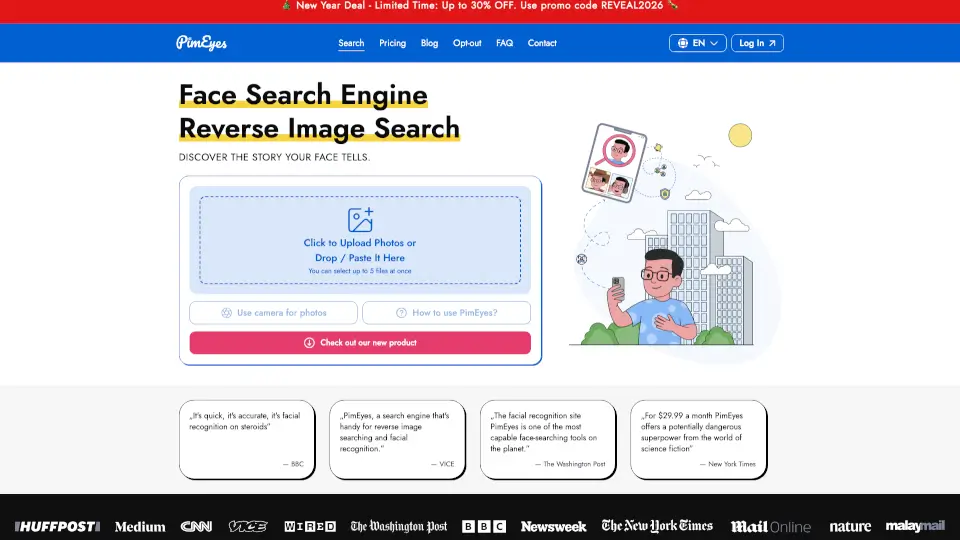
- AI Face Search: Identify people through facial recognition, helping you find matches across the web.
- Image Source Tracking: Discover the true source of an image and where it has been used online.
- Advanced Filters: Use filters to refine your search and get more accurate results.
- Mobile App: Access Reversely.ai on the go with a user-friendly mobile app.
- Multiple Image Formats: Upload and search images in various formats like JPG, JPEG, PNG, WEBP, and HEIC.
What are the use cases of Reversely.ai?
- Content Creators: Protect your work by tracking where your images are being used and identifying potential copyright infringements.
- Social Media Users: Verify the authenticity of profile pictures and protect yourself from catfishing scams.
- Journalists & Fact-Checkers: Verify the origin of images to ensure the credibility of your reports and prevent the spread of misinformation.
- Designers & Artists: Find inspiration and new ideas for your projects by exploring visually similar images.
- E-commerce Shoppers: Find the source of a product image and discover where you can buy it online.
- Photographers: Monitor the usage of your photos and take legal action if necessary.
How to use Reversely.ai?
- Upload an Image: Click the upload icon or drag and drop an image from your device.
- Start the Process: Hit the 'Search AI Image' button to initiate the search.
- Explore Results: View all similar images and their sources on the screen.
- Use Filters: Apply advanced filters to narrow down your search and get more precise results.
- Save and Share: Save your search results and share them with others if needed.