
What is RSW Sora 2 AI Studio?
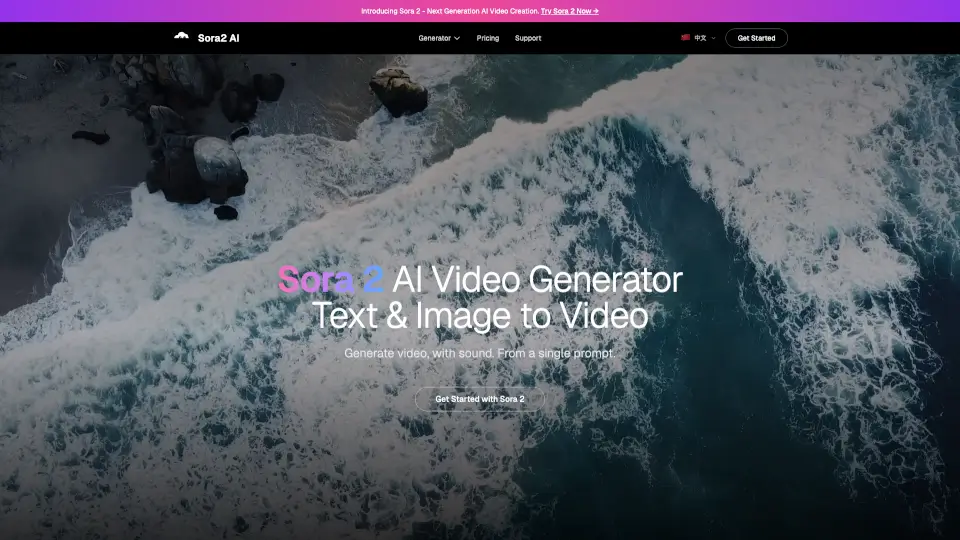
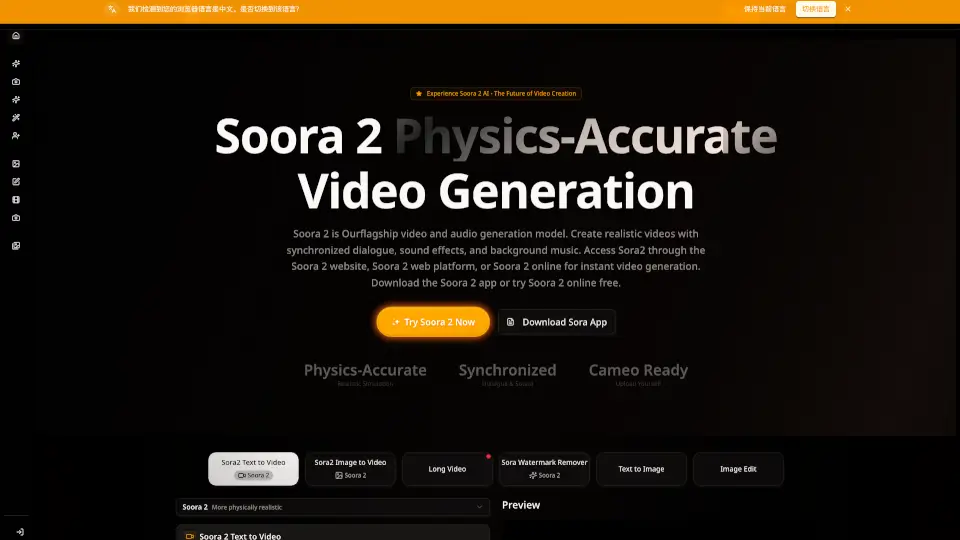
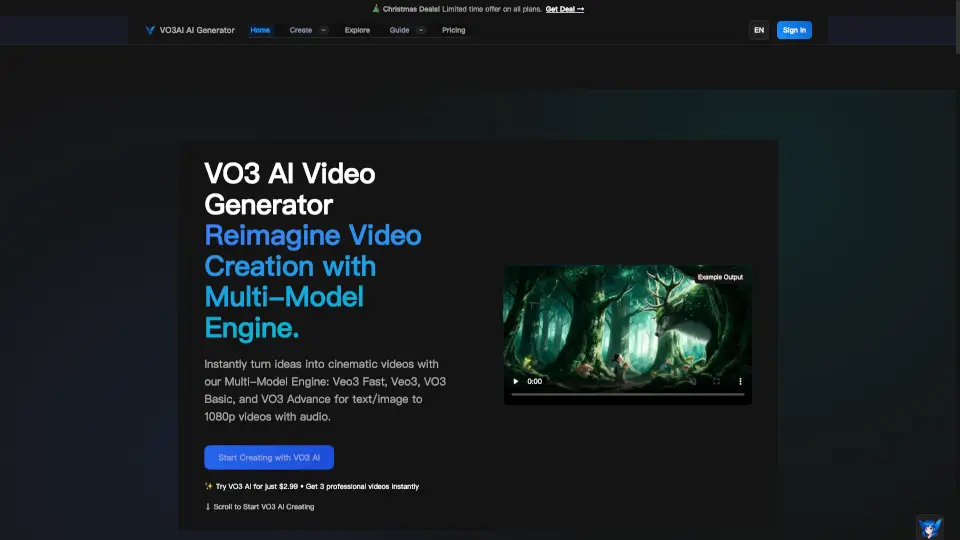
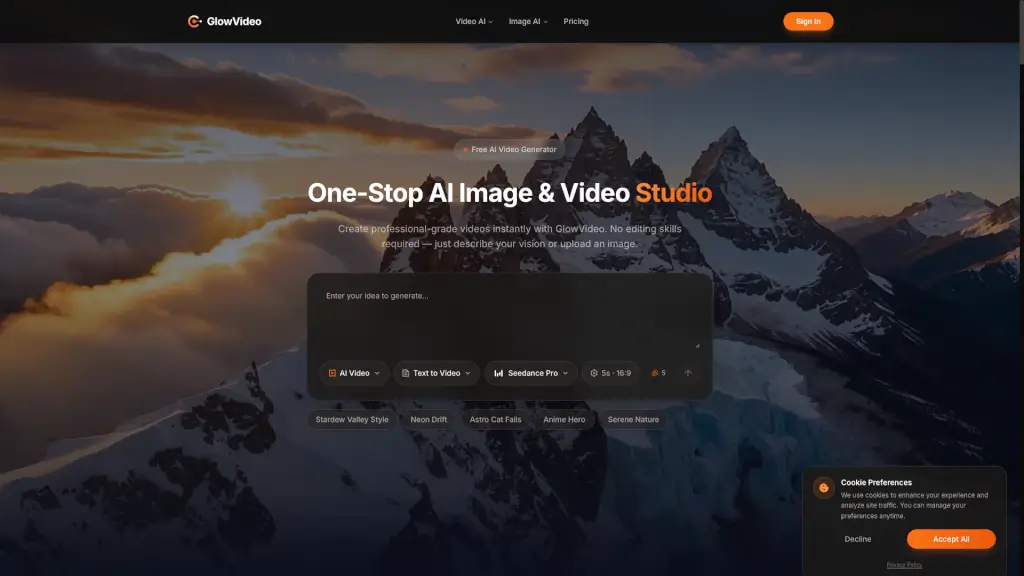
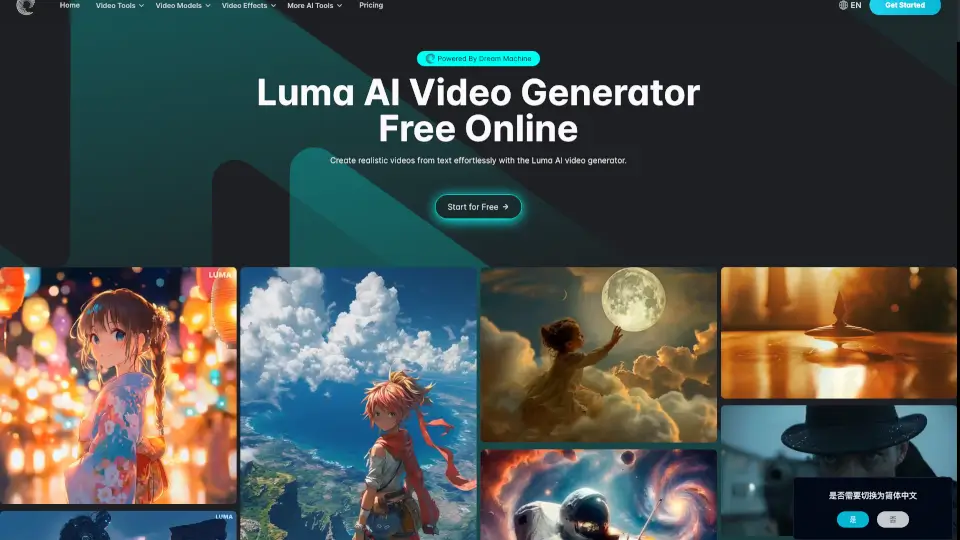
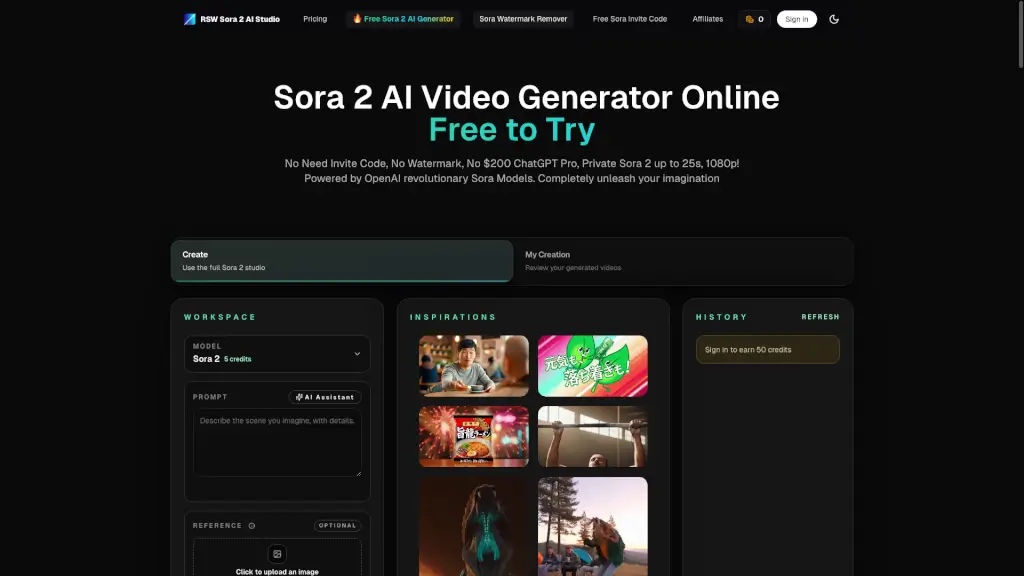
Welcome to the Sora 2 AI Video Generator, your go-to tool for creating stunning, professional videos with just a few clicks. Whether you're a content creator, marketer, or just someone who loves to experiment with video, Sora 2 makes it incredibly easy to turn your ideas into reality. No need for expensive software or complex editing skills—just type in what you want to see, and let the AI do the magic. With Sora 2, you can create up to 25-second, 1080p videos that are perfect for social media, presentations, and more. Best of all, it's free to try, with no watermarks, no ChatGPT Pro subscription required, and no hidden fees.
What are the features of RSW Sora 2 AI Studio?
- True-to-Life Physics Simulation: Watch objects move naturally, just like in real life. Basketball bounces, water flows, and gravity works as expected.
- Synchronized Audio & Speech: Every video includes perfectly timed dialogue, sound effects, and background audio that matches the on-screen action.
- Smart Prompt Understanding: Simply describe your vision in plain words, and the AI understands complex scenes, emotions, and storytelling to create exactly what you imagine.
- Professional 1080p Quality: Generate cinema-grade videos up to 1080p with professional color grading, ready for any platform.
- Rapid Video Rendering: Most videos are generated in under 2 minutes, allowing you to quickly test multiple ideas and iterate until you find the perfect result.
- Versatile Formats: Create videos in landscape (16:9), vertical (9:16), or square (1:1) formats, optimized for YouTube, TikTok, Instagram Reels, and LinkedIn.
What are the use cases of RSW Sora 2 AI Studio?
- Social Media Content: Create engaging, high-quality videos for platforms like TikTok, Instagram, and YouTube to boost your online presence.
- Business Presentations: Add a professional touch to your presentations with custom-generated videos that highlight key points.
- Marketing Campaigns: Produce eye-catching promotional videos for your products or services, without the need for a large budget or production team.
- Educational Materials: Develop visual aids and tutorials that make learning more engaging and effective.
- Personal Projects: Experiment with creative ideas and bring your stories to life, whether it's for a personal blog, vlog, or just for fun.
How to use RSW Sora 2 AI Studio?
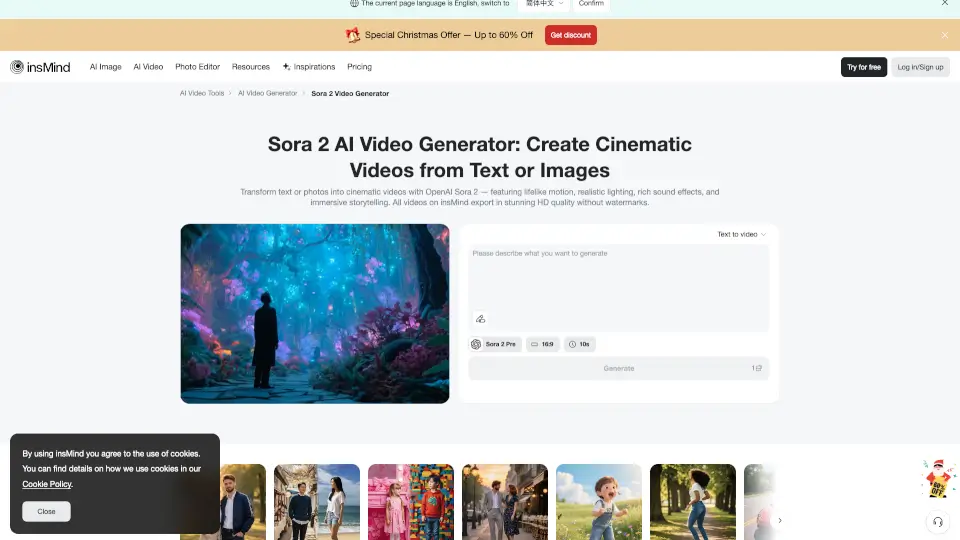
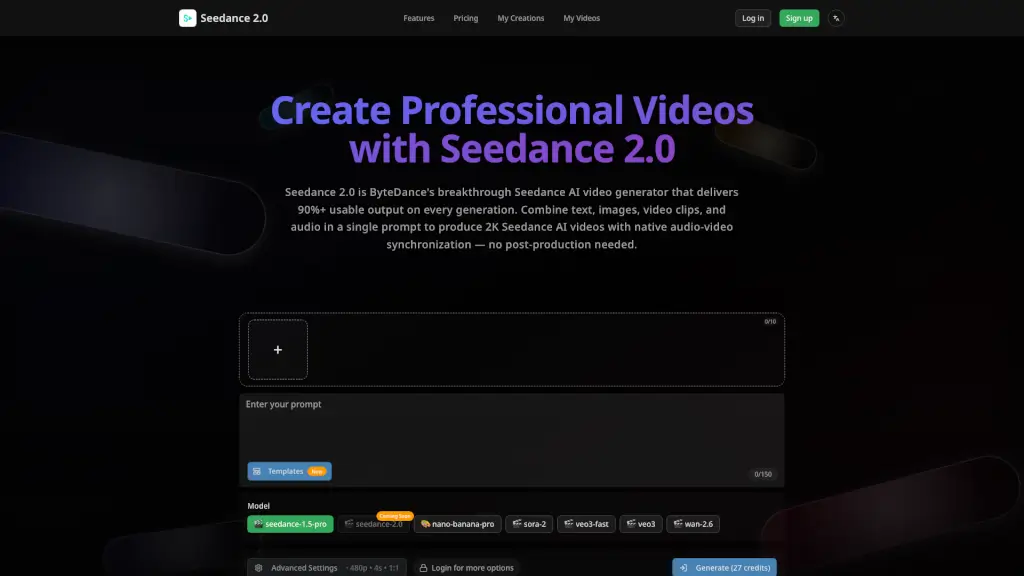
- Write Your Video Description: Type what you want to see in plain English. Include details like camera movements, subject, environment, lighting, and mood.
- Configure Output Parameters: Choose the format (landscape, portrait, or square), length (up to 25 seconds), and resolution (720p or 1080p). You can also upload a reference image for style guidance.
- Launch AI Generation: Tap "Generate" to start the process. The built-in prompt generator can refine your input for better results.
- Export & Publish: Review the finished video in the preview pane. If you're satisfied, download the watermark-free file and share it on your preferred platform.