
What is Rask AI?
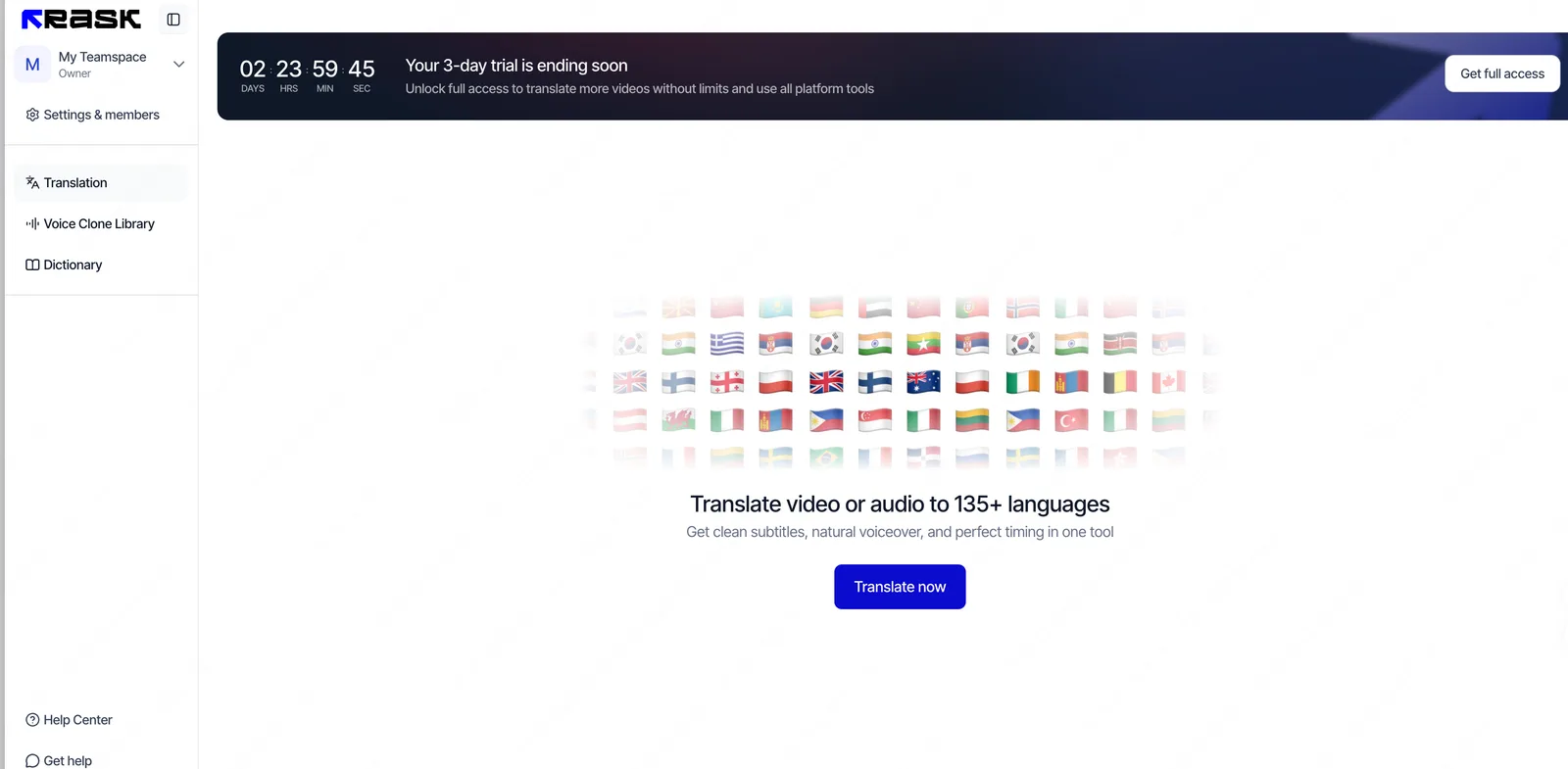
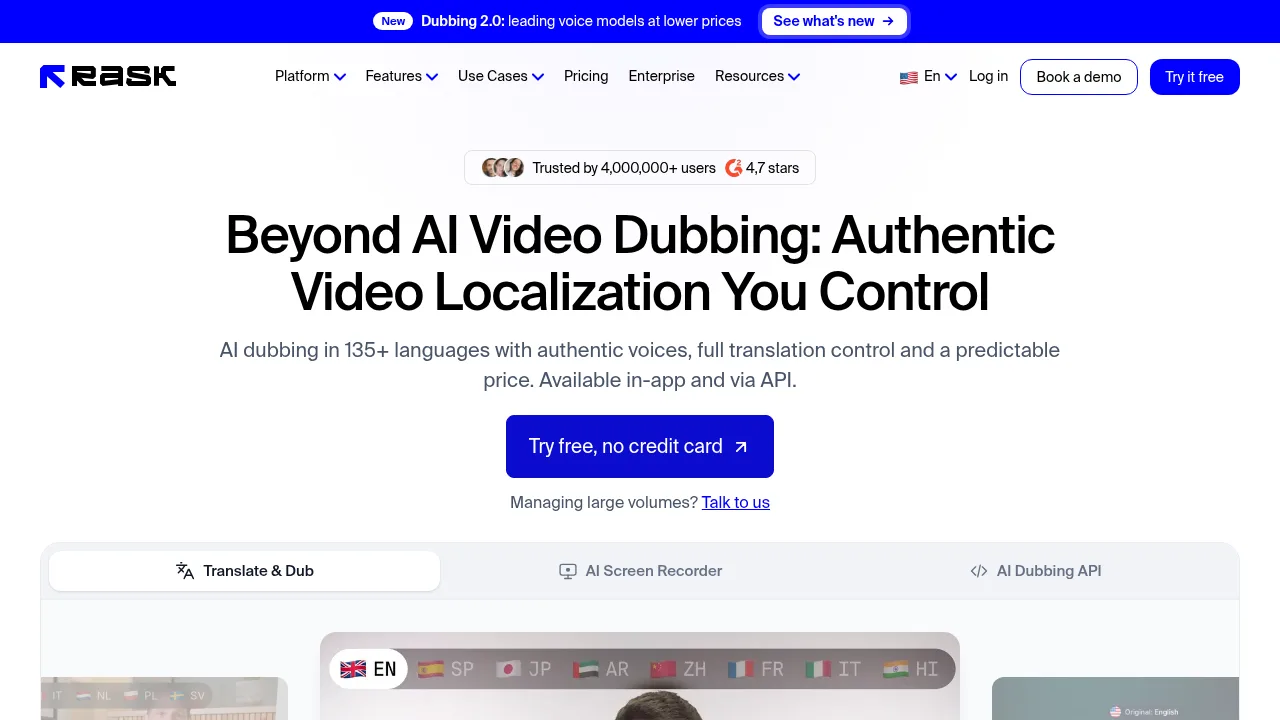
Rask AI translates, dubs, and lip-syncs video content across more than 135 languages using voice cloning. It is accessible via a web application or API for teams localizing media at scale. The vendor states that uploaded videos are used only to create dubs and are excluded from model training.
What are the features of Rask AI?
- Video translation and dubbingConverts spoken video into over 135 languages while preserving the original speaker's voice, tone, and emotion through voice cloning in 57 languages.
- Multispeaker lip-syncAdjusts on-screen lip movements to match the translated audio for every speaker in interviews, panels, or shows.
- Line-by-line editorAllows users to edit transcripts and translations, adjust timing, speed, and voice similarity, then re-dub changed segments without extra charges.
- On-screen text translationTranslates slides, captions, charts, and other text visible inside video frames so viewers can read them in their language.
- Terminology dictionaryStores approved brand terms and names so consistent wording applies automatically across new localization projects.
- Dubbing API and Python SDKAutomates upload, transcription, dubbing, glossary application, re-dubs, and lip-sync workflows programmatically.
What are the use cases of Rask AI?
- Online course localizationEducators convert lectures into native-language lessons for global learners using cloned voices instead of hiring actors.
- Podcast internationalizationHosts translate multi-speaker episodes by cloning their own voice and assigning library voices to guests.
- Enterprise training rolloutCompanies deliver onboarding and internal training videos to teams in multiple countries through automated API pipelines.
How to use Rask AI?
- Upload source videoProvide a video file or URL through the web application or API.
- Configure target settingsSelect the target language, apply terminology dictionaries, and choose voice cloning options.
- Edit transcript and translationReview the generated script line-by-line, adjusting timing, speed, and wording as needed.
- Generate dubbed outputRender the final video with translated audio and optional multispeaker lip-sync.
Rask AI Pricing Information:
- Free accessExplore the platform without a credit card; includes free tools such as a subtitle generator, AI dubbing, subtitle translator, video transcription, marketing assets translator, and book translator.
- Paid usageBilled at a fixed price per minute of processed video; edits and segment re-dubs carry no extra charge.
- AI Screen Recorder betaEarly access is free with no credit card required.
- EnterpriseCustom pricing for teams requiring SOC 2 Type II compliance, SSO/SAML, dedicated engineering support, teamspaces, and human-in-the-loop review.