
What is Raphael?
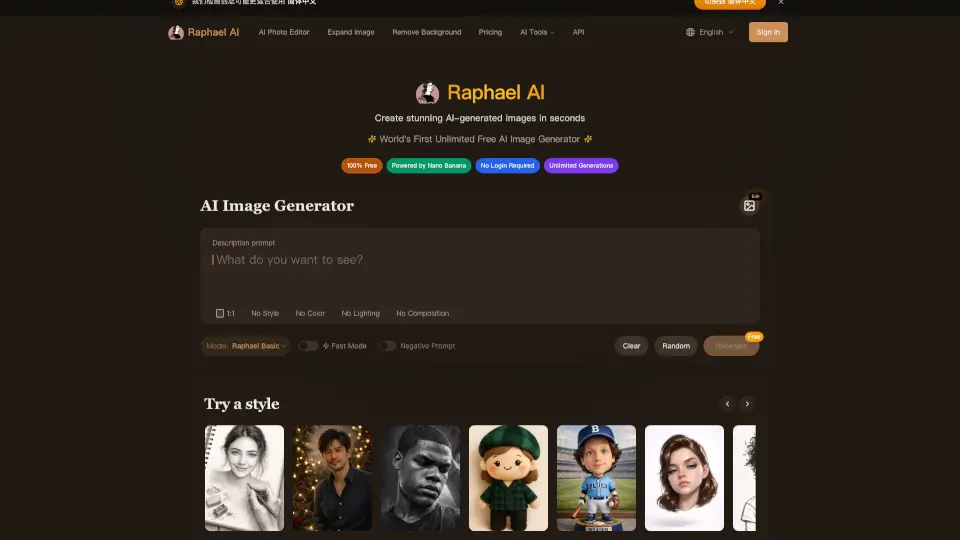
Raphael AI is a groundbreaking, free, and unlimited AI image generator that lets you create stunning visuals in seconds. Whether you're a designer, content creator, or just someone who loves to play with images, Raphael AI has got you covered. With no need for registration or any hidden fees, you can start generating high-quality images right away. The platform uses intelligent routing to pick the best model (Z-Image, Flux 2, Qwen-Image, Nano Banana Pro) for each scene, ensuring you get the perfect balance of speed and quality.
What are the features of Raphael?
- Zero-Cost Creation: The world's first completely free AI image generator with no usage limits or registration requirements.
- State-of-the-Art Quality: Intelligent routing picks the best model to deliver photorealistic images with exceptional detail and style control.
- Advanced Text Understanding: Superior text-to-image capabilities with accurate interpretation of complex prompts and text overlay features.
- Lightning-Fast Generation: An optimized inference pipeline ensures rapid image generation without compromising quality.
- Enhanced Privacy Protection: A zero data retention policy means your prompts and generated images are never stored on our servers.
- Multi-Style Support: Create images across various artistic styles, from photorealistic to anime, oil paintings to digital art.
What are the use cases of Raphael?
- Design Projects: Quickly generate high-quality images for design projects, whether it's for a website, app, or marketing materials.
- Content Creation: Produce stunning visuals for social media, blogs, and other content platforms to engage your audience.
- E-commerce: Generate product showcase images that meet commercial standards, helping to boost sales and attract customers.
- Game Development: Create detailed concept art and character designs for video games, speeding up the development process.
- Advertising: Realize ad creatives with professional-grade images that reach commercial photography standards.
- Personal Projects: Experiment with different styles and ideas for personal projects, from digital art to photo editing.
How to use Raphael?
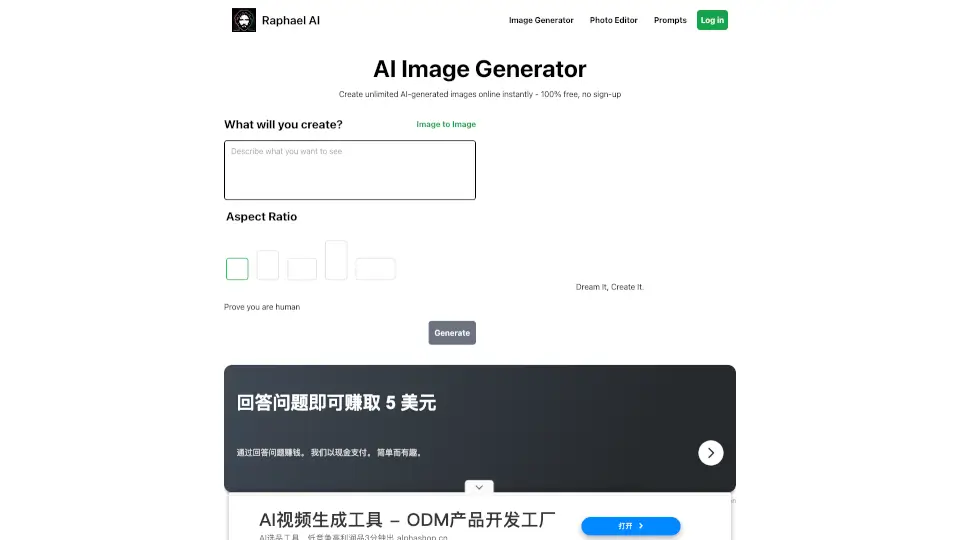
- Visit raphael.app and start using the AI Image Generator immediately—no account needed.
- Enter a descriptive prompt in the text box, specifying the style, color, and composition you want.
- Choose between Fast Mode for quick results or High Quality for more detailed images.
- Click Generate and watch as your image comes to life in seconds.
- Use the AI Image Editor to make precise adjustments and add finishing touches.
- Download your image and use it as needed, whether for personal or commercial purposes.