
千问AI logo

千问AI

5.0
(0 Reviews)
China91.80%

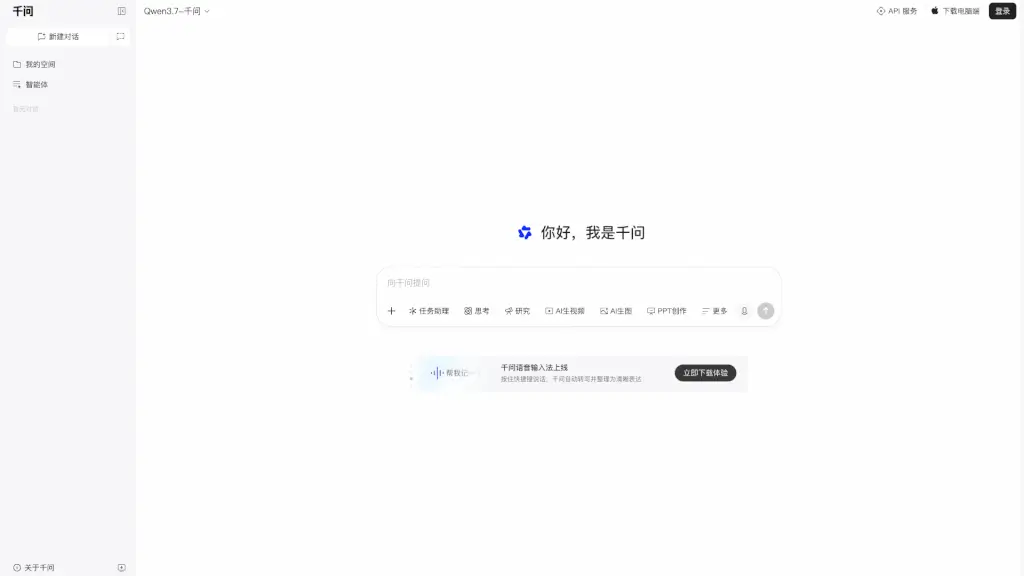
Qwen is Alibaba's official AI assistant that combines AI search, web summary, PPT creation, image generation, recording notes, and screenshot query into one powerful productivity tool for work, study, and life.

Verified by SeekTool
千问AI

千问AI Product Information

What is 千问AI?

Looking for a versatile AI assistant that can handle everything from research to creative tasks? Meet Qwen (千问), Alibaba's official AI assistant powered by the latest Qwen3.7 model. It's your all-in-one sidekick for work, study, and daily life. Whether you need to summarize a webpage, generate a presentation, create images, or transcribe meeting notes, Qwen has you covered. It's designed to make your life easier by bringing powerful AI capabilities right to your fingertips—on desktop, mobile, or via API.

What are the features of 千问AI?

  • AI Search & Web Summary: Ask questions and get answers instantly, or paste a URL for a quick, accurate summary of any webpage.
  • AI PPT Creation: Auto-generate professional slide decks from your ideas or text—perfect for reports and presentations.
  • AI Image Generation: Create stunning visuals from scratch using simple text prompts. Great for marketing, social media, or personal projects.
  • Recording & Meeting Notes: Record audio (even offline) and get automatically transcribed, organized meeting minutes with key points highlighted.
  • Screenshot Query: Take a screenshot of any content—text, images, or code—and Qwen will instantly analyze and answer your questions about it.
  • Voice Input & Smart Writing: Speak your thoughts and let Qwen transcribe, polish, and rewrite them into clear, professional text.
  • Word Selection Tool: Highlight any text on your screen to trigger Qwen for quick translation, summarization, or rewriting—no copy-pasting needed.

What are the use cases of 千问AI?

  • Students: Quickly summarize research papers, generate study guides, and create PPTs for class presentations.
  • Professionals: Draft reports, analyze data, transcribe meetings, and generate creative content for marketing or internal communication.
  • Content Creators: Brainstorm ideas, generate images, and polish writing for blogs, social media, or video scripts.
  • Researchers: Use AI search to find information, summarize long articles, and organize findings into structured notes.
  • Everyday Life: Translate foreign text, get cooking recipes from a screenshot, or plan your travel itinerary with voice commands.

How to use 千问AI?

  • Get Started: Download the Qwen desktop app or use the web version at qwen.ai. You can also scan the QR code to log in via the mobile app.
  • Use Screenshot Query: Press the shortcut key to capture any part of your screen. Qwen will automatically extract text and answer your questions about it.
  • Create a PPT: Type a topic or paste your notes, then click "PPT Creation." Choose a style and let Qwen generate slides you can edit further.
  • Record a Meeting: Hit the "Recording Notes" button before a meeting. Qwen will save the audio (even offline) and later produce a clean summary with action items.
  • Voice Input: Hold the shortcut key, speak your thoughts, and Qwen will write them out and help you rephrase them for clarity.
  • Use the Word Selection Tool: Highlight any text on your screen (e.g., in a browser or document), and a floating Qwen icon will appear. Click it to get a summary, translation, or rewrite.

Do you like this tool?

Upvote to help others discover it!

千问AI Alternatives

Qwen AI

Qwen AI

Qwen Chat is a versatile AI assistant that helps you generate images, conduct deep research, and develop websites with ease.

RU
32.87%
35.1M
5.0
文心一言

文心一言

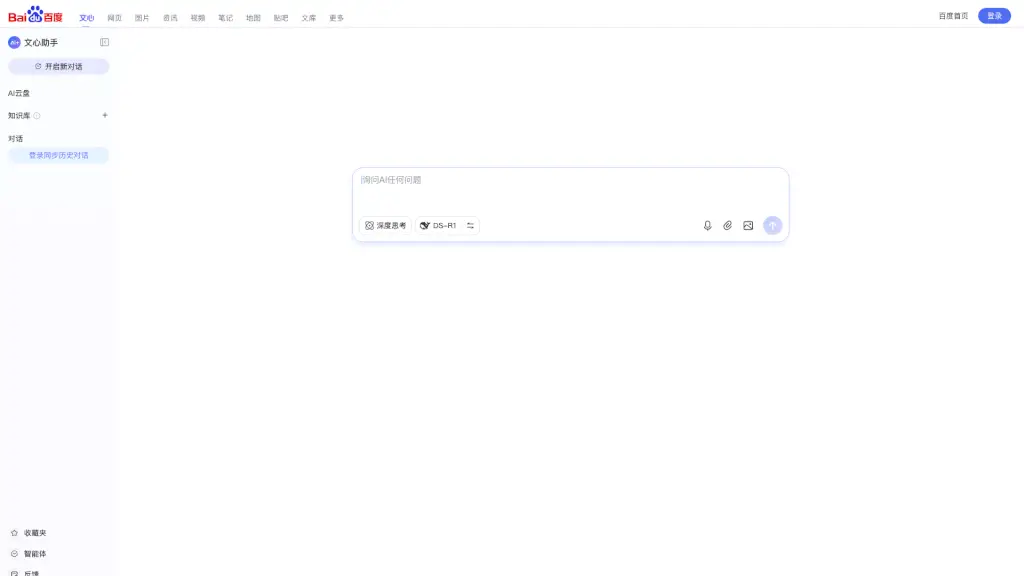
文心一言 is your ultimate AI partner for productivity, creativity, and entertainment. With advanced features and friendly interactions, it’s the perfect tool to simplify your life.

CN
95.26%
1.1M
5.0
百度AI搜

百度AI搜

Baidu Wenxin Assistant is a versatile tool for enhancing productivity and creativity, offering features like smart text and image creation, AI reading, and inspiration exploration.

CN
97.22%
30.0M
5.0
Ask AI - AI Powered Chat Bot Assistant

Ask AI - AI Powered Chat Bot Assistant

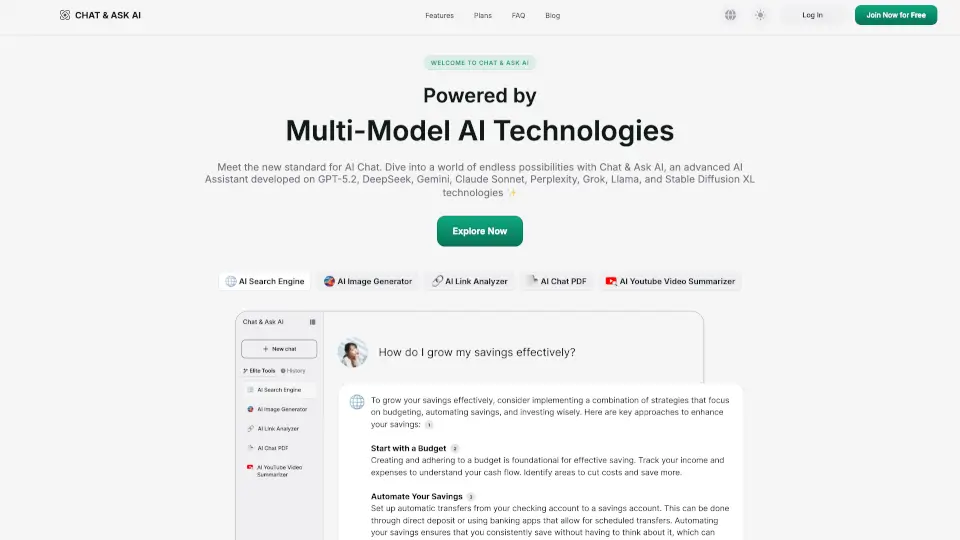
Chat & Ask AI is a versatile AI assistant that simplifies tasks like content creation, research, and analysis, making it a must-have tool for productivity.

US
13.72%
1.0M
5.0
腾讯元宝

腾讯元宝

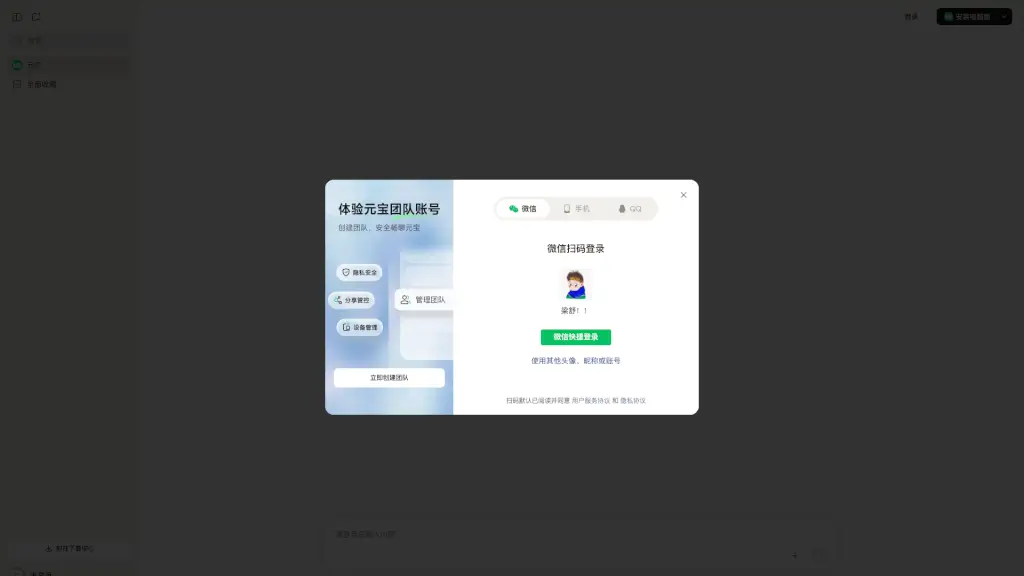
Yuanbao is Tencent’s全能 AI assistant that boosts productivity with smart search, writing, image tools, and homework help—all in one intuitive platform.

CN
93.40%
12.1M
5.0
小艺

小艺

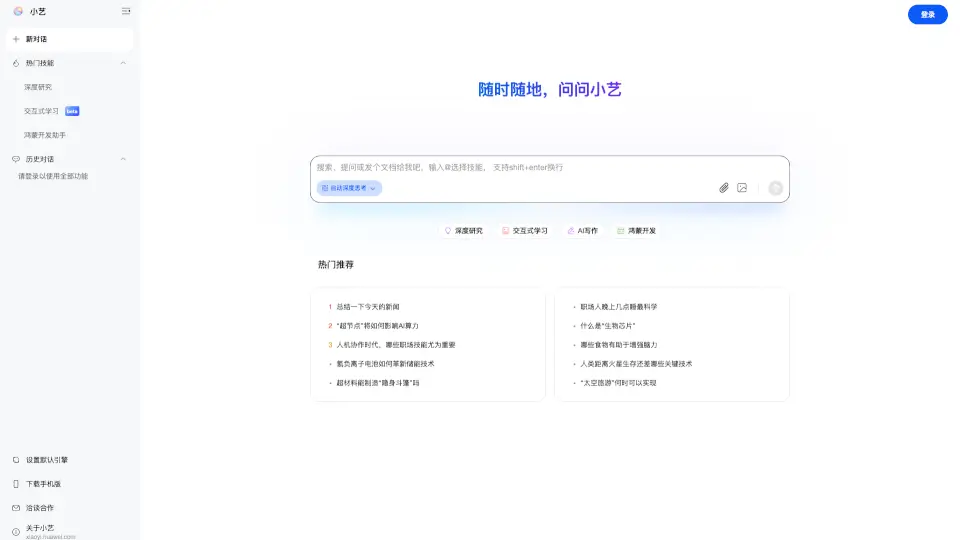
Xiaoyi, Huawei's AI-powered smart assistant, offers a range of features from AI writing and document management to coding support and interactive learning, making it a versatile tool for both personal and professional use.

CN
96.69%
185.2K
5.0
智谱

智谱

Z.ai Chat is a free, AI-powered tool that helps you build websites, create presentations, and write professionally, making it perfect for students and professionals alike.

IN
11.76%
25.2M
5.0
ChatGLM

ChatGLM

Zhiyu Qingyan is your go-to AI for seamless conversations and creative tasks.

CN
87.17%
5.9M
5.0

千问AI Related Other Categories

千问AI Traffic Analysis

💡 Insights

🚀
Super High Traffic
Over 10M monthly visits. A market leader with extremely high user trust.
⚠️
Slight Decline
Traffic has slightly decreased recently.
👍
Good Experience
Bounce rate of 38%. Users are willing to explore features.
🎯
Strong Brand
72% direct traffic. High user loyalty.
  • Monthly Visits

    34.56M

  • Bounce Rate

    38.15%

  • Pages Per Visit

    2.37

  • Visit Duration

    00:03:16

  • Global Rank

    2062

  • Country Rank

    62

Visits Over Time

Traffic Sources

Direct72.12%
Referrals13.40%
Search Organic7.97%
Search Paid2.42%
Gen Ai1.55%
Social Organic1.09%
Affiliate1.02%
Display Ads0.33%
Mail0.08%
Social Paid0.02%

Top Keywords

1
千问
CPC$1.03
798.68KTraffic
2
千问网页版
73.29KTraffic
3
qianwen
CPC$1.52
49.03KTraffic
4
千问输入法
42.60KTraffic
5
通义千问
CPC$0.86
32.82KTraffic

Top Regions

RegionPercentage
China
China
91.80%
Hong Kong
Hong Kong
2.40%
United States
United States
1.77%
Taiwan
Taiwan
1.24%
Singapore
Singapore
1.10%
Low
High

Powered by SimilarWeb

千问AI FAQ

What is Qwen AI assistant?

Qwen is Alibaba's official AI assistant powered by the Qwen3.7 large language model. It offers a wide range of tools including AI search, web summary, PPT creation, image generation, recording notes, screenshot query, and voice input—all designed to boost your productivity in work, study, and life.

Is Qwen free to use?

The product description mentions downloading and using the desktop and mobile apps. Specific pricing details are not provided, but many features are available for free with potential premium tiers. Check the official website for the latest plans.

How do I use the screenshot query feature?

After installing the Qwen desktop app, press the designated shortcut key (e.g., Ctrl+Shift+X) to capture any part of your screen. Qwen will automatically recognize text, tables, or images and let you ask questions about the content. It's like having an AI that can "see" your screen.

Can I use Qwen on my computer?

Yes! Qwen has a dedicated desktop version for Windows and macOS. You can download it from the official website. It also offers a web version and a mobile app for iOS and Android.

How does the recording notes feature work?

Simply start a new recording in the Qwen app before a meeting or lecture. The app can record audio even without an internet connection. After you stop, Qwen transcribes the audio and automatically generates a structured meeting summary with key points, decisions, and action items.

Does Qwen support voice input?

Absolutely. There's a voice input mode that lets you speak naturally. Qwen will transcribe your speech into text and can even help you rewrite it into more polished language—great for drafting emails, messages, or notes hands-free.

Can I use Qwen to generate images?

Yes. Qwen includes an AI image generation tool. Just describe what you want in plain English, and it will create a custom image. You can use it for presentations, social media posts, or creative projects.

Is there a way to get quick translations or summaries of text I'm reading?

Yes. The word selection tool lets you highlight any text on your screen (in a browser, PDF, or document). A floating icon will appear, and you can click it to get a translation, summary, or even a rewrite of the selected text without leaving your current page.

千问AI Reviews

0

0

0 Reviews
Sign Into leave a review

Recent Reviews

No reviews yet

千问AI Embed

Use website badges to drive community support for SeekTool.ai. They are easy to embed in your homepage or footer.

Light
Dark
千问AI - Featured on SeekTool.ai千问AI - Featured on SeekTool.ai
How to install?