
Что такое 千问AI?
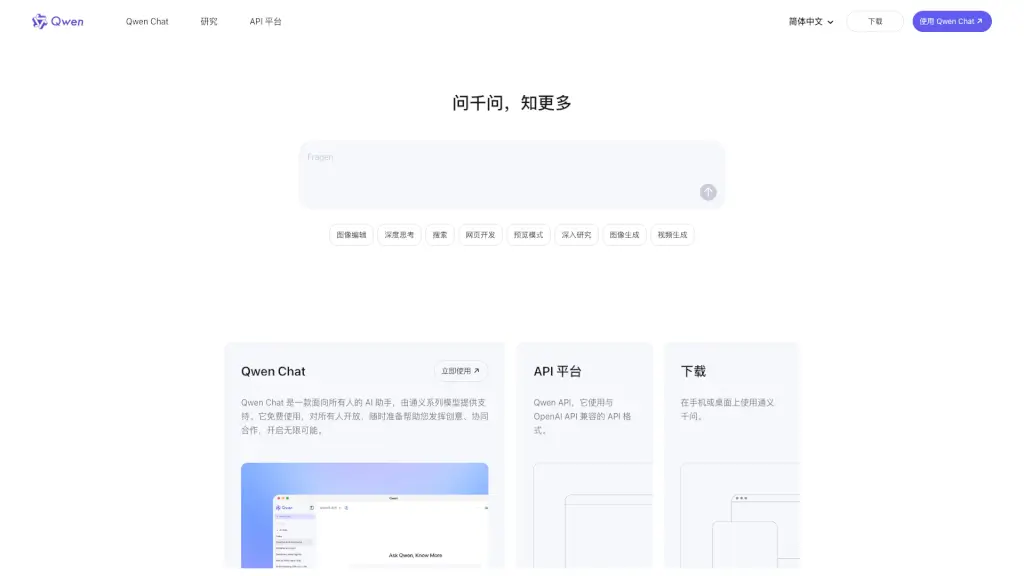
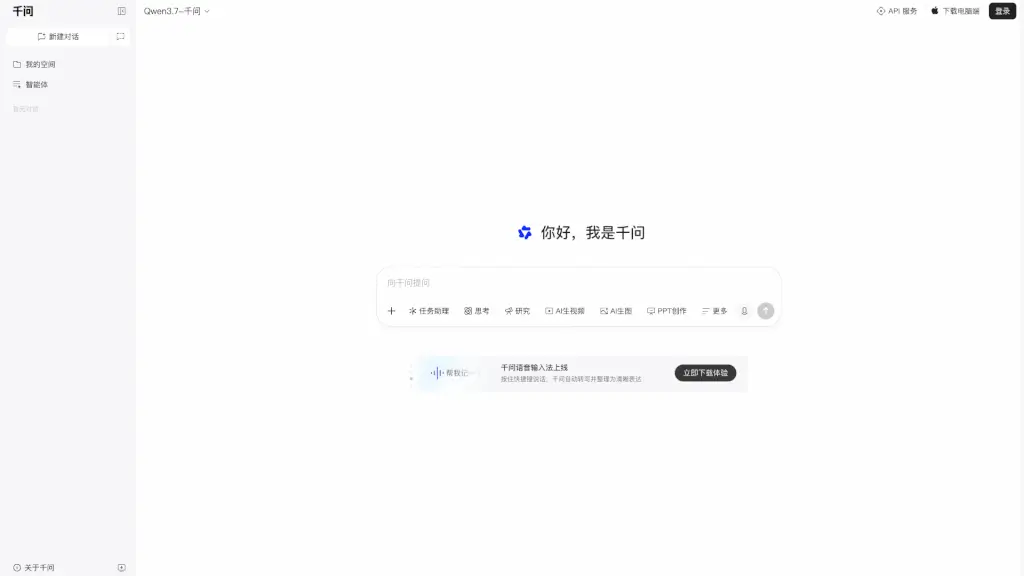
千问-阿里 AI 助手 — это универсальный AI-помощник от Alibaba, созданный для работы, учёбы и повседневной жизни. Он объединяет десятки интеллектуальных функций: от поиска и создания презентаций до генерации изображений и видео. В основе лежит модель Qwen, которая помогает быстро анализировать информацию, писать тексты, переводить, вести записи и даже создавать контент. Всё это доступно через веб-интерфейс, мобильное приложение и десктоп-версию.
Какие особенности у 千问AI?
- AI Поиск и Сводка: Мгновенный поиск информации в интернете с автоматическим созданием кратких сводок по веб-страницам.
- Создание Презентаций (AI PPT): Генерация слайдов и полноценных презентаций на основе ваших данных или запросов.
- Генерация Изображений и Видео: Создание картинок и коротких видео по текстовому описанию (AI Image, AI Video).
- Запись и Конспекты: Функция «Запись встречи» — работает даже без интернета, автоматически формирует краткие тезисы и важные моменты.
- Скриншот с Вопросами: Выделите любую область экрана — AI распознает текст и предложит ответы, перевод или резюме.
- Голосовой Ввод и Письмо: Быстрая диктовка с автоматическим форматированием и переводом в чистый текст.
- Умное Выделение (Quick Selection): Выделите текст на любой странице — мгновенный доступ к переводу, пересказу или объяснению.
- Многофункциональный Ассистент: Поддержка кода, переводов, научных задач, исследований и письменного творчества.
Какие случаи использования 千问AI?
- Студенты и школьники: Быстро сделать реферат, перевести статью, сгенерировать презентацию для доклада.
- Офисные сотрудники: Записать совещание, получить конспект, создать отчёт или слайды за минуты.
- Фрилансеры и контент-мейкеры: Написать пост, сгенерировать изображение или видео, найти идеи с помощью AI-поиска.
- Исследователи: Проанализировать длинные статьи, получить сводку, проверить факты.
- Повседневное использование: Перевести незнакомый текст, объяснить сложную тему, найти рецепт или инструкцию.
- Программисты: Написать код, найти ошибку, объяснить фрагмент кода.
Как использовать 千问AI?
- Начало работы: Откройте сайт или скачайте приложение 千问. Зарегистрируйтесь или войдите через аккаунт Alibaba.
- Скриншот-вопрос: Нажмите горячую клавишу (например, Ctrl+Shift+S) для захвата области экрана — AI распознает текст и предложит действия.
- Голосовой ввод: Активируйте голосовую клавишу (например, Ctrl+Shift+V) и говорите — AI автоматически запишет и отформатирует.
- Создание презентации: Введите тему или загрузите документ, выберите стиль — AI сгенерирует слайды для PPT.
- Запись встречи: Включите режим записи, даже офлайн — после завершения AI создаст конспект с ключевыми моментами.
- Использование на компьютере: Скачайте десктоп-версию с официального сайта для быстрого доступа через горячие клавиши.