
What is Wondershare Presentory?
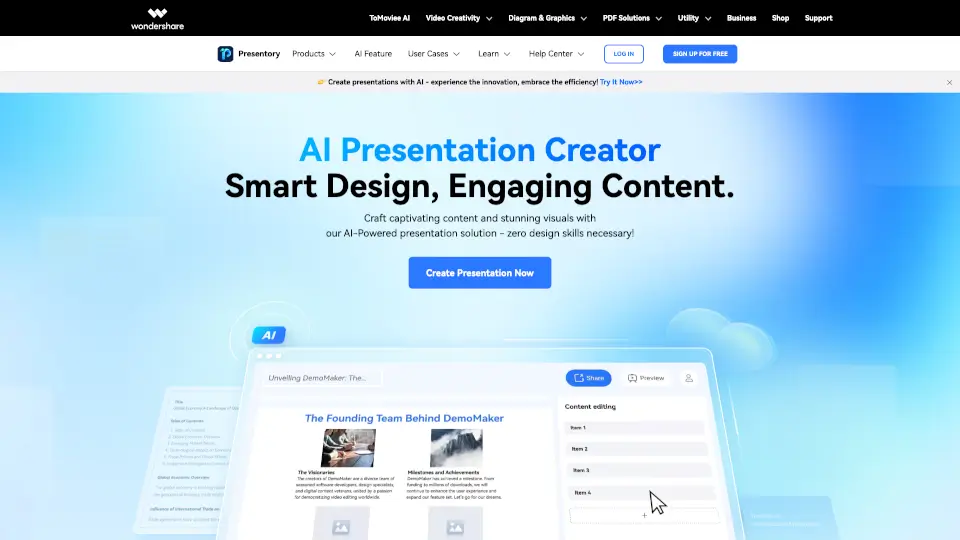
Tired of spending hours building slides only to end up with a boring deck? Meet Wondershare Presentory, an AI-powered presentation maker that turns your ideas into stunning, professional slides in minutes—no design skills needed. Whether you're a student, teacher, marketer, or business pro, Presentory uses advanced AI (including GPT-4) to generate smart content, match relevant visuals, and auto-format everything beautifully.
Presentory isn’t just another slide tool—it’s your creative co-pilot. Just type a topic or paste your notes, and let AI handle the heavy lifting: writing clear copy, picking perfect images, and applying sleek layouts that adapt to your message. The result? Engaging, on-brand presentations that look like they took hours… even if you made them during your coffee break.
What are the features of Wondershare Presentory?
- AI-Powered Content Generation: Uses GPT-4 to create natural, audience-tailored text from just a topic or outline.
- Smart Visual Matching: Automatically suggests high-quality, context-relevant images based on your slide content.
- 20+ Responsive Layouts: Choose from modern, classic, or minimal themes that auto-adjust to your text and media.
- Component-Based Editing: Easily tweak text boxes, colors, and images without breaking your design.
- One-Click Export Options: Save as .PPT, PDF, or share live via online link—perfect for collaboration.
- AI Image Generator: Create custom visuals on demand when stock photos don’t cut it.
What are the use cases of Wondershare Presentory?
- K–12 Teachers creating visually engaging lessons that cater to diverse learning styles.
- Corporate Trainers building consistent, professional employee onboarding or skill-development decks fast.
- Marketers pitching new campaigns or product launches with polished, brand-aligned slides.
- Students turning research notes into compelling class presentations overnight.
- Freelancers & Consultants delivering client-ready proposals without wrestling with formatting.
- Sales Teams customizing pitch decks quickly for different prospects or industries.
How to use Wondershare Presentory?
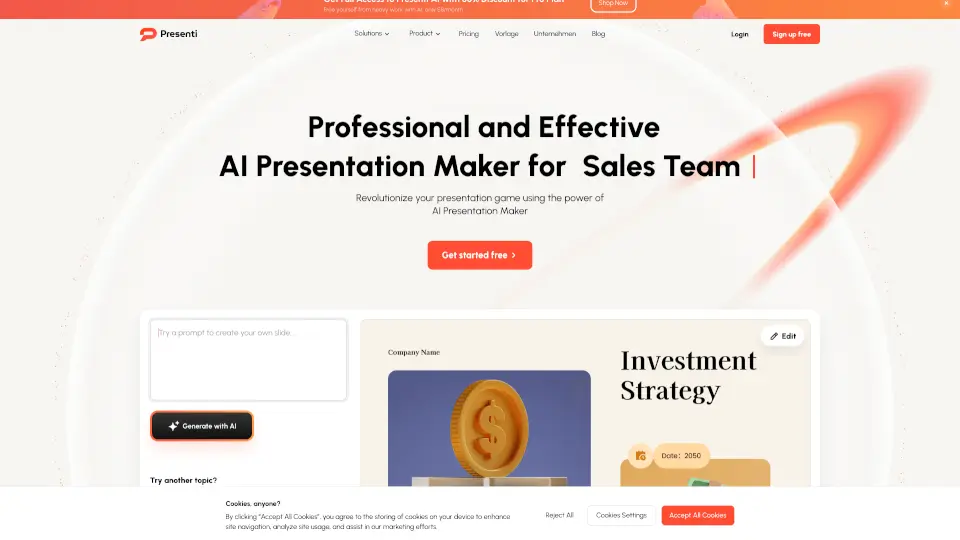
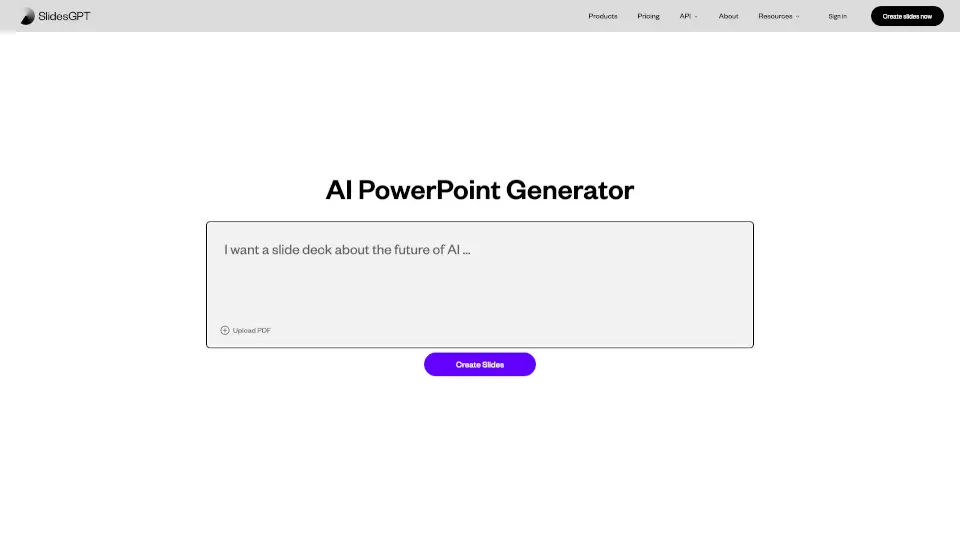
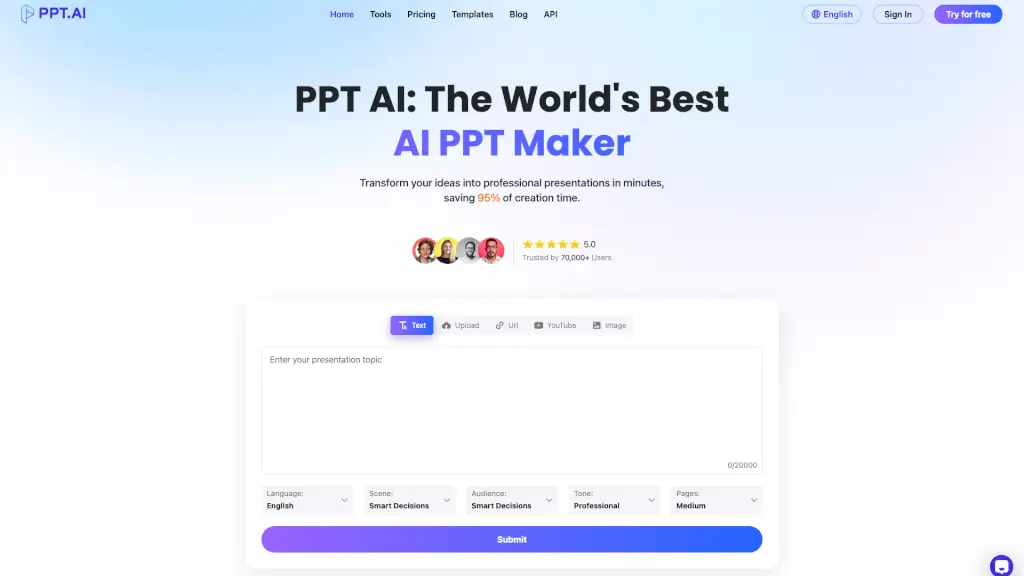
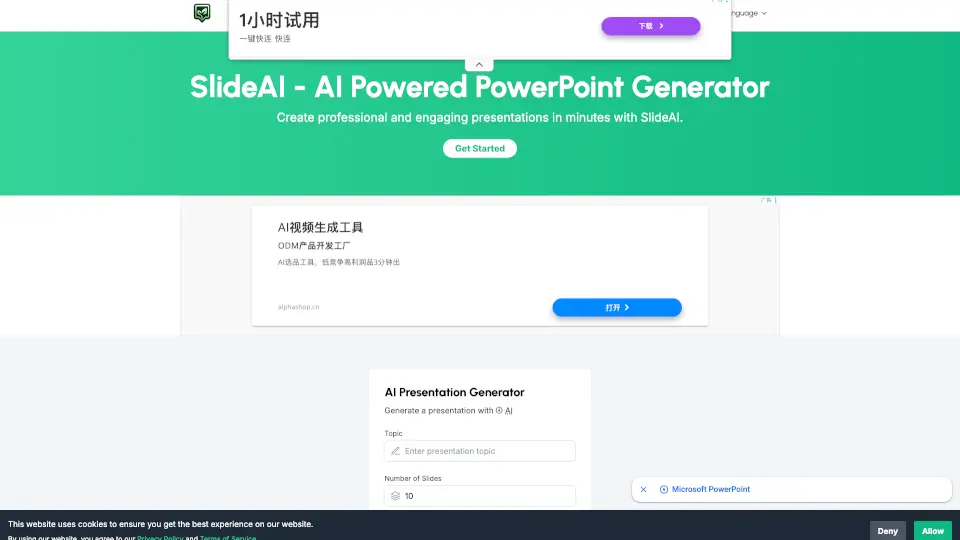
- Enter your topic or paste existing notes and click “Generate” to let AI draft your content.
- Browse the theme library and pick a style that fits your audience—click once to apply.
- Use the right-side editor to refine text, swap images, or adjust layout; changes preview instantly.
- Tap AI tools while editing to improve tone, fix grammar, or find better-matching visuals.
- When ready, click “Share” to export as PPT/PDF or generate a live link for real-time viewing.