
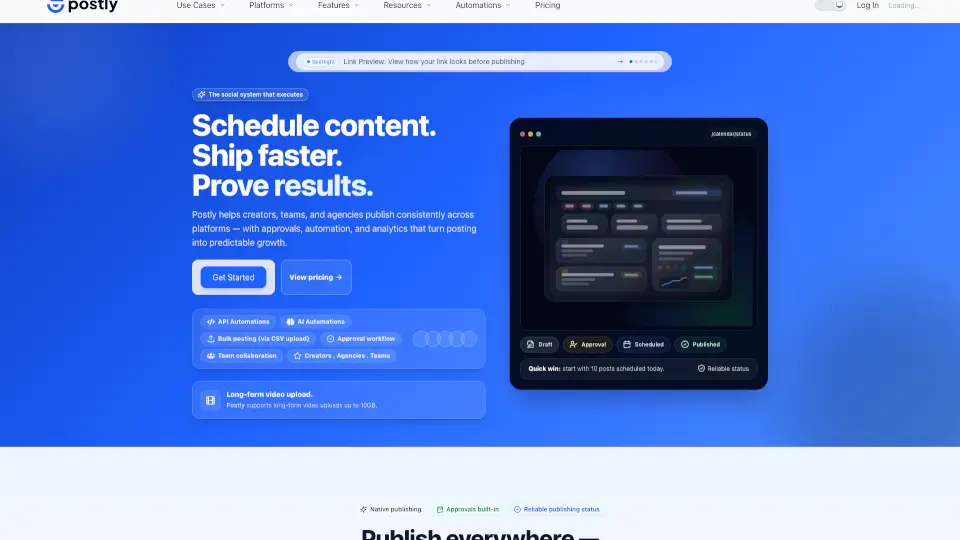
What is Postly?
Postly is an all-in-one content distribution platform that helps creators, teams, agencies, and developers plan, schedule, publish, automate, and analyze social media posts, email campaigns, and Bio Pages from a single workspace. Instead of juggling multiple tools, Postly brings everything together—so you can focus on growth, not logistics.
Built around real-world workflows, Postly combines smart scheduling, AI-powered content creation, cross-channel publishing, and deep analytics to turn your content into measurable results. Whether you're managing one brand or dozens, Postly ensures every post, email, and profile link works harder for you.
What are the features of Postly?
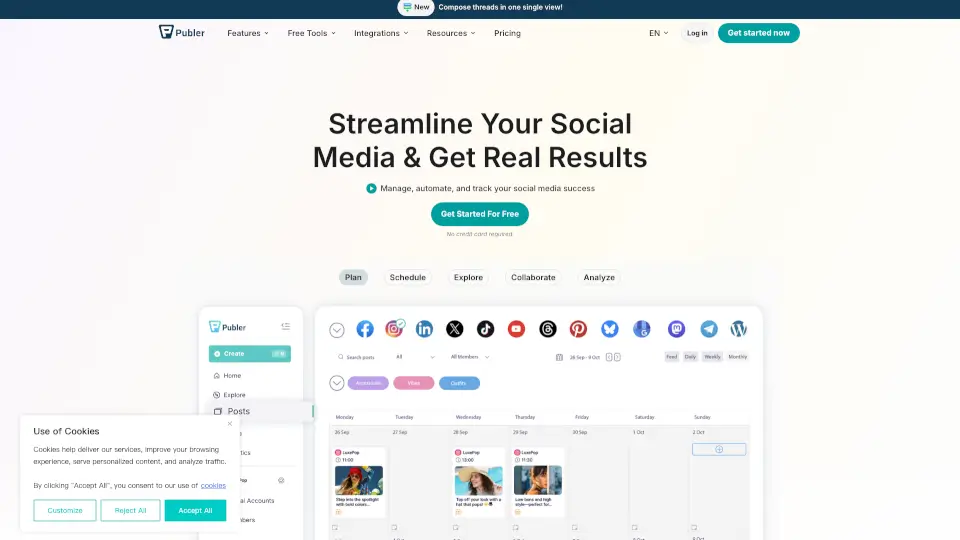
- 12+ Social Channels: Schedule and publish natively to Instagram, X (Twitter), LinkedIn, YouTube, TikTok, Facebook, Pinterest, Threads, Bluesky, Telegram, WhatsApp, Google Business Profile, and WordPress.
- 5+ Email Campaign Platforms: Sync email sends with your social calendar using integrations like Mailchimp, ActiveCampaign, Beehiv, Brevo, and Kit.
- Smart Bio Pages: Turn profile clicks into leads, sales, or bookings with customizable, trackable landing pages featuring offers, payments, calendars, and more.
- AI Agents & MCP Workflows: Use AI assistants (via ChatGPT, Claude, Gemini, or custom clients) to draft posts, validate channels, schedule content, and analyze performance—all within governed workflows.
- Developer API & Automation: Access REST APIs, webhooks, Google Sheets sync, and no-code connectors to build custom publishing systems or embed Postly into your tech stack.
- Unified Analytics: Go beyond likes and clicks—measure campaign performance across social, email, Bio Pages, and tracked links to see what’s actually driving growth.
- Approval Workflows & Team Collaboration: Keep clients or teammates in the loop with review stages, scheduled publishing, and role-based permissions.
What are the use cases of Postly?
- A social media manager runs campaigns for 5 client brands—scheduling posts, collecting approvals, and tracking engagement—all from one dashboard.
- An indie creator uses AI to generate captions and images, then auto-publishes to Instagram, X, and Threads while routing followers to a Bio Page with a new product launch.
- A startup syncs blog updates via RSS to social channels and email lists, then measures which platform drives the most sign-ups using Postly’s cross-channel analytics.
- A developer builds a SaaS tool that auto-posts user-generated content to social media using Postly’s secure API and webhook system.
- A nonprofit volunteer manages both personal and organizational accounts side-by-side, posting natively without switching logins.
- An agency uses recurring campaign templates to maintain consistent client content while saving 10+ hours weekly on manual tasks.
How to use Postly?
- Connect your social accounts, email platforms, and custom domain for Bio Pages in Settings.
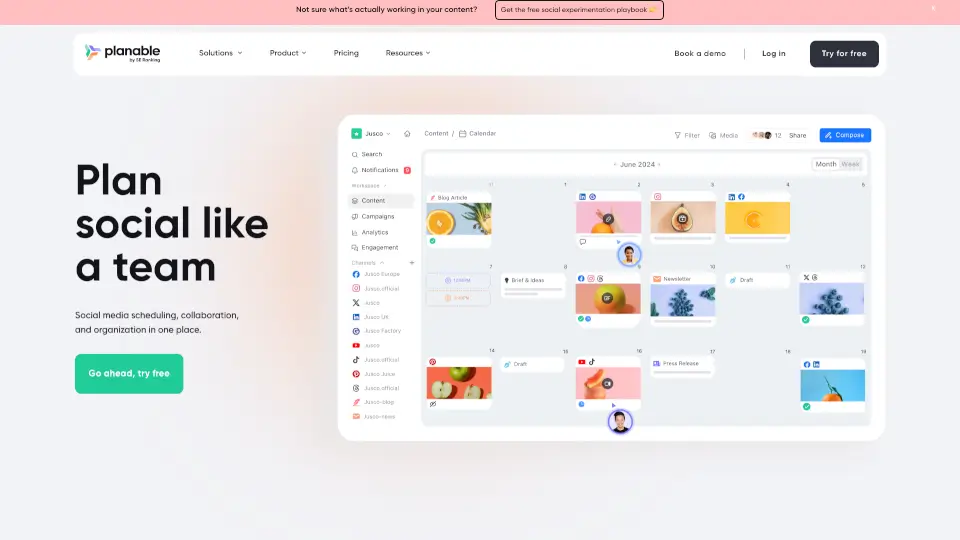
- Use the content calendar to drag-and-drop posts, set different publish times per platform, and assign approval stages.
- Enable AI Studio to generate text, images, or video—or connect external AI agents via MCP for automated workflows.
- Create a Bio Page with pinned offers, expiring deals, or booking links, then share the short URL in all your bios.
- Set up Google Sheets or CSV bulk uploads for high-volume posting (great for e-commerce or event promotions).
- Review unified analytics weekly to spot top-performing content and adjust future campaigns based on real data.