What is Postiz?
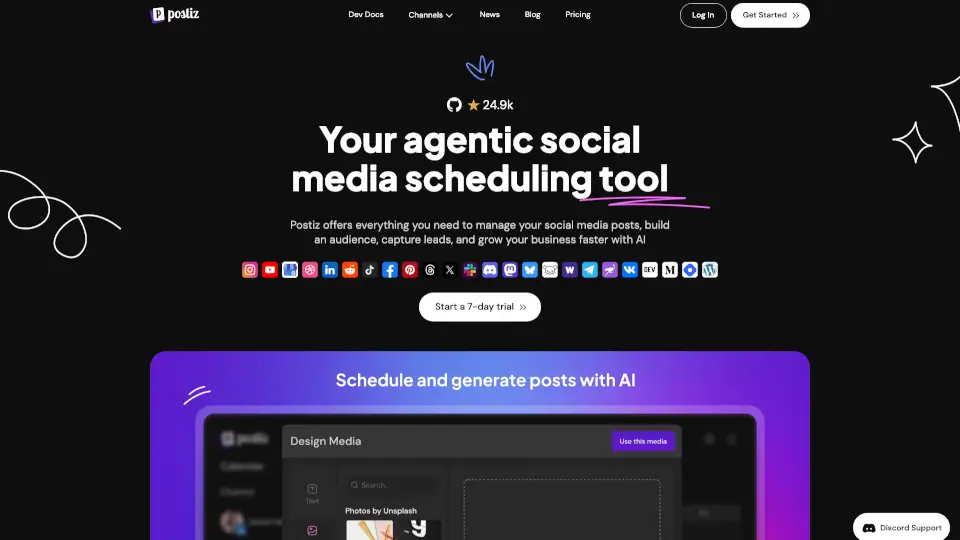
Postiz is your all-in-one social media scheduling tool that puts your content on autopilot. Whether you're a solo creator or part of a marketing team, Postiz lets you plan, generate, and schedule posts across 30+ platforms like Instagram, LinkedIn, TikTok, and X – all from one visual calendar. What makes it different? You can use AI agents (from Claude, ChatGPT, or OpenClaw) to draft and schedule posts automatically, then review and edit before they go live. It’s like having a social media assistant that never sleeps.
What are the features of Postiz?
- AI Agent Integration: Connect agents like Claude, ChatGPT, or OpenClaw to generate and schedule posts directly from chat or terminal commands.
- Cross-Platform Scheduling: Write one post, customize it per platform, and publish to 30+ networks (Instagram, LinkedIn, TikTok, YouTube, Reddit, and more) at once.
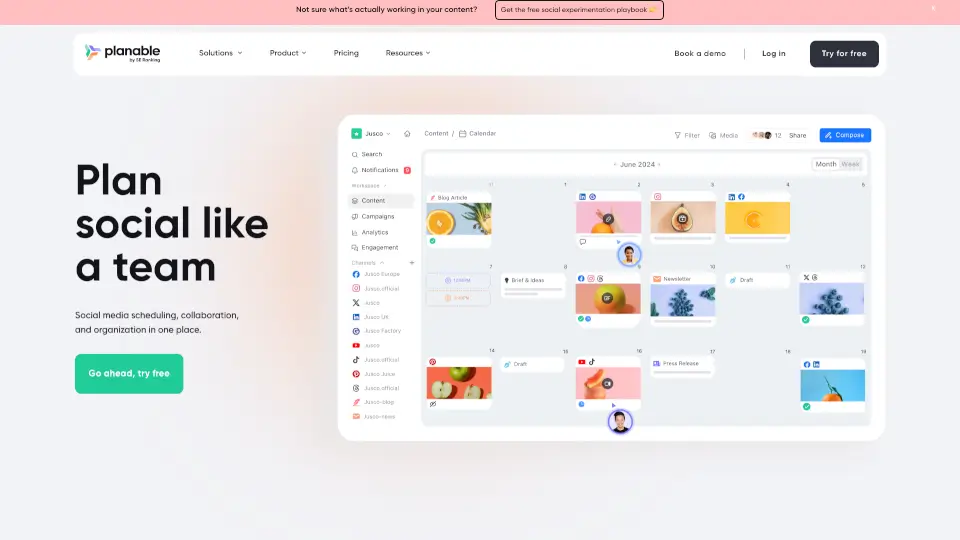
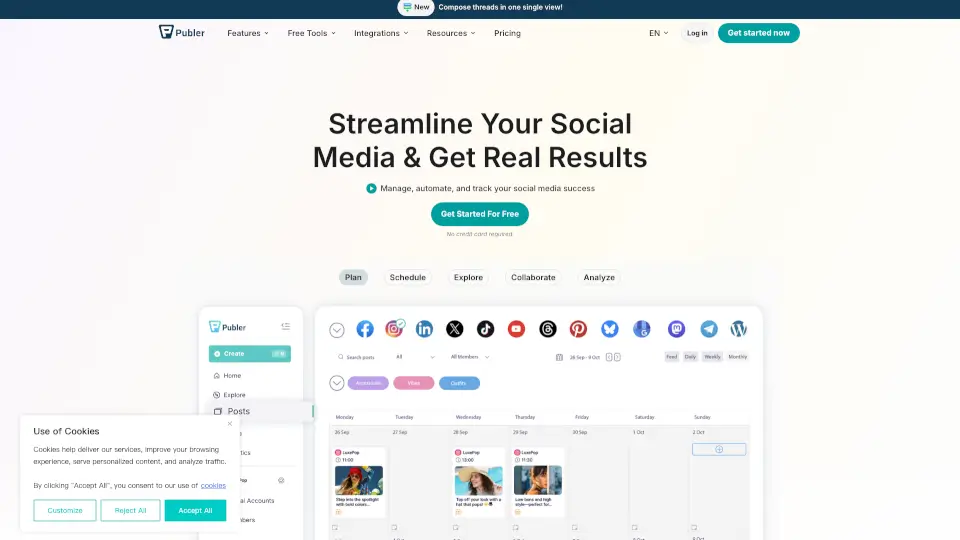
- Visual Content Calendar: See all your scheduled posts in a single calendar view – drag, drop, edit, or pause anytime.
- AI Image & Video Generation: Create on-brand visuals and short clips from text prompts right inside the tool (monthly limits vary by plan).
- Auto-Repeat & RSS Feeds: Recycle evergreen posts automatically or pull content from an RSS feed to keep your channels active without manual effort.
- Team Collaboration: Invite unlimited team members (on Team, Pro, and Ultimate plans) with Admin and Member roles, and manage multiple brands in separate workspaces.
- Public API & Automations: Use the REST API, n8n, Make.com, or Zapier to connect Postiz with your existing workflows for automated posting and webhooks.
- Comprehensive Analytics: Track impressions, likes, comments, shares, and engagement per channel – all in one dashboard – to compare performance across platforms.
What are the use cases of Postiz?
- Solo Creator: Schedule a week of Instagram and TikTok posts in one sitting using AI to generate captions and hashtags, then review and hit publish.
- Marketing Agency: Manage 3–5 client brands from a single account, each with its own calendar, channels, and analytics – assign tasks to team members.
- Developer or Tech Team: Use the public API or CLI to build a custom posting workflow – for example, automatically posting blog updates to X, LinkedIn, and Discord.
- Small Business Owner: Keep your Facebook, Google My Business, and Instagram active with minimal effort – set up auto-repeat for promotions and announcements.
- Community Manager: Connect Discord, Telegram, and Slack to share updates cross-platform and use webhooks to trigger posts from community events.
- E-commerce Brand: Use RSS auto-posting to turn product launches or blog articles into a steady stream of social posts without manual copying.
How to use Postiz?
- Step 1: Sign up for a free 7-day trial (no credit card needed) and connect your social media accounts – each account counts as one channel.
- Step 2: Write a post or use the AI agent to draft content. You can chat with the agent: “Create a LinkedIn post about our new feature, with a matching image, and schedule it for Tuesday at 9am.”
- Step 3: Before scheduling, preview each platform’s version and tweak copy, media, or hashtags per channel.
- Step 4: Choose a time from the visual calendar or set a queue. Enable auto-repeat for evergreen posts if desired.
- Step 5: Review scheduled posts in the calendar, then let Postiz publish automatically. Check analytics later to see what’s working.
Postiz Contact Email:
support@postiz.com (inferred from standard practice – if unavailable, use "(Not available)")