
What is Popia?
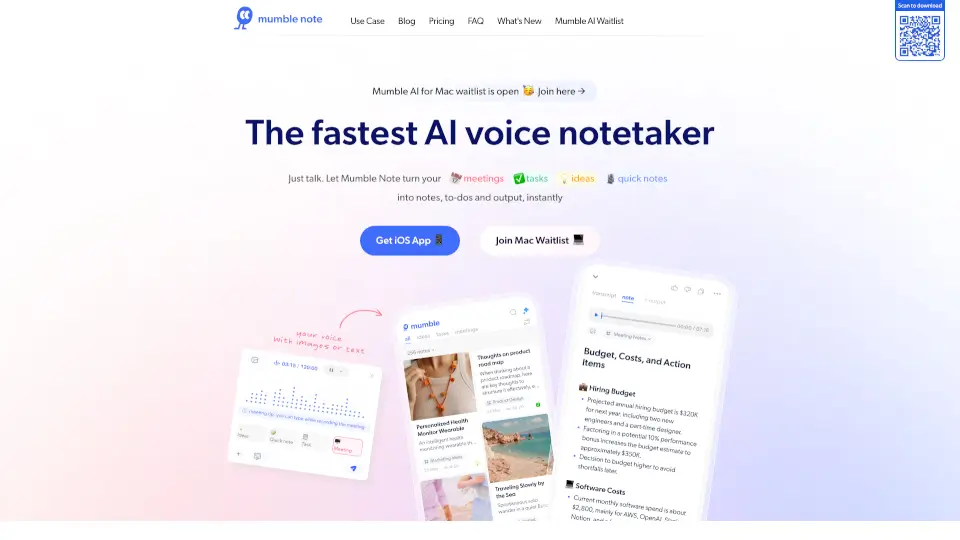
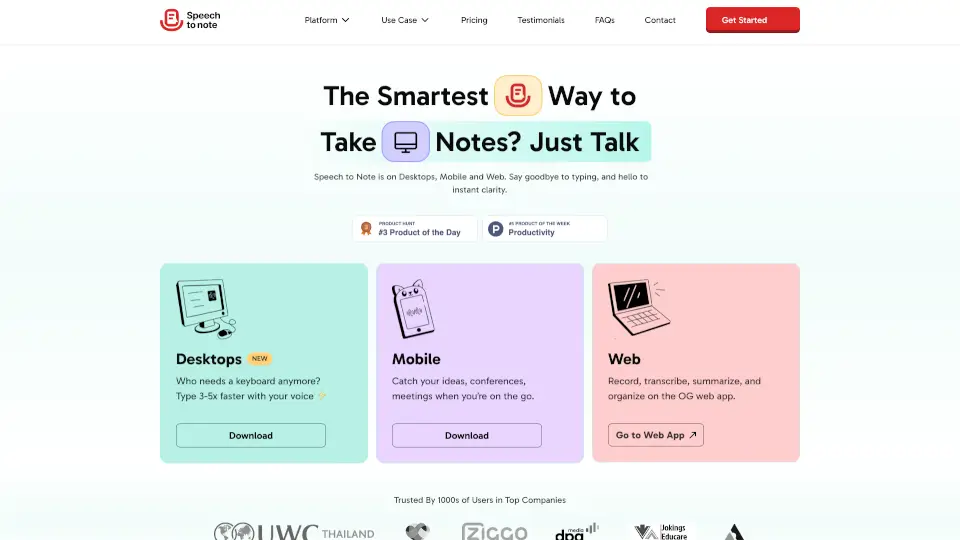
Popia is a smart AI note-taking app that transforms your voice memos into clear, searchable text and actionable summaries. Whether you're in a meeting, lecture, or just brain dumping ideas, Popia helps you capture every thought without typing – then organizes it for you. No more messy audio files or forgotten details; just instant transcripts, key points, and tags that make retrieval effortless.
What are the features of Popia?
- Voice-to-Text Transcription: High-accuracy speech recognition that converts spoken words into editable text in real time. Works offline and in multiple languages.
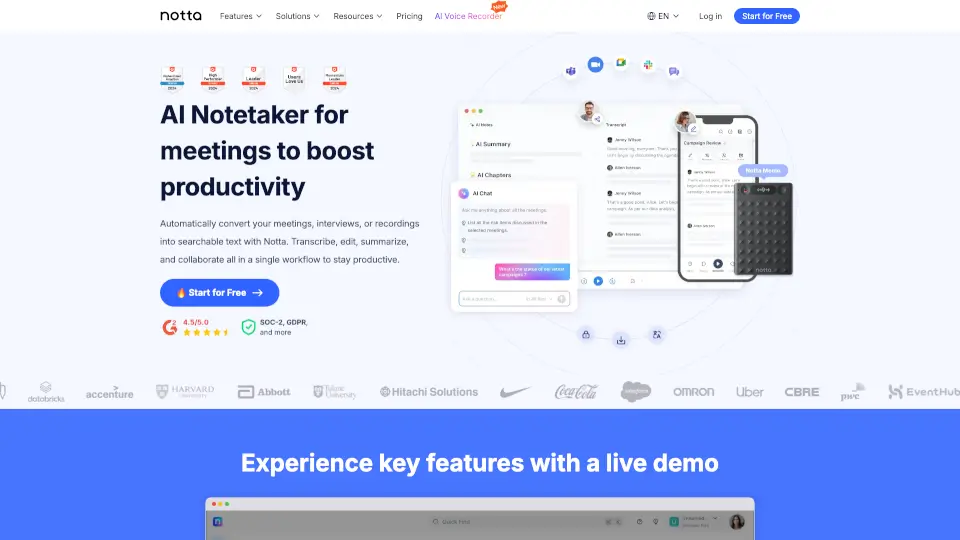
- AI-Powered Summaries: Automatically extracts the main ideas, action items, and questions from any recording, saving you hours of manual review.
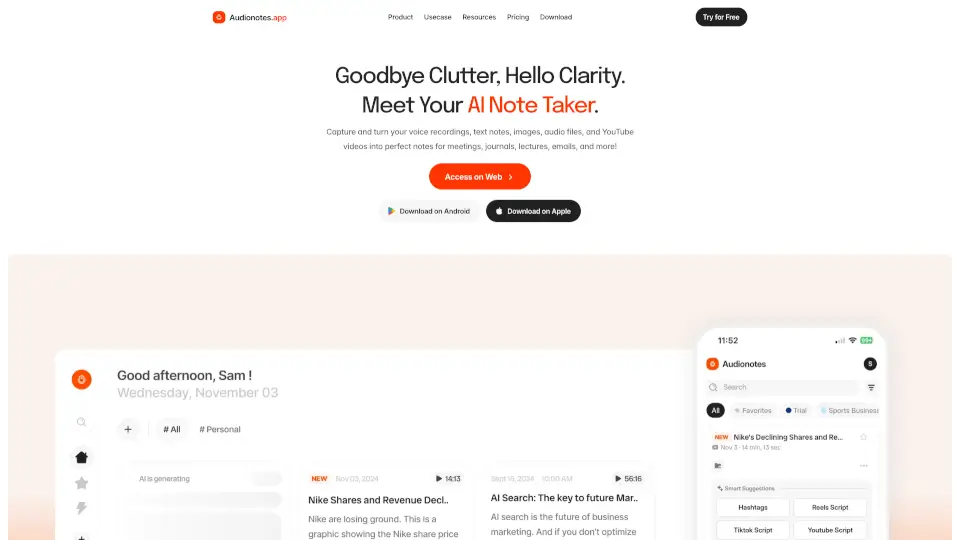
- Smart Tagging & Search: Popia uses natural language processing to tag your notes by topic, people, or dates; you can search across all recordings using keywords or even dates.
- Cross-Device Sync: Access your notes and transcripts on your phone, tablet, or computer – with instant sync via cloud.
- Export & Collaboration: Share transcripts as PDF, Text, or Markdown files. You can also invite team members to comment on specific sections.
- Privacy-First Design: All audio and transcripts are encrypted end-to-end, and you control data storage and deletion.
What are the use cases of Popia?
- Busy professionals – Record meeting notes, client calls, or brainstorming sessions and get a clean summary with action items ready for your to-do list.
- Students – Capture lectures verbatim, then search for specific concepts later instead of rewatching entire recordings.
- Journalists & podcasters – Quickly transcribe interviews, highlight key quotes, and create show notes without manual typing.
- Entrepreneurs & remote teams – Keep a searchable archive of all team huddles and one-on-ones, so nobody misses critical updates.
- Personal journaling – Use voice to document your day or ideas, and let Popia organize them into a searchable diary.
How to use Popia?
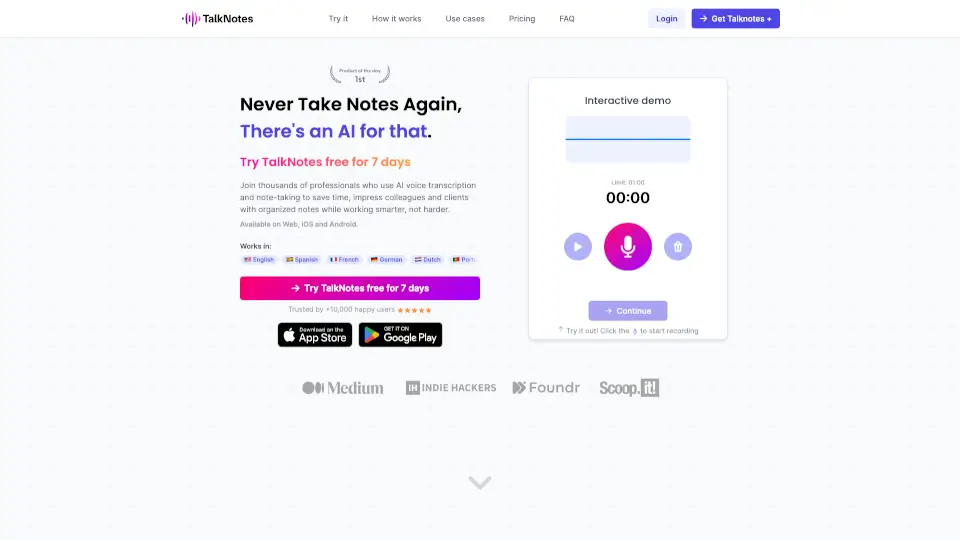
- Record with one tap: Open Popia, tap the microphone button, and start speaking. You can pause and resume anytime.
- Review your transcript: After recording, the app shows both the audio waveform and the transcribed text. Edit any misrecognized words directly.
- Get the summary: Tap the "Summarize" button to generate a bullet-point version with key takeaways and action items.
- Tag and organize: Add custom tags like #meeting, #idea, or #lecture. Popia will also suggest automatic tags based on content.
- Export or share: Choose to copy the text, send it via email, or export as a PDF. You can also create a shareable link for team members.
- Search across archives: Use the search bar to find any phrase, date range, or tag – even if you recorded months ago.