What is Plimo?
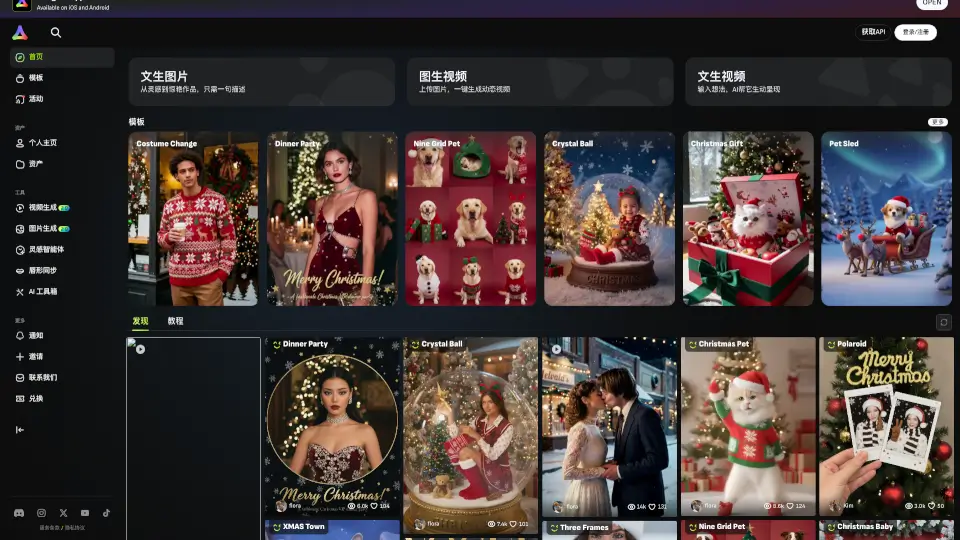
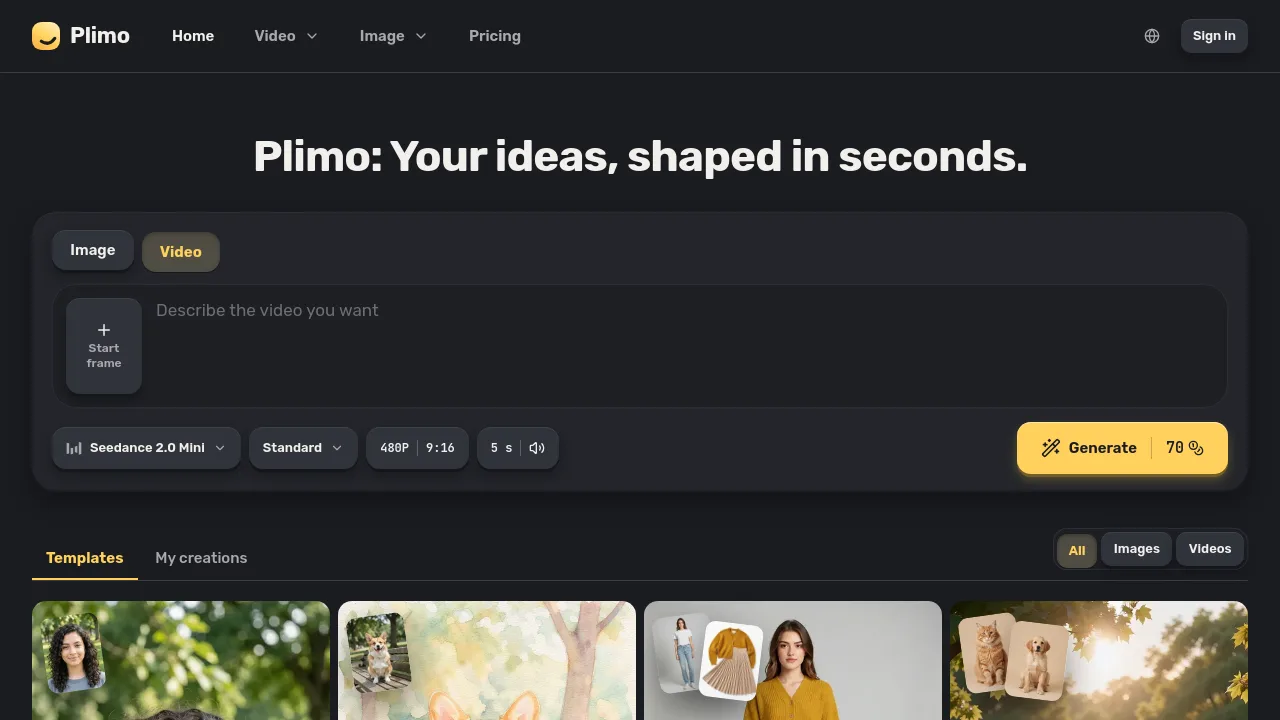
Plimo is an AI image and video generation tool for creators, social media users, and small business owners who want to make custom visuals or clips from text, reference images, or templates. The platform brings together multiple AI models from providers like Google, OpenAI, and ByteDance, making it easy to generate images, edit photos, or turn ideas into short videos. Plimo fits best for users needing fast, template-driven visual content without complex prompts or technical skills.
What are the features of Plimo?
- AI Image Generator: Generates unique images from text prompts or reference photos, enabling personalized content for social posts or graphic projects.
- AI Photo Editor: Edits uploaded photos by changing hairstyles, outfits, backgrounds, or styles, while preserving the original person’s identity.
- AI Video Generator: Creates short video clips from a written prompt, photo, or both, offering several AI models for different styles and outputs.
- Image to Video Conversion: Animates still photos with camera movement and, on supported models, sound, letting users bring old pictures to life.
- Templates Library: Offers ready-made templates with prompts and settings, making it easy to generate specific content types without manual setup.
What are the use cases of Plimo?
- Content creators making animated posts or story clips to stand out online.
- Small businesses generating product shots or marketing visuals from simple photos.
- Users editing selfies to virtually try on new hairstyles, outfits, or backgrounds.
- Individuals animating family or historical photos to make engaging gifts or remembrances.
- Event organizers creating custom video invites or posters with editable text.
How to use Plimo?
- Sign in with Google or an email code to access generation features.
- Select either image or video generation at the top of the page.
- Choose a template or enter your own prompt, then upload required reference photos if needed.
- Pick a model and settings, check displayed credit cost, and click Generate.
- Review, download, or save your creation from the "My creations" section.