
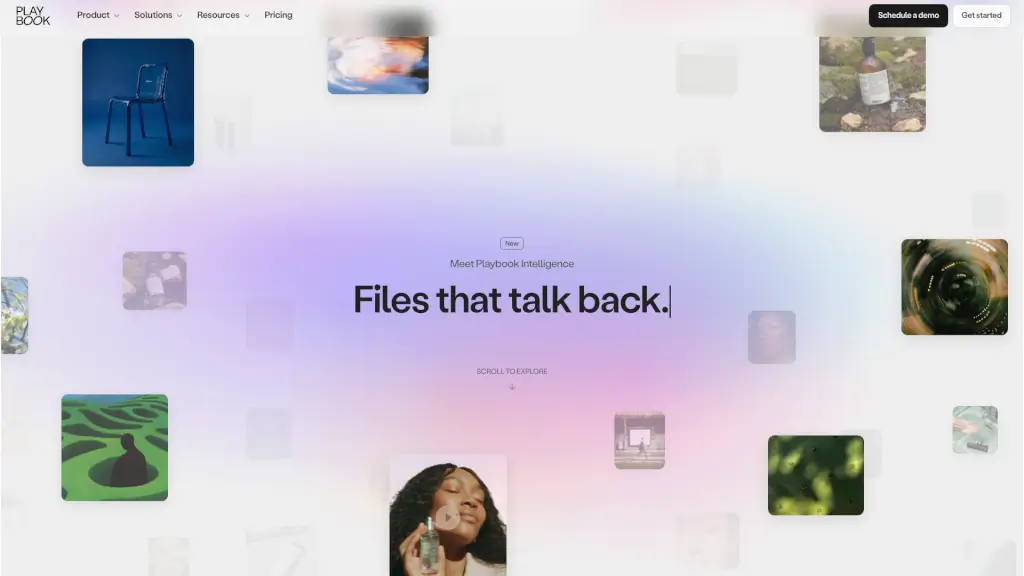
What is Playbook?
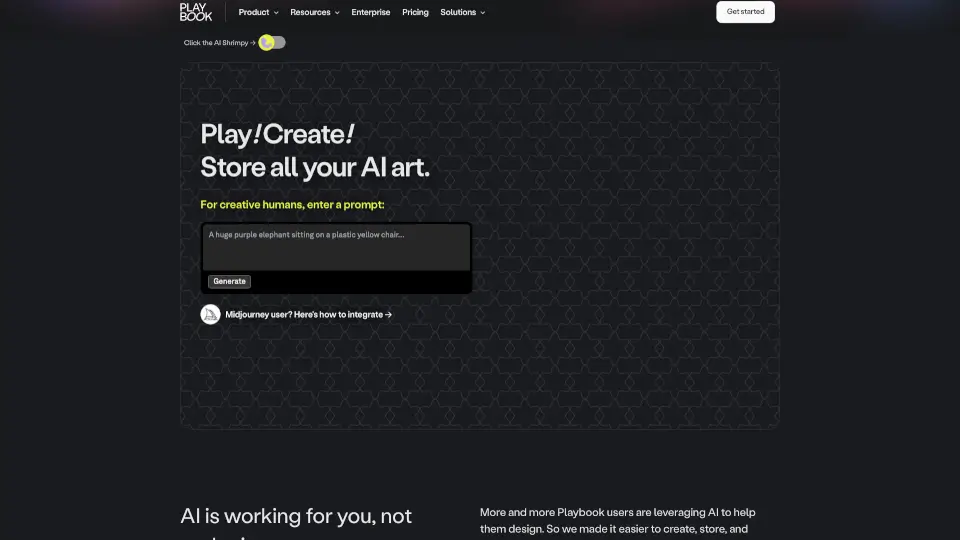
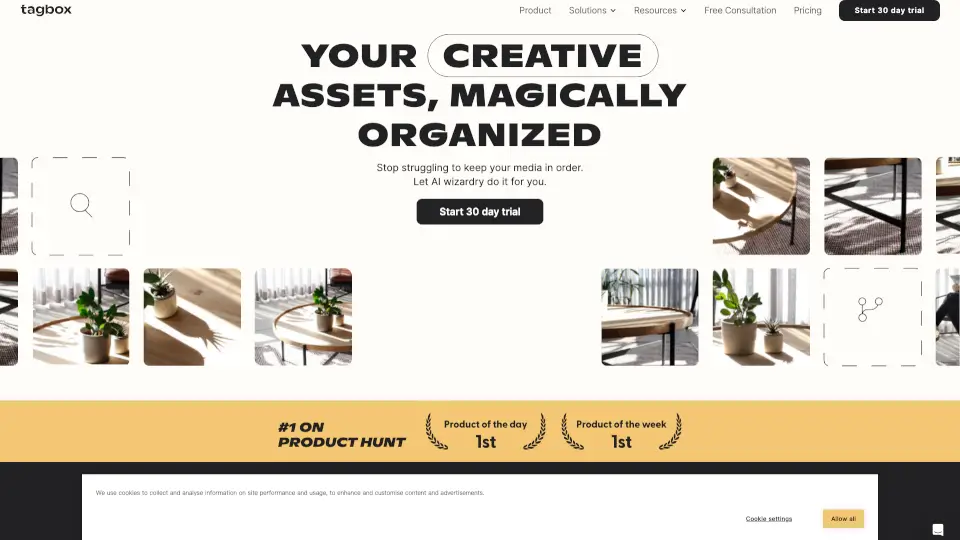
Playbook is your all-in-one media management solution built for freelancers, creative teams, and brands who are tired of juggling scattered files across drives and folders. It’s a secure, beautiful digital library where you can store, search, organize, and share photos, videos, and design files—all in one place. Unlike traditional cloud storage, Playbook uses AI-powered intelligence to understand your visual content, auto-tag assets, and even suggest how to sort them, so you spend less time filing and more time creating.
Whether you’re a solo creator managing client work or a global brand coordinating campaigns across continents, Playbook streamlines your entire creative workflow—from upload to final delivery. With features like real-time review tools, conversational search, and one-click publishing, it’s designed to feel intuitive, fast, and actually enjoyable to use.
What are the features of Playbook?
- Visual Storage: A dynamic, gallery-style workspace that displays all your media—photos, videos, design files—in a clean, scrollable feed.
- Smart Search with GPT-Powered Intelligence: Ask questions like “show me all images with red packaging” and get accurate results based on actual visual content, not just filenames.
- Review & Approval Tools: Comment directly on specific frames, pixels, or timecodes, react in real time, and mark feedback as internal or client-facing.
- Desktop Sync: Two-way syncing lets you edit files locally while keeping everything updated in your cloud library.
- Publish Sites: Instantly turn any collection of files into a professional, shareable website or client gallery—no coding needed.
- API & SDK: Build custom integrations or connect Playbook to your existing tools using their robust developer platform.
- Mini-Apps: Access built-in creative tools like background removal, cropping, GIF makers, and logo generators without leaving the app.
- Auto-Tagging & Board Rules: Playbook automatically tags uploads by subject, mood, color, and brand elements—and can auto-sort new files into organized boards.
What are the use cases of Playbook?
- Creative agencies sharing polished client galleries within minutes of final approval
- Consumer packaged goods (CPG) brands organizing campaign shoots by product line and generating on-brand asset libraries instantly
- Media production teams moving from raw footage to final delivery with AI-assisted sorting and version tracking
- Marketing managers maintaining a single source of truth for logos, guidelines, and approved assets across departments
- Game studios managing massive asset libraries without duplicating storage costs
- Communication teams sorting hundreds of event photos by moment and delivering client-ready collections in minutes
How to use Playbook?
- Upload your media files—Playbook auto-tags and suggests organization based on visual content
- Use natural language in the search bar (e.g., “all social-ready videos from Q2”) to find assets instantly
- Create “boards” to group related files, then set Board Rules to auto-sort future uploads
- Invite teammates or clients to review; pin comments to exact frames or pixels for precise feedback
- Click “Publish” on any board to generate a live, branded website or portfolio gallery
- Install the desktop app for seamless two-way sync between your local machine and Playbook cloud