What is AI Plagiarism Checker?
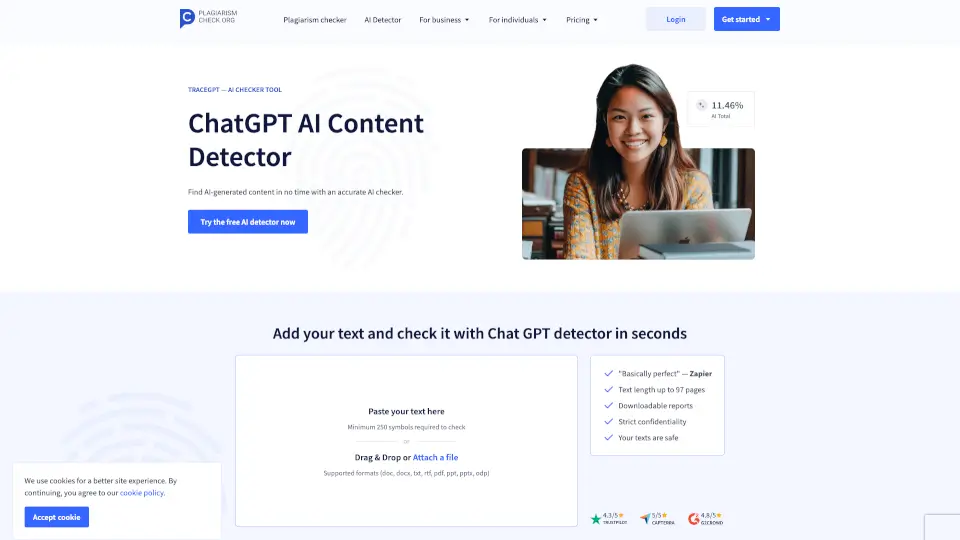
Worried your writing might sound too robotic—or that someone else’s work is secretly AI-generated? Meet TraceGPT by PlagiarismCheck.org, a smart, fast, and highly accurate AI content detector built for students, teachers, bloggers, and businesses. Whether you're submitting an essay, publishing SEO content, or grading student papers, this tool helps you spot AI-written text in seconds.
Unlike basic detectors that just skim the surface, TraceGPT dives deep using advanced Natural Language Processing (NLP) to analyze sentence structure, word predictability, and writing rhythm. It’s trained on the latest models—including GPT-4o, Claude 3.5, Gemini Pro 1.5, and Llama 3—so it catches even "humanized" or paraphrased AI content others miss. With 99% accuracy and near-zero false positives, you get trustworthy results you can actually rely on.
What are the features of AI Plagiarism Checker?
- Sentence-Level AI AnalysisChecks each sentence individually for subtle AI patterns, not just large blocks of text.
- Plagiarism + AI Detection CombinedScans for both AI-generated content and copied material in one go.
- Multi-Language SupportWorks with English, Spanish, Chinese, Portuguese, and more.
- OCR TechnologyUpload screenshots or image files (like JPEGs), and it’ll extract and analyze the text.
- Chrome ExtensionGet real-time AI detection while browsing or writing online—no copying needed.
- API for BusinessesEasily integrate AI and plagiarism checks into your platform or workflow.
- Detailed Reports with HighlightsSee exactly which parts are flagged as AI-like, plus a clear probability score.
- Trained on Latest LLMsConstantly updated to detect new AI models as they’re released.
What are the use cases of AI Plagiarism Checker?
- A student double-checking their essay before submission to ensure it won’t be flagged for AI use.
- A university professor quickly scanning dozens of assignments to uphold academic integrity.
- An SEO specialist verifying blog posts are human-written to avoid Google penalties.
- A blogger confirming their draft feels authentic and original before hitting publish.
- A K-12 teacher using the Google Classroom integration to check student work seamlessly.
- A content agency running all client deliverables through the API to guarantee quality.
- A writer polishing their manuscript with the Grammar Checker and AI Detector together.
How to use AI Plagiarism Checker?
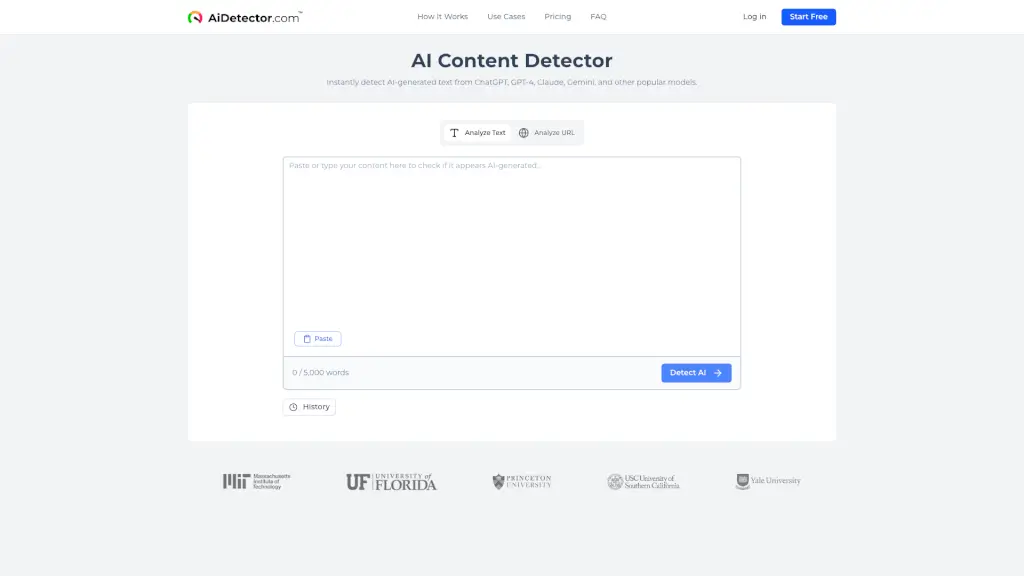
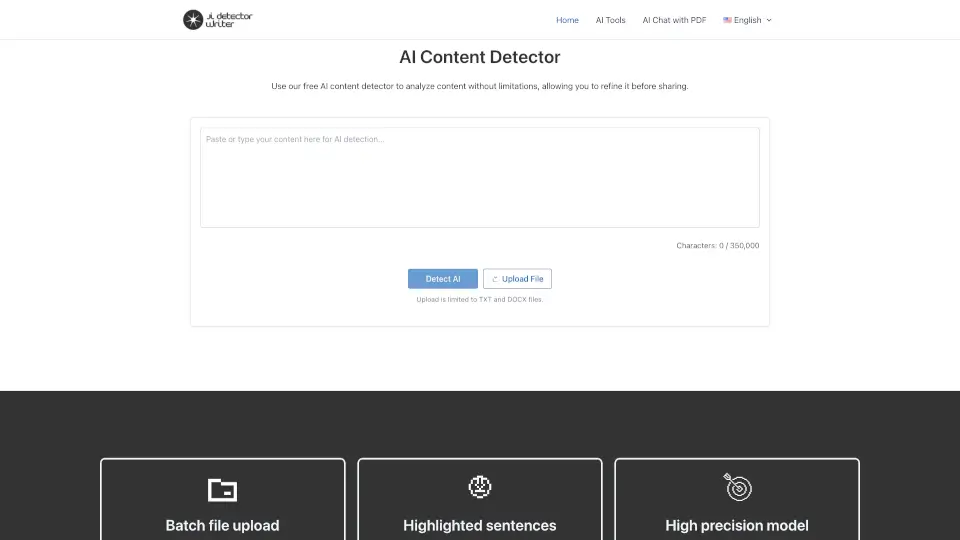
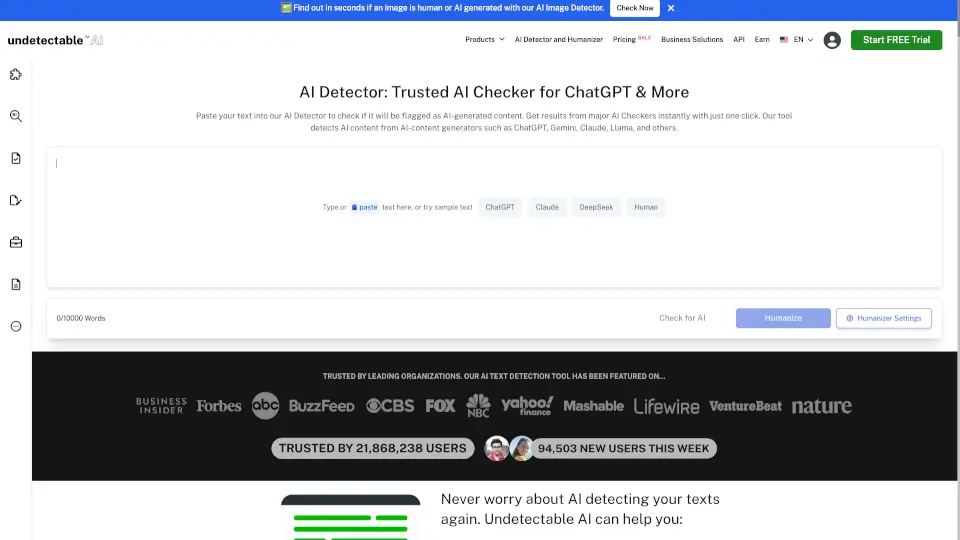
- Paste your text (minimum 100 words, best results with 200–550 words) into the checker box.
- Or drag and drop a file—supports PDF, DOCX, TXT, PPT, and more.
- Click “Check for AI” and wait just a few seconds for results.
- Review the highlighted sections and overall AI probability score.
- Use the Chrome extension for instant checks while writing in Google Docs or web forms.
- Download your report for records or sharing with instructors or team members.