What is PixGrid?
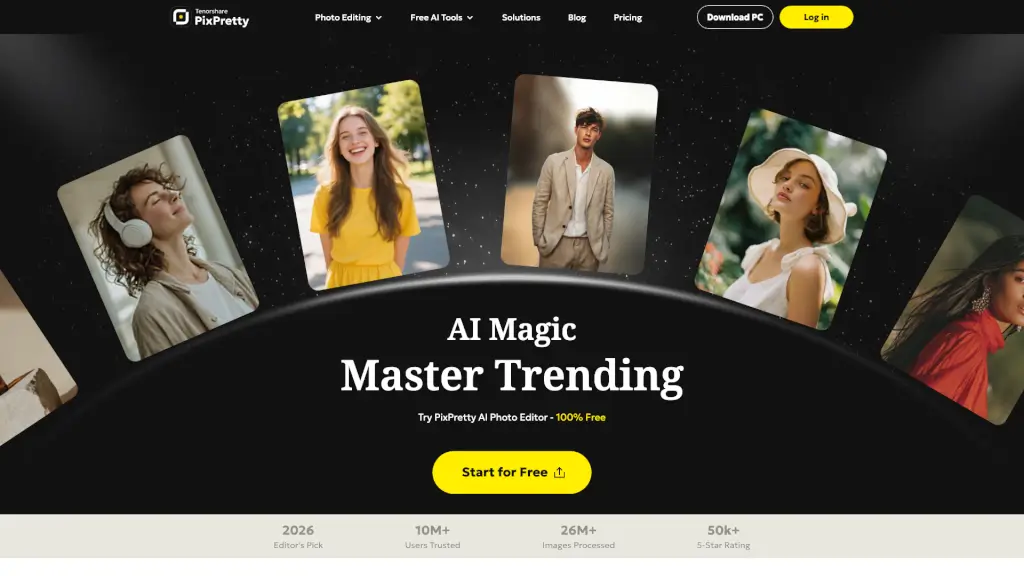
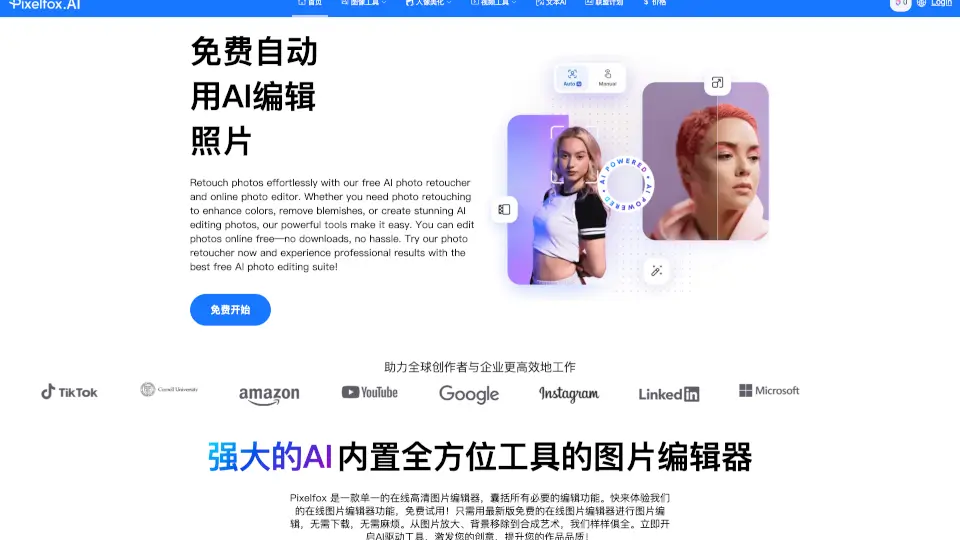
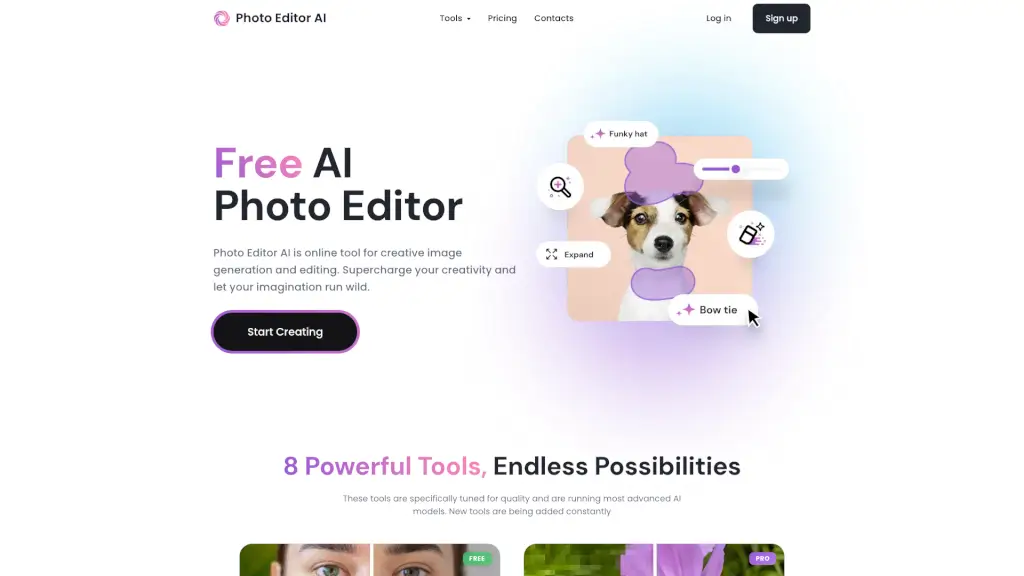
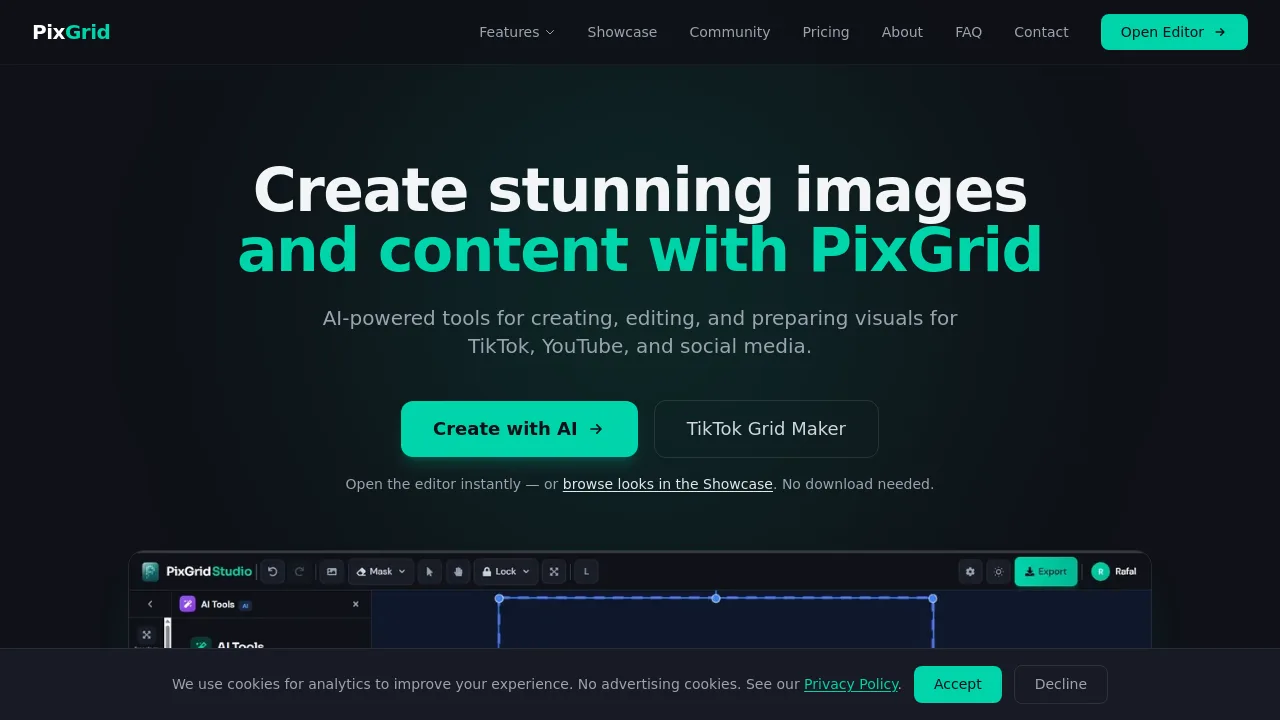
PixGrid is a browser-based AI photo and video editing tool for creators, sellers, and social media managers who need to generate, edit, and format visual content. It combines AI image generation, video creation, and photo enhancement with traditional editing tools like background removal, layers, and text. No download is required, and editing happens directly in Chrome, Safari, Firefox, or Edge. PixGrid works well for users who want AI-powered edits and social media layout planning in one workflow, without committing to a subscription.
What are the features of PixGrid?
- AI Image Generator: Create images from text prompts using models including FLUX Kontext and Z-Image Turbo, choosing from styles like Cinematic, Anime, and Oil Painting.
- AI Photo Effects: Transform photos into cartoon, anime, painting, or cinematic color looks, then continue editing the result on the canvas.
- Background and Object Removal: One-click AI background removal with edge detection works on people and products. Object removal fills gaps naturally so removed items look like they were never there.
- Smart Inpainting: Extend backgrounds, fill missing areas, or repair photos. AI generates realistic content that blends seamlessly into the existing image.
- Layer Editor: Full layer system with blending modes, opacity control, and reordering, suitable for composing complex edits that combine multiple images or text.
What are the use cases of PixGrid?
- Social media managers planning TikTok grids, YouTube thumbnails, or Instagram feed layouts before posting.
- Etsy sellers removing busy backgrounds from product photos and creating cleaner listing images.
- Freelance photographers using AI stylizers like cartoon or anime effects for client portfolio work.
- Independent creators generating AI headshots from a selfie for LinkedIn or professional profiles.
- Marketers designing branded Facebook, LinkedIn, or Twitter banners with layered text and logos.
How to use PixGrid?
- Open app.pixgrid.io in a modern browser. No download or installation is needed.
- Upload your photo or generate one from a text prompt using the AI image generator.
- Use AI tools to remove backgrounds, replace scenes, enhance sharpness, or apply stylized effects.
- Arrange results on the canvas using layers, text, and collage tools before exporting.