What is Pika Labs?
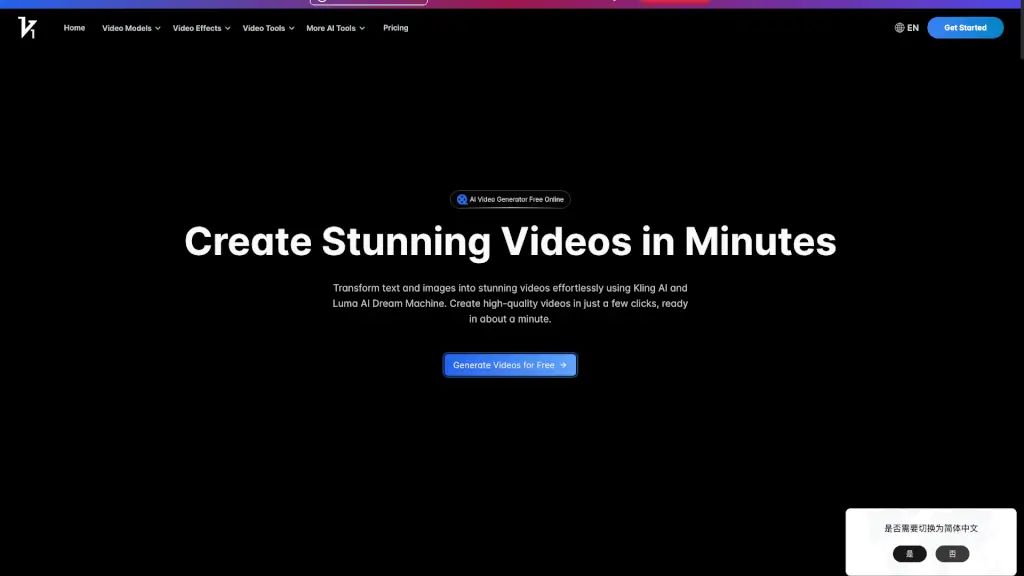
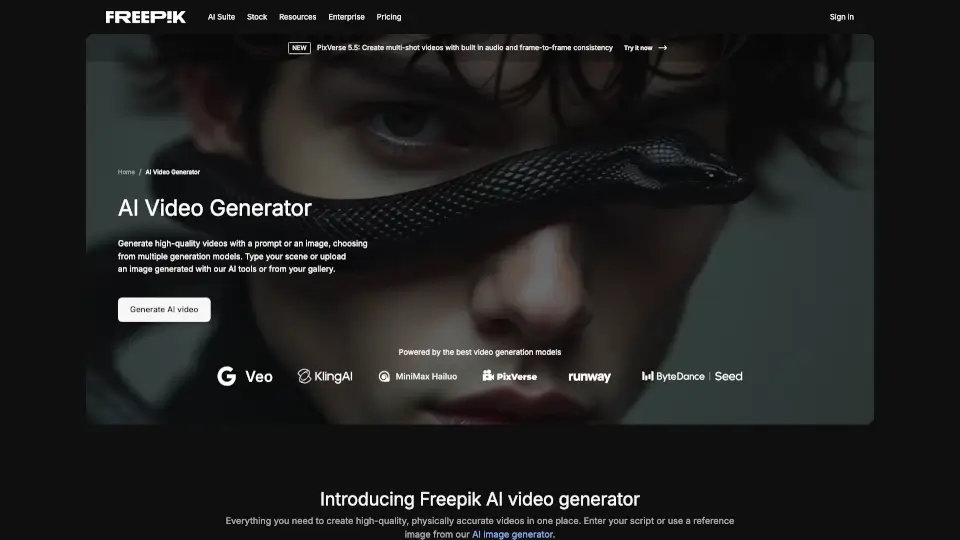
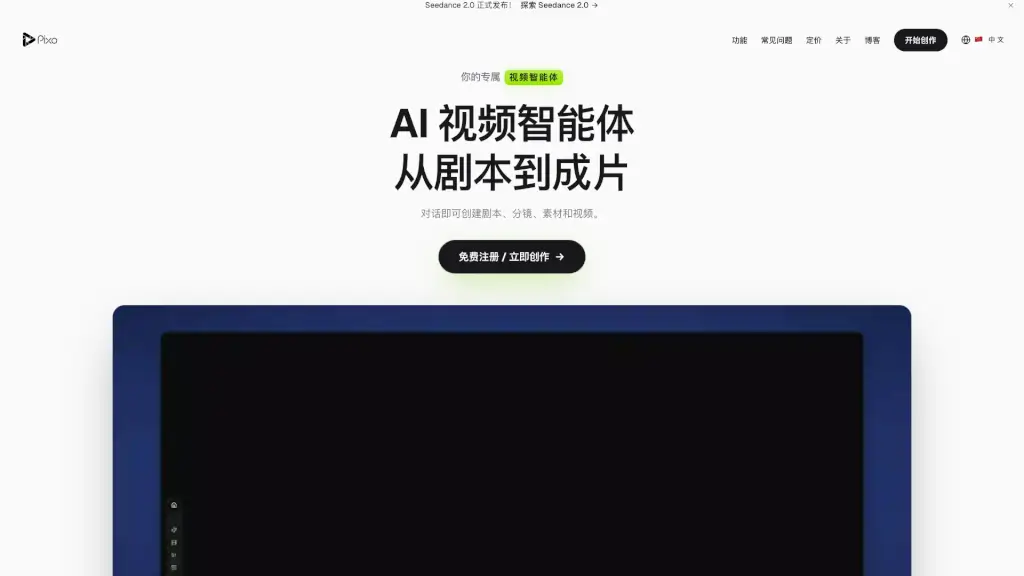
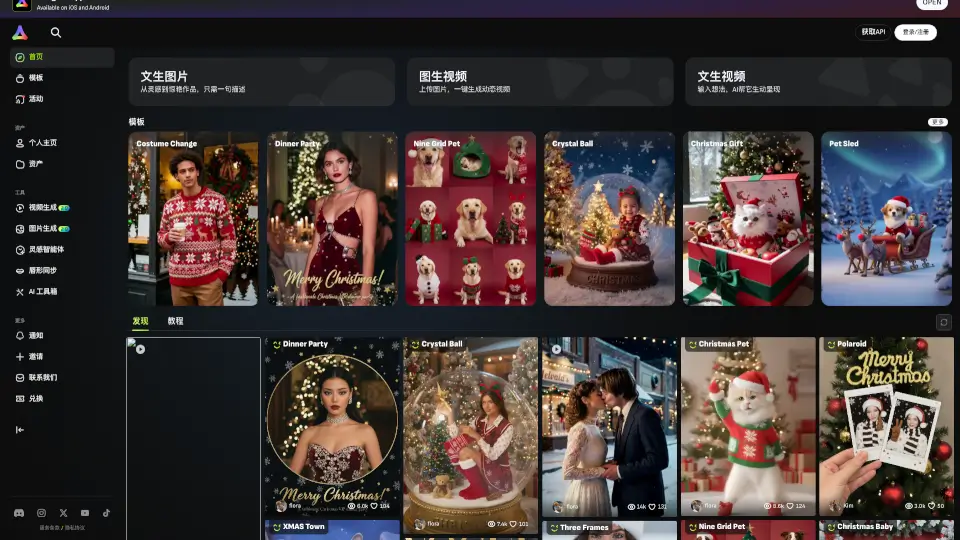
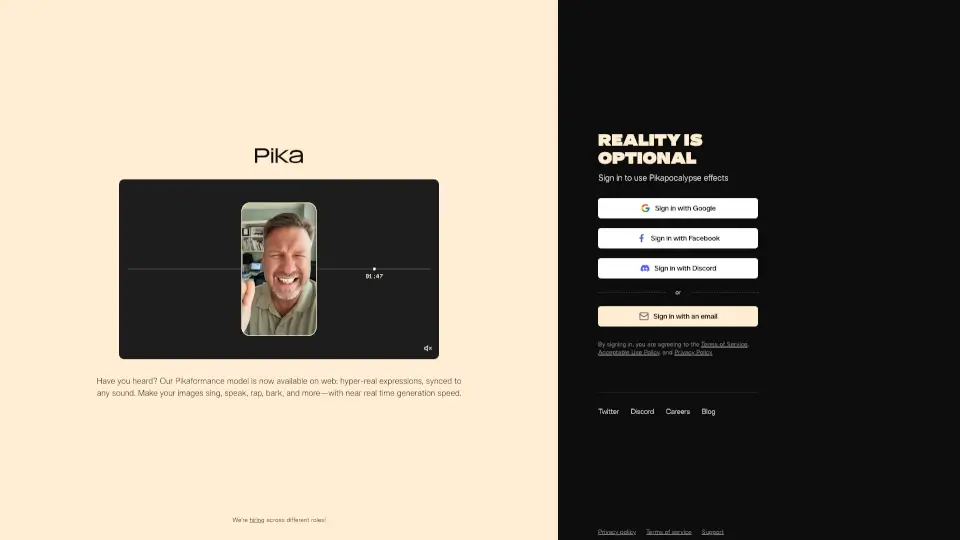
Pika.art is an AI-powered video generation platform that turns your ideas into stunning short videos—no filming or editing skills required. Whether you're a content creator, marketer, or just someone with a creative spark, Pika lets you generate, edit, and animate videos using simple text prompts or images. Think of it as your personal AI video studio that works right in your browser.
What sets Pika apart is its ability to produce high-quality, cinematic clips with smooth motion, realistic lighting, and artistic styles—all from a single prompt. You can create everything from anime scenes and sci-fi landscapes to product demos and social media reels in seconds. It’s fast, intuitive, and constantly improving thanks to cutting-edge generative AI models developed by the Pika team.
What are the features of Pika Labs?
- Text-to-Video Generation: Create short videos (up to 3 seconds) from written prompts like “a cyberpunk cat riding a neon scooter through Tokyo.”
- Image-to-Video Animation: Upload any image and bring it to life with motion, camera movement, or dynamic effects.
- Style Customization: Choose from multiple visual styles including anime, 3D animation, cinematic, and photorealistic.
- Camera Control: Adjust camera motion (zoom, pan, rotate) to add professional cinematic flair to your clips.
- Fast Rendering: Generate videos in under 10 seconds on most devices with a modern browser.
- Free Tier Available: Start creating immediately without payment—perfect for beginners and hobbyists.
- Web-Based Platform: No downloads or installations; works directly in your browser at pika.art.
What are the use cases of Pika Labs?
- Social media creators making eye-catching Reels or TikToks without filming equipment
- Game developers prototyping animated cutscenes or character movements
- Marketers generating quick product concept videos for pitches or ads
- Artists exploring motion art by animating their illustrations
- Educators creating engaging visual explanations for complex topics
- Indie filmmakers experimenting with AI-assisted storyboarding
How to use Pika Labs?
- Go to https://www.pika.art and sign up for a free account
- Click “Create” and choose between text prompt or image upload
- Enter a detailed prompt (e.g., “a dragon flying over snowy mountains at sunset, cinematic”) or upload your image
- Select a style, aspect ratio, and camera motion if desired
- Click “Generate” and wait a few seconds for your video to render
- Download or share your video directly from the platform