
What is PDF Editor?
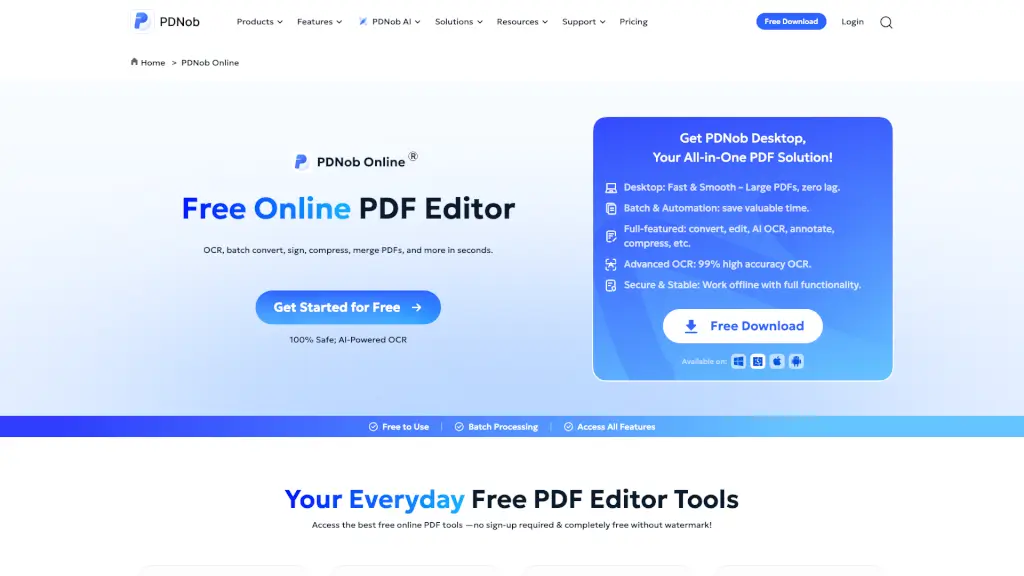
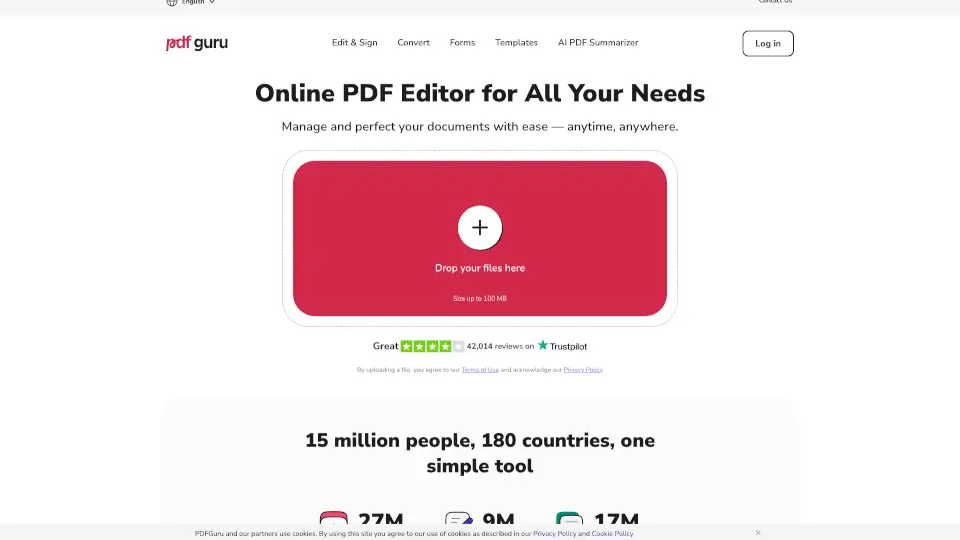
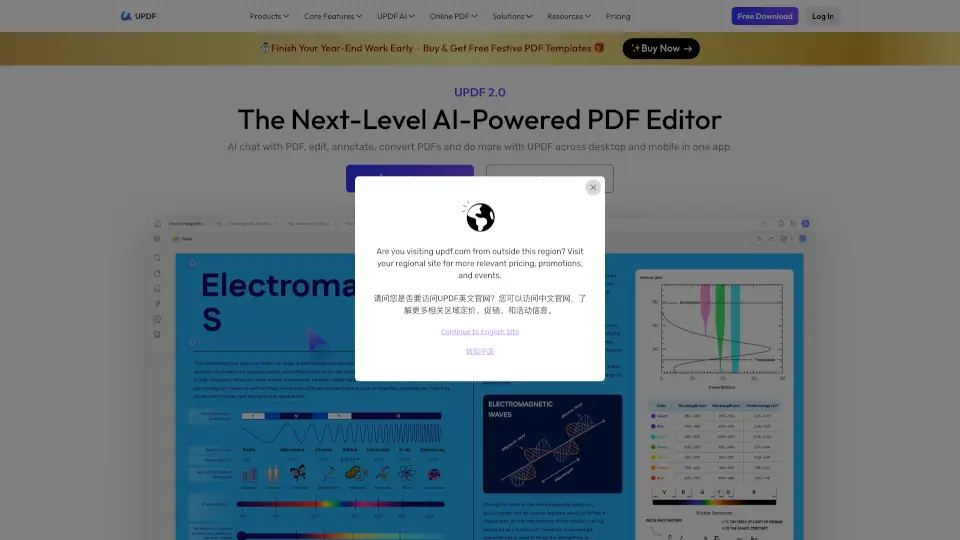
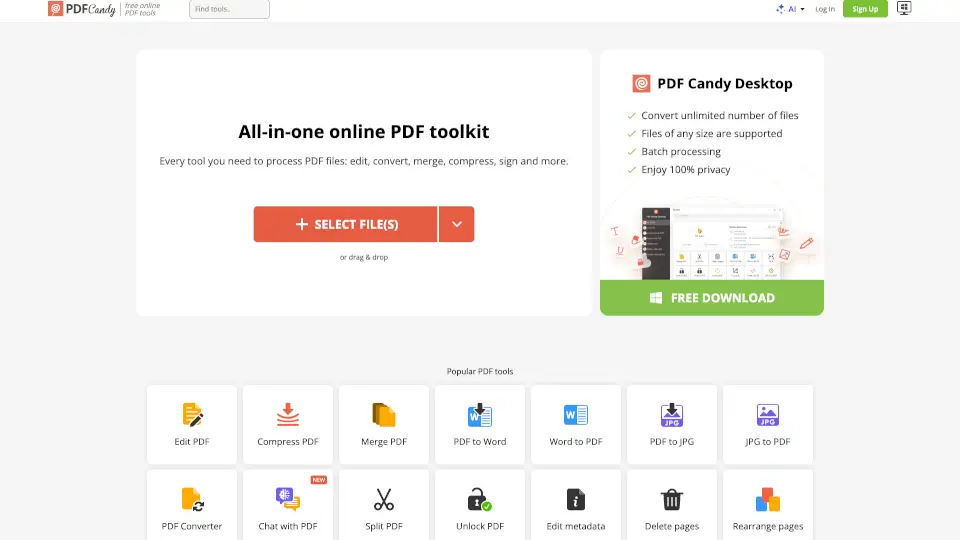
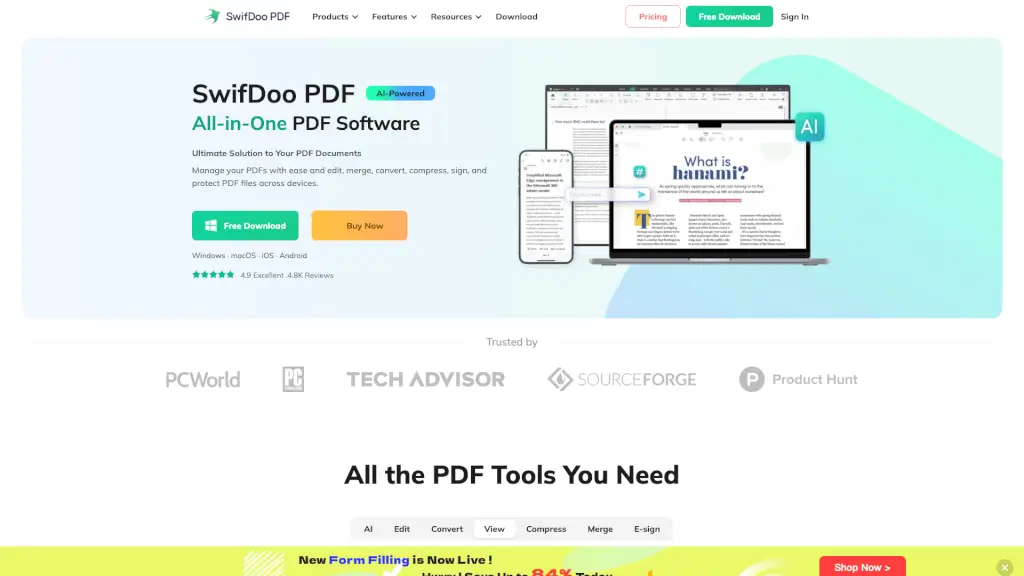
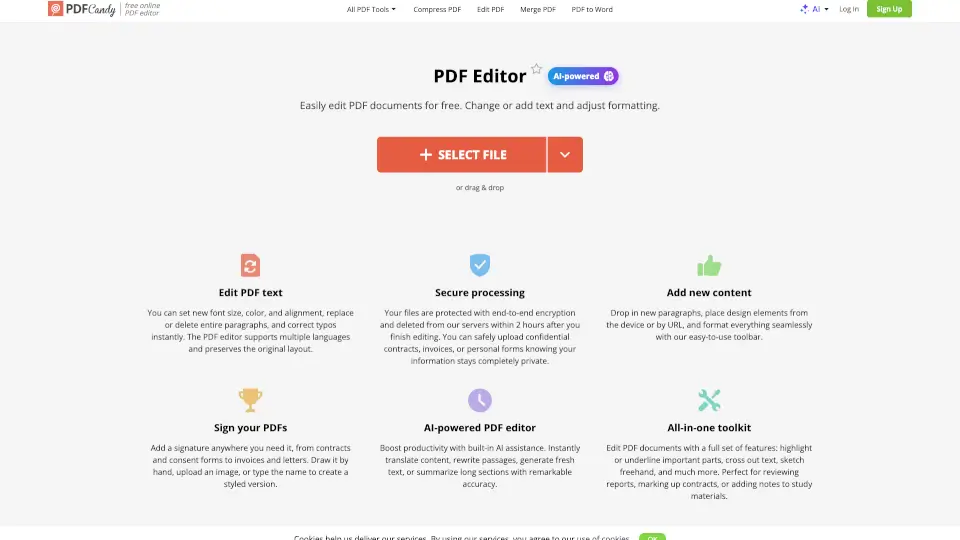
PDF Editor is a free online tool that lets you edit PDFs quickly and easily. Whether you need to add text, images, or signatures, this editor has got you covered. It’s user-friendly, secure, and packed with features to make your PDF editing experience smooth and efficient.
What are the features of PDF Editor?
- Edit PDF Text: Change existing text in your documents with ease.
- Add Text and Images: Insert text or images from your device or via URL.
- Sign PDFs: Add custom signatures by drawing, uploading, or typing.
- AI-Powered Tools: Translate, rewrite, generate, and summarize content.
- Highlight and Annotate: Use tools like highlight, underline, and strikeout.
- Secure Editing: Your data is private and deleted after 2 hours.
What are the use cases of PDF Editor?
- Students: Highlight and annotate study materials.
- Professionals: Sign and edit contracts or reports.
- Creatives: Add images and text to design PDFs.
- Anyone: Merge, split, or compress PDFs for personal use.
How to use PDF Editor?
- Upload a PDF from your device or cloud storage.
- Use the navigation panel to scroll through pages.
- Edit the PDF using the available tools.
- Sign the document if needed.
- Click “Export file” to save changes.
- Download the edited PDF.