
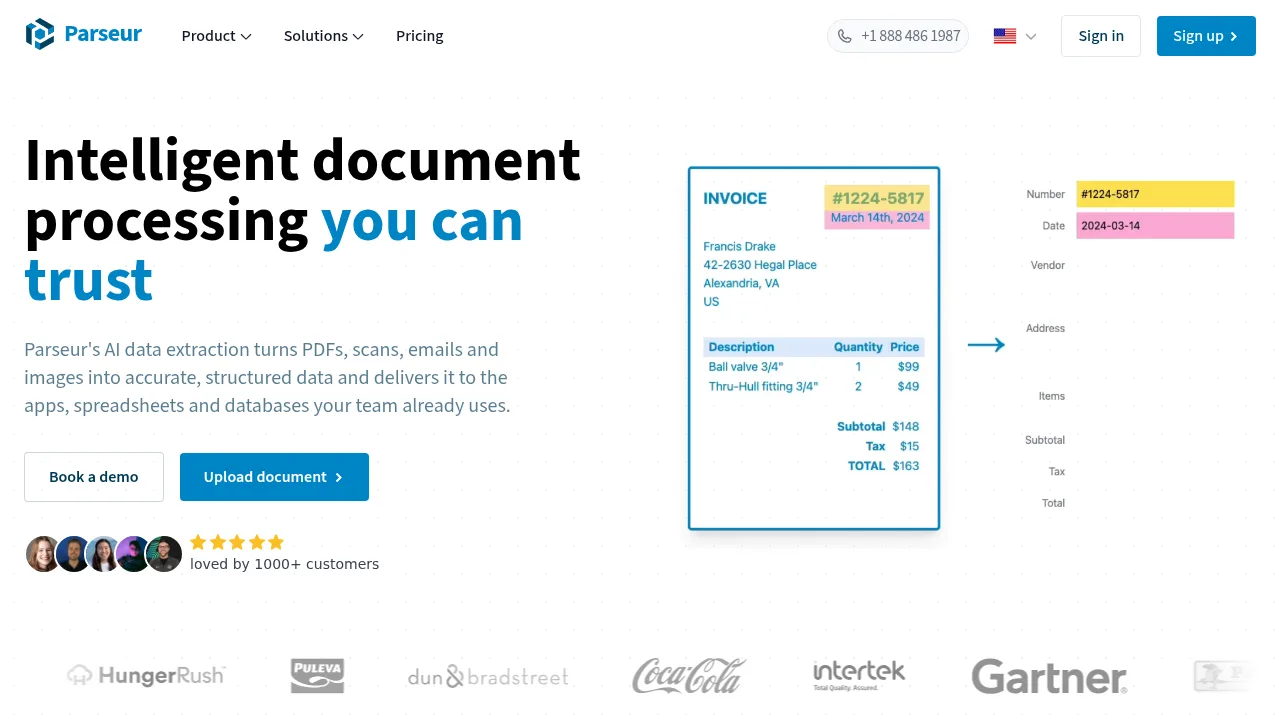
What is Parseur?
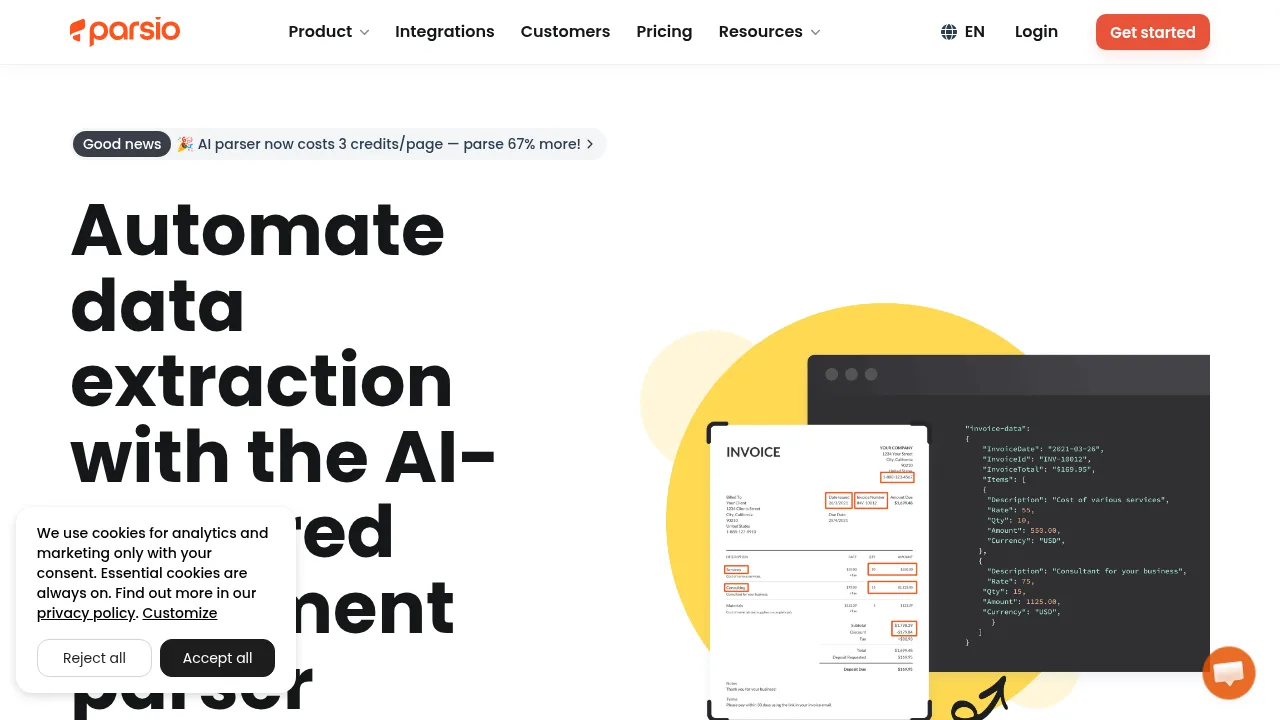
Parseur is an AI data extraction tool that converts PDFs, scans, emails, and images into structured data for export to spreadsheets, databases, and third-party applications. It operates as a point-and-click web app for non-technical users and provides a document parsing API for developers. All data is processed and stored in the European Union.
What are the features of Parseur?
- Document captureIngests documents via drag-and-drop upload, dedicated email addresses, API, or integrations with Zapier, Make, and n8n.
- AI data extractionUses Vision AI, Text AI, or templates to extract fields defined by the user in plain English without model training.
- Built-in OCRReads scanned documents and photos in over 200 languages, including handwriting.
- Normalization and validationFormats and validates every extracted field before export.
- Export optionsOutputs parsed data as CSV, Excel, or JSON, or sends it directly to connected applications via webhooks or integrations.
What are the use cases of Parseur?
- Accounts payableExtracts invoice and purchase order data automatically and routes it to accounting systems.
- Logistics and supply chainConverts bills of lading and delivery notes into structured data for logistics tools.
- Real estate lead managementParses incoming property emails and sends structured lead records to a CRM.
How to use Parseur?
- Send documentsUpload files through the web app, forward them to a dedicated email address, push them via API, or connect through integrations like Zapier, Make, or n8n.
- Define fieldsName the desired data fields in plain English so the AI engine extracts them regardless of the document layout.
- Export dataDownload the structured output as Excel or CSV, or send it directly to connected applications using Zapier, Make, n8n, or webhooks.
Parseur Pricing Information:
- Free tierNo credit card required; includes 20 pages per month.
- Paid plansPay-as-you-grow pricing based on monthly page volume. Plan changes, upgrades, downgrades, and cancellations are self-service from account settings.