
What is Parseur?
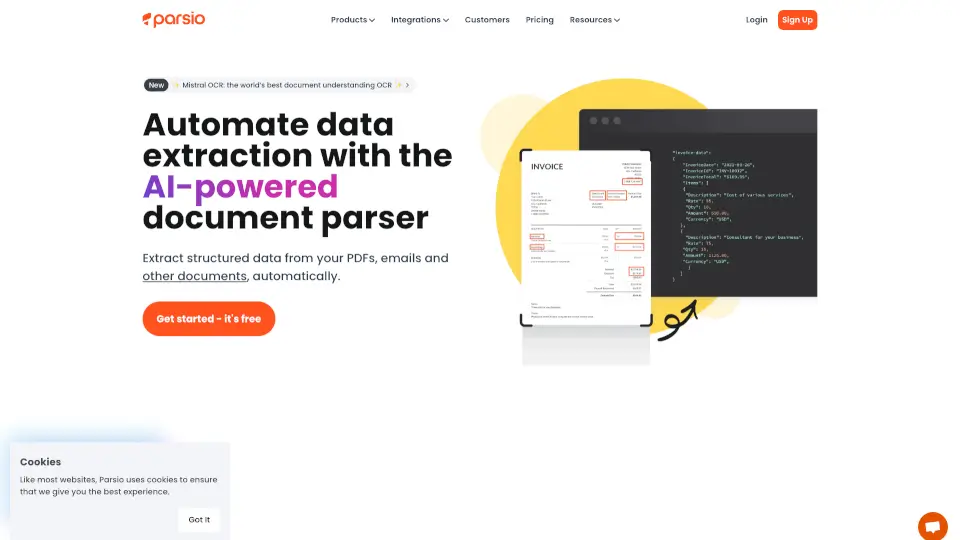
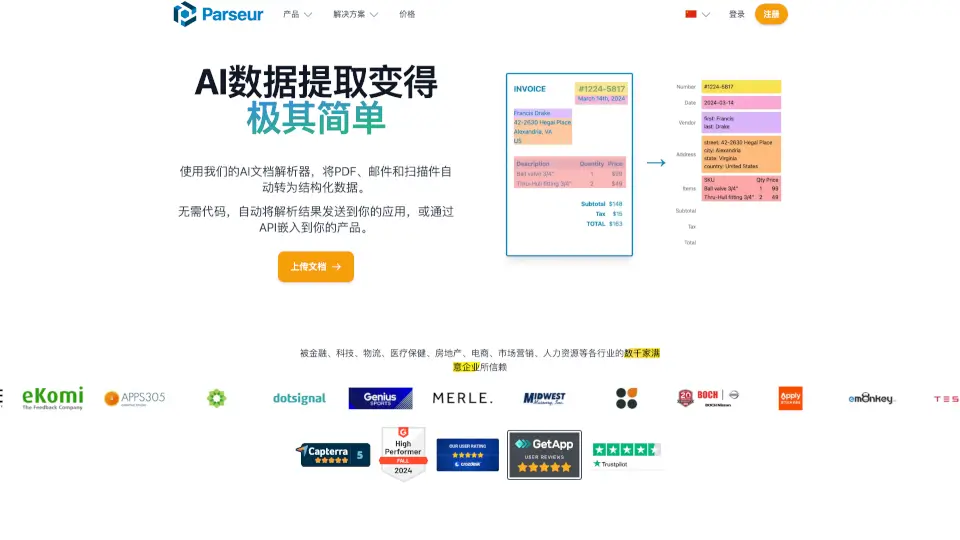
Parseur is an AI-powered data extraction tool that makes it ridiculously simple to pull text from PDFs, emails, and other documents. It’s like having a super-smart assistant that automates your data entry, saving you hours of manual work. Whether you’re dealing with invoices, bills, or resumes, Parseur turns unstructured data into something you can actually use.
What are the features of Parseur?
- AI-based data extraction: Automatically extracts data using advanced AI, no complex rules needed.
- Template-based extraction: Create custom templates to pull specific data fields.
- OCR software: Reads scanned PDFs and even handwritten text with high accuracy.
- Zonal OCR: Draw boxes around data to extract it from PDFs.
- Dynamic OCR: Handles moving or resizing text in documents.
What are the use cases of Parseur?
- Extract data from emails: Automatically pull key info from emails and attachments.
- PDF text extraction: Turn PDFs like invoices or bills into structured data.
- Google Alerts to Excel: Convert Google Alerts emails into spreadsheets.
- Real estate leads: Send email leads directly to your CRM.
- Retail integration: Connect e-commerce platforms like Shopify to other apps.
How to use Parseur?
- Select parser type: Choose from predefined datasets or create custom fields.
- Import documents: Upload PDFs, emails, or other files via the app or API.
- Extract data: Use AI, OCR, or text parsing engines to pull the info you need.
- Send data: Export to Excel, Google Sheets, or other apps in real-time.