
What is Paraflow?
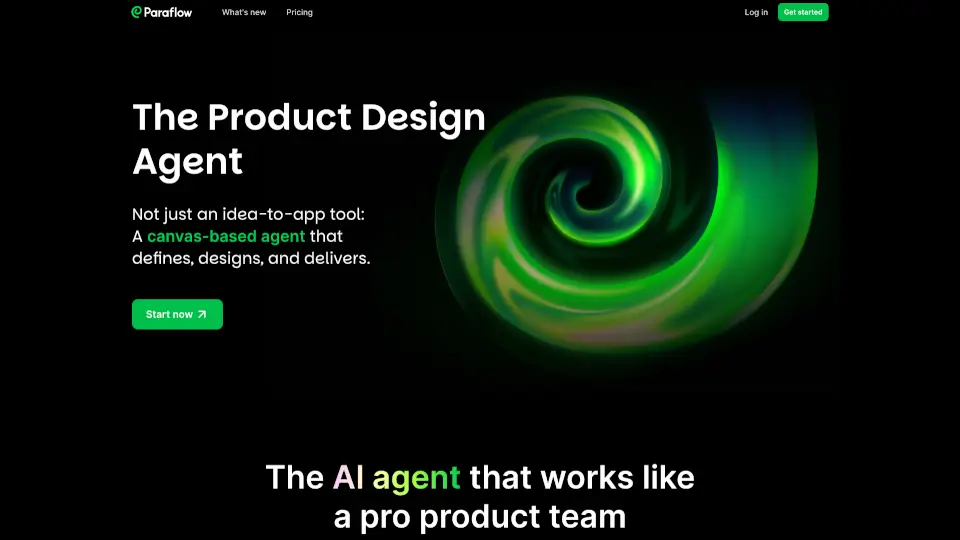
Paraflow is your all-in-one AI-powered product design agent. It helps you turn ideas into well-defined specs, user flows, and high-fidelity UI designs—all in one easy-to-use canvas. Whether you’re brainstorming, mapping out screens, or building interactive prototypes, Paraflow makes the whole process fast and simple.
What are the features of Paraflow?
- Scoping PRD: Instantly generate a detailed Product Requirements Document.
- Mapping User Flow: Quickly map every screen and connection for your site or app.
- Organizing Screen Plan: Draft a clear UI blueprint with all modules and content.
- Customizable Design Style: Choose from a gallery of beautiful UI options.
- Guided Consistency: Get a style guide to keep every page in sync.
- High-Fidelity User Interface: Create a full set of polished screens in one go.
- Direct Canvas Edit: Edit text, reorder elements, and tweak properties right on the canvas.
- Clickable Prototype: Link screens to build interactive prototypes and preview flows.
- Frontend Code Sync: Sync your UI code and specs directly into your IDE.
What are the use cases of Paraflow?
- Automate resume submission page design with AI parsing.
- Build a store order management panel from PRD to final design.
- Design a mobile fitness-tracking app from sketch to high-fidelity UI.
- Enhance account status visualization for better user experience.
- Create a meetup event landing page from campaign brief to launch.
- Customize brand colors and dynamic theming for unique styles.
How to use Paraflow?
- Start by describing your idea in Paraflow.
- Let Paraflow generate your PRD, user flow, and screen plan.
- Pick your favorite design style from the AI-generated gallery.
- Edit and refine your UI directly on the canvas.
- Link screens to build a clickable prototype and preview the user flow.
- Sync your frontend code and specs to your IDE for development.