
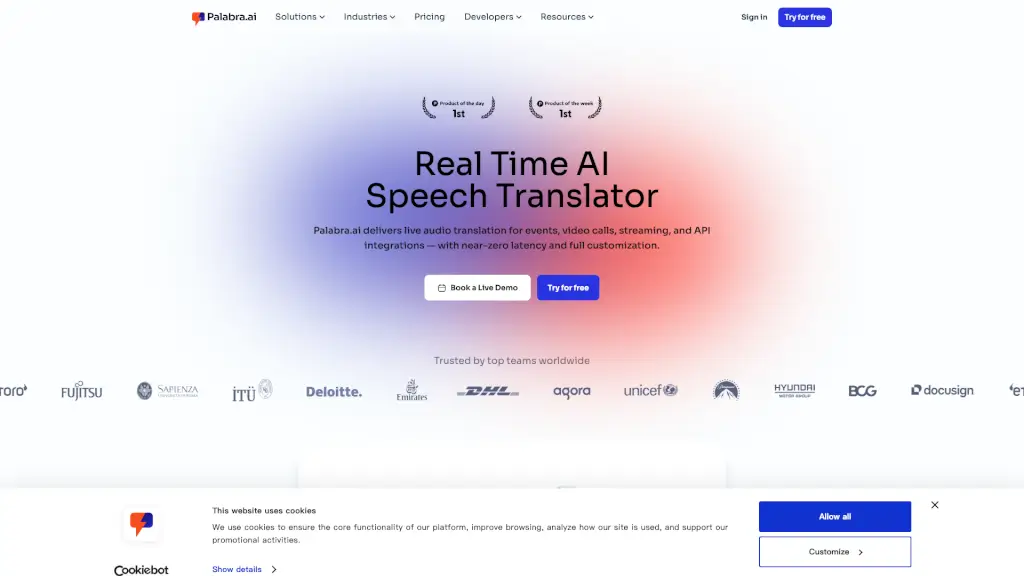
What is Palabra AI?
Palabra.ai is a cutting-edge live voice translator that makes real-time speech translation as seamless as possible. Whether you're hosting an international conference, conducting a multilingual webinar, or just chatting with friends from around the world, Palabra.ai ensures that language barriers are a thing of the past. With support for over 60 languages and near-zero latency, it's like having a professional interpreter at your fingertips, but without the hassle and cost.
What are the features of Palabra AI?
- Real-Time Translation: Instantly translate speech in over 60 languages with less than one second of latency.
- Natural Voice Cloning: The translated voice sounds natural, preserving the speaker's tone and style.
- Custom Glossaries: Manage business-specific terms to ensure accurate and contextually relevant translations.
- Speaker Diarization: Automatically detects and differentiates between speakers, making conversations more organized.
- API Integration: Easily integrate Palabra.ai into any platform or workflow with flexible APIs and SDKs.
- Enterprise-Grade Security: All conversations are fully encrypted, and no data is stored, ensuring complete privacy.
What are the use cases of Palabra AI?
- International Business Meetings: Translate live audio in real-time during video calls, making it easier to communicate with global teams.
- Live Events and Conferences: Provide simultaneous translation for in-person or virtual events, making them accessible to a global audience.
- Webinars and Online Courses: Offer real-time captions and audio translation, ensuring that all attendees can follow along in their preferred language.
- Streaming and Broadcasting: Add real-time translated audio and captions to live streams, enhancing the viewing experience for a global audience.
- Customer Support: Use Palabra.ai to communicate with customers in their native language, improving satisfaction and resolution rates.
How to use Palabra AI?
- Sign Up: Create a free account on the Palabra.ai website.
- Choose Your Platform: Select the platform you want to use (e.g., Zoom, Google Meet, OBS).
- Set Up Translation: Follow the simple setup instructions provided by Palabra.ai.
- Start Translating: Begin your call, event, or stream, and Palabra.ai will handle the translation in real-time.
- Customize Settings: Adjust settings such as language pairs, glossary terms, and voice cloning to suit your needs.