What is Office Translator?
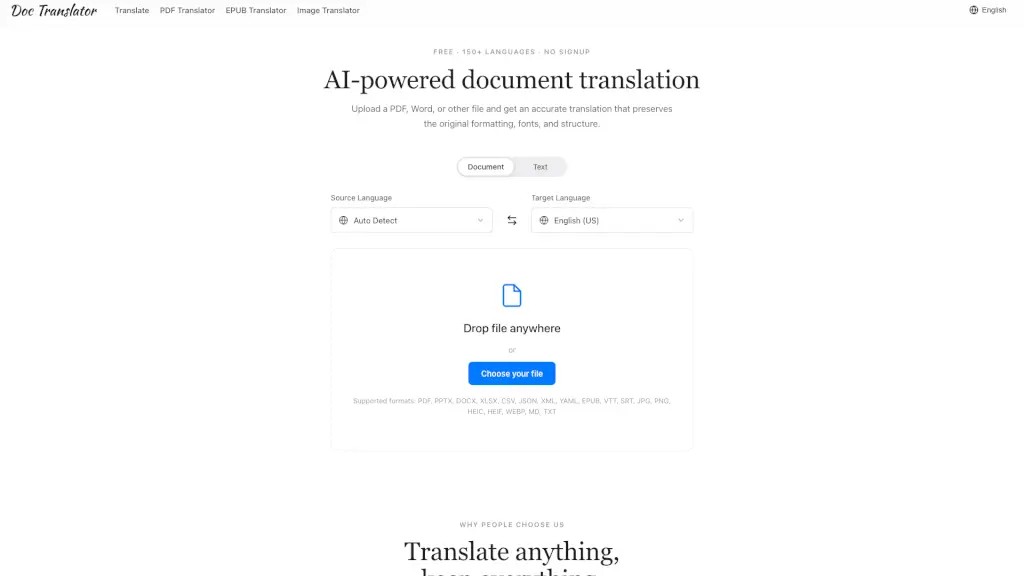
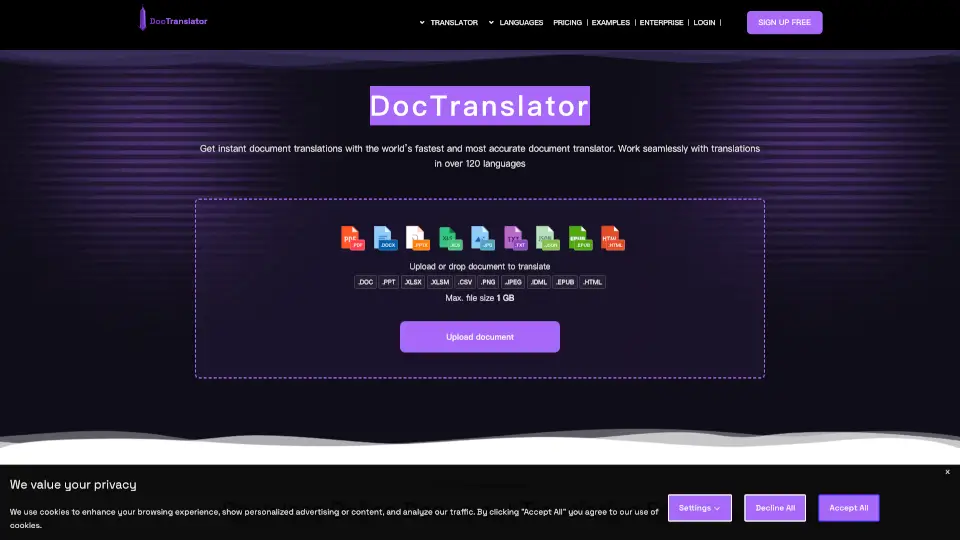
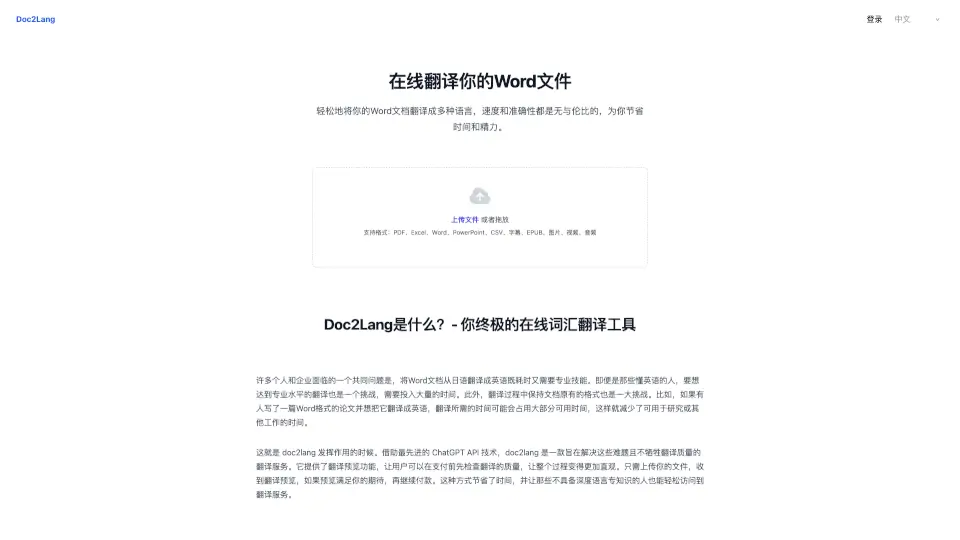
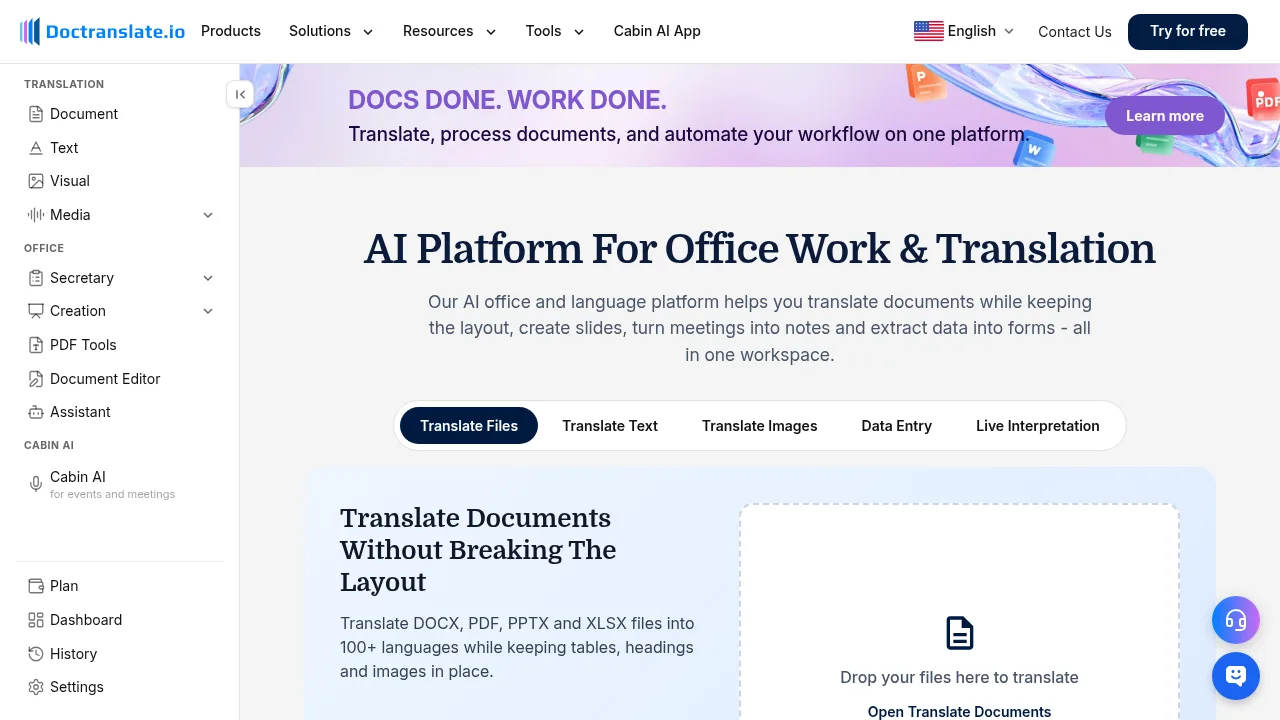
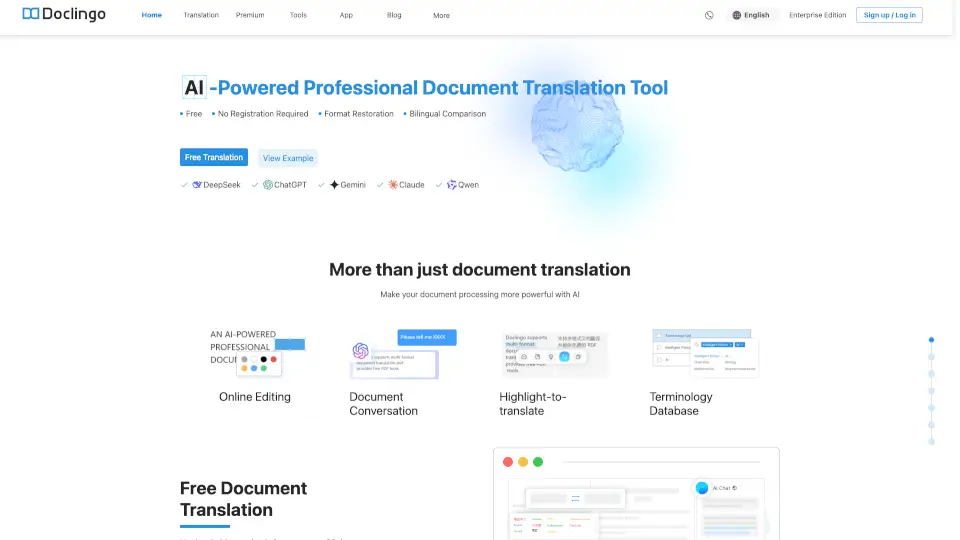
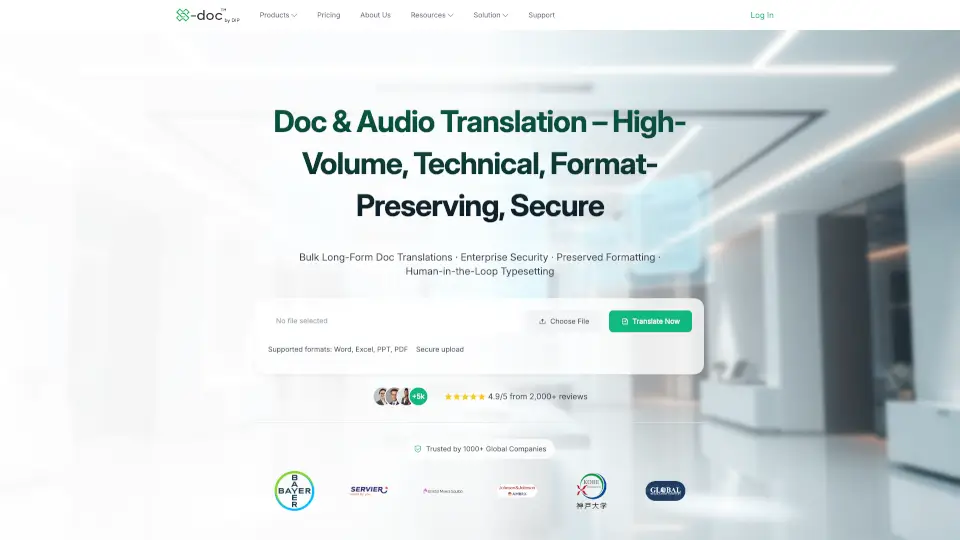
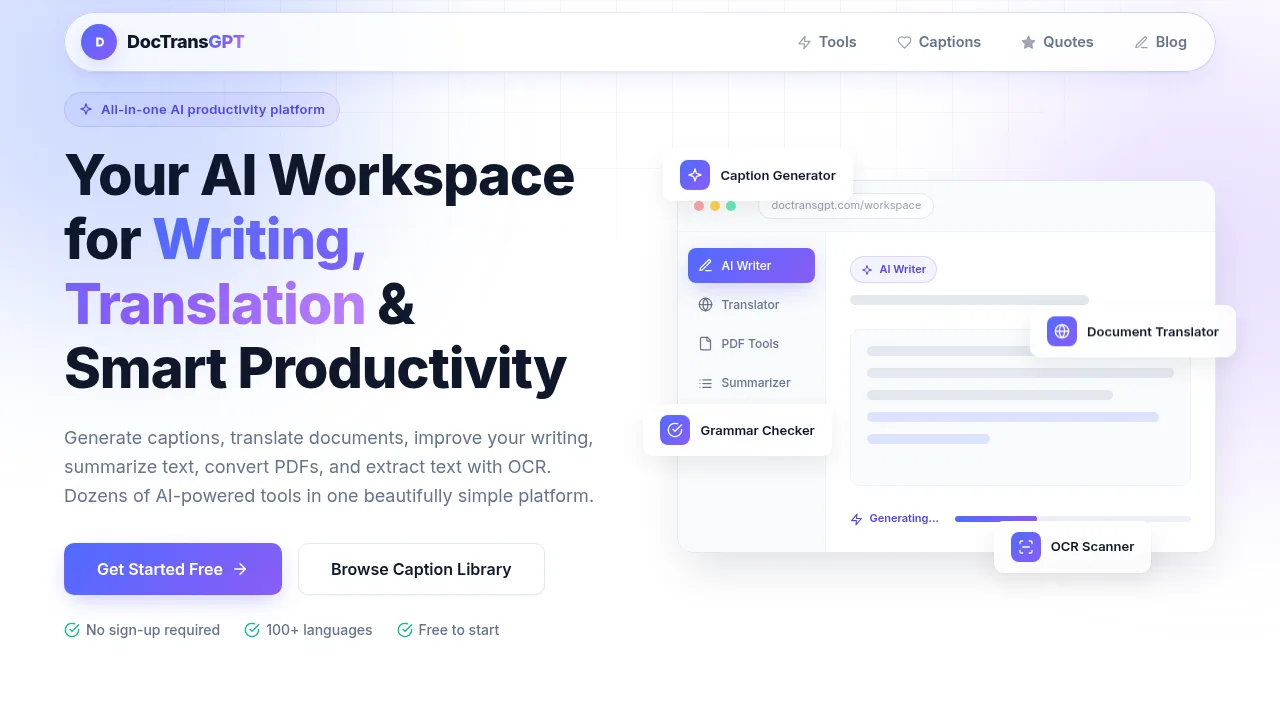
Online Document Translator is your go-to tool for translating PDFs, Word files, Excel sheets, and EPUB documents while keeping the original layout completely intact. Whether you need a legal contract quickly translated or want to read a research paper in your native language, this service makes it dead simple. Just upload your file, pick your target language from over 100 options, and you'll see a perfectly formatted translation in seconds. The best part? You can preview the result before you pay a single cent.
What are the features of Office Translator?
- Perfect Layout PreservationYour translated document looks exactly like the original—fonts, tables, images, and page structure all stay as they were.
- AI-Powered Translation QualityThe system deeply understands context, delivering translations that read naturally and professionally, not like clunky machine output.
- Preview Before PurchaseSee exactly what your translated document will look like before you commit financially. Total transparency, no hidden surprises.
- Super Cost-EffectiveGet professional-grade document translation for roughly 20,000 words per dollar. That's serious value for businesses and students alike.
- Built-in OCR TechnologyScanned PDFs and images with text? No problem. The system automatically extracts and translates text from even complex or low-quality scans.
- Enterprise-Grade SecurityYour files are encrypted end-to-end during transmission and storage, then automatically deleted 7 days after completion. You can also manually delete them anytime.
- Customizable TerminologyCreate your own glossary of terms to maintain brand consistency and ensure specialized vocabulary gets translated exactly as you want.
- Multi-File SupportHandles more than 50 file types including DOCX, PDF, EPUB, XLSX, PPTX, HTML, TXT, audio files, images, and even comics formats.
What are the use cases of Office Translator?
- Translating legal contracts between Chinese and English while keeping every clause format-perfect.
- Converting research papers and academic PDFs from one language to another without losing figures or table structures.
- Localizing marketing materials and presentations for international audiences while maintaining brand visual consistency.
- Translating user manuals and technical documentation for global product launches.
- Converting e-books and EPUB files to reach readers in different language markets.
- Processing scanned historical documents or image-based PDFs that regular translators simply cannot handle.
- Translating audio files into subtitled text for content creators and localization teams.
How to use Office Translator?
- Upload your fileon the main page or click "Start Translation" – supports files up to 1GB.
- Select source and target languagesfrom over 100 options.
- Wait a few seconds for the AI to process and generate a free preview of the translated document.
- Review the previewto check layout quality and translation accuracy.
- Choose your desired translation quality level(Standard, Professional, or Expert) based on your needs.
- Confirm and pay– only then do you get the full, downloadable translated file.