
What is OpenMusic AI?
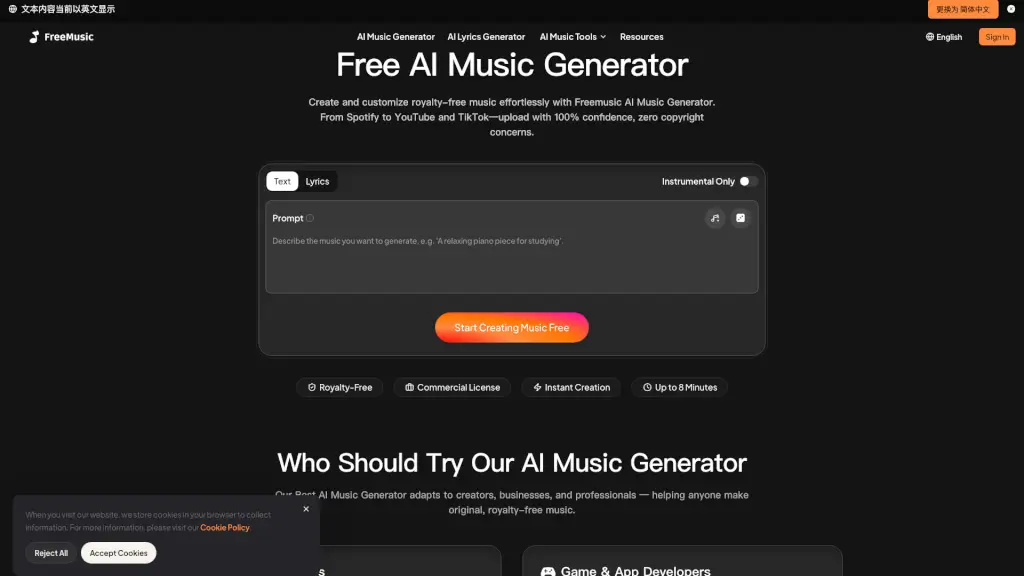
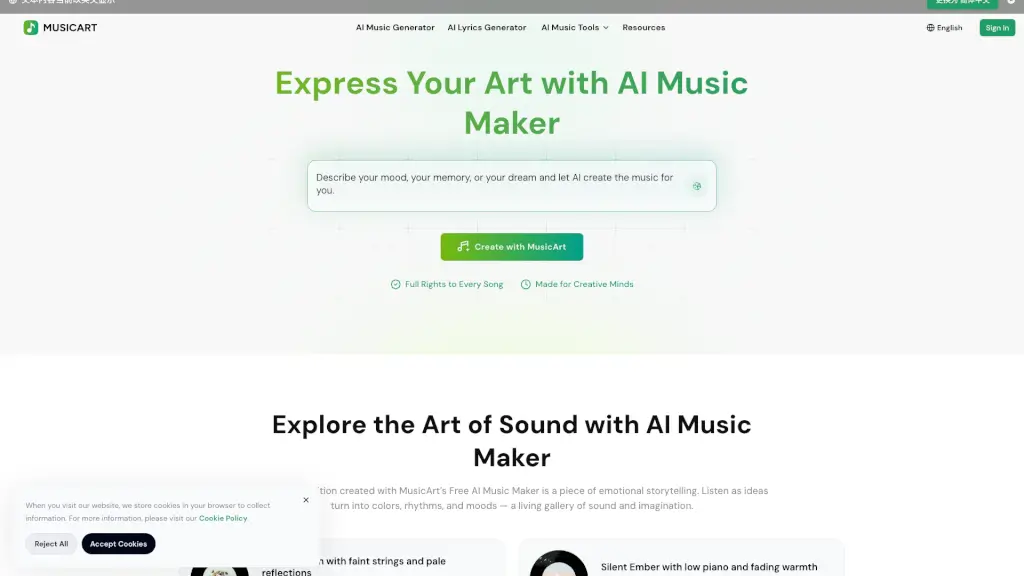
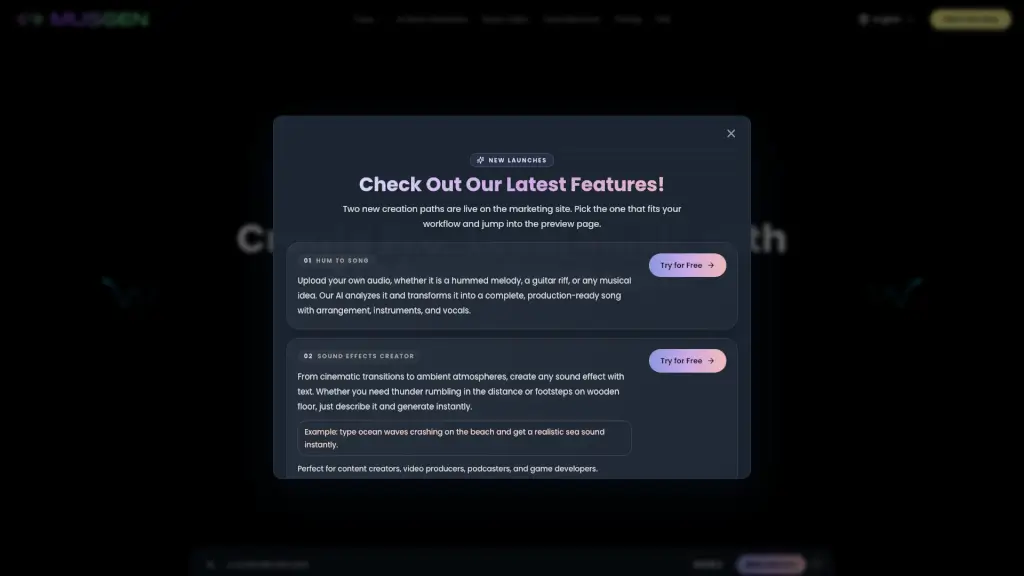
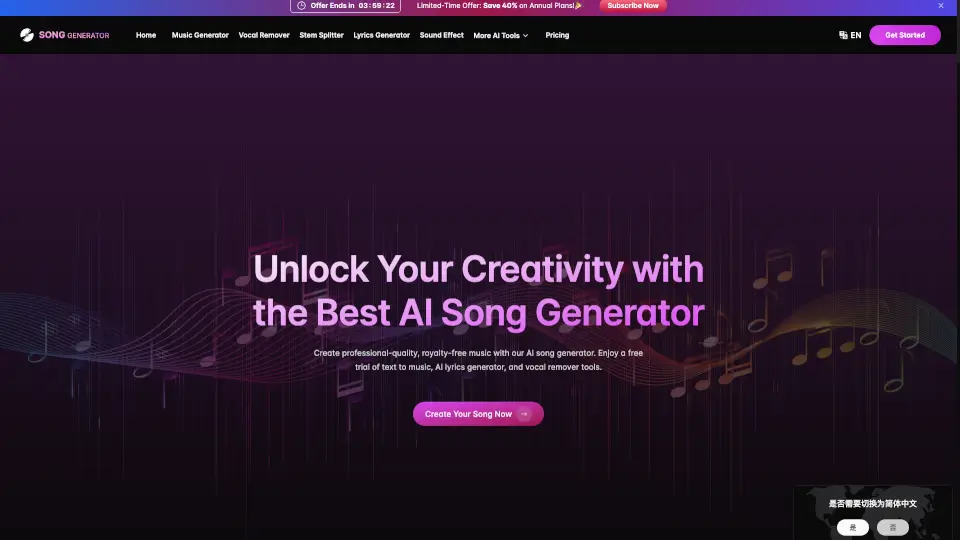
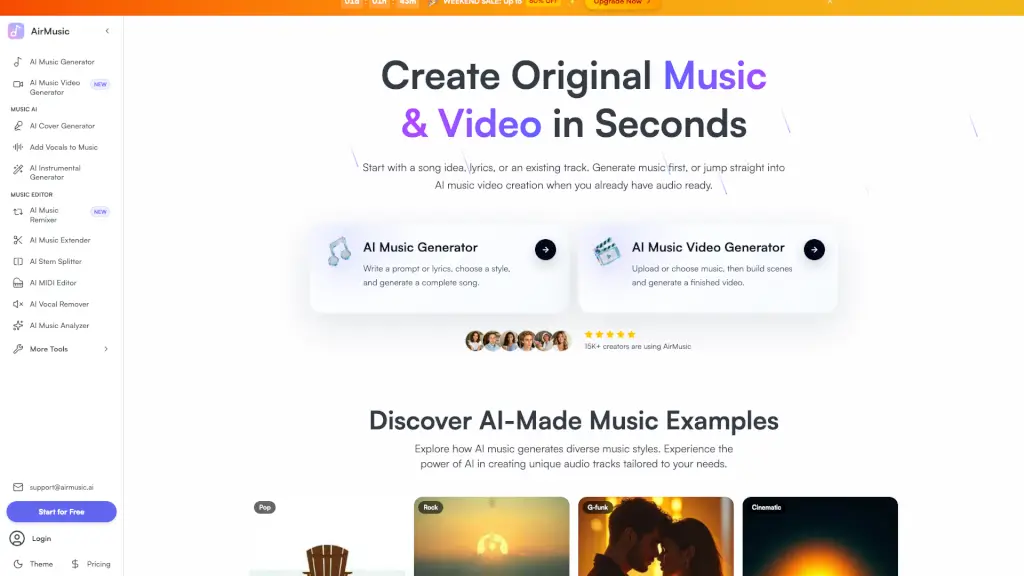
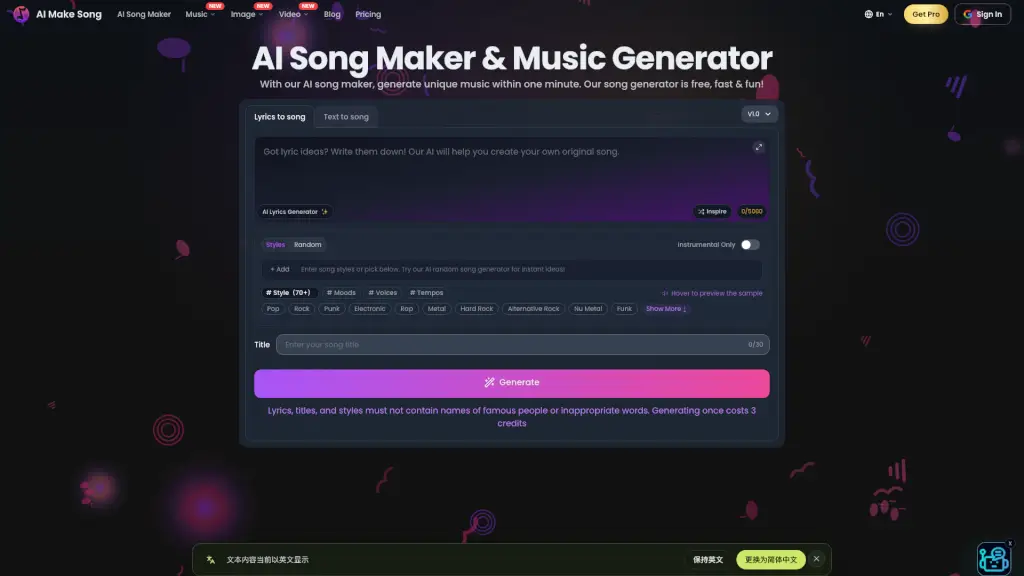
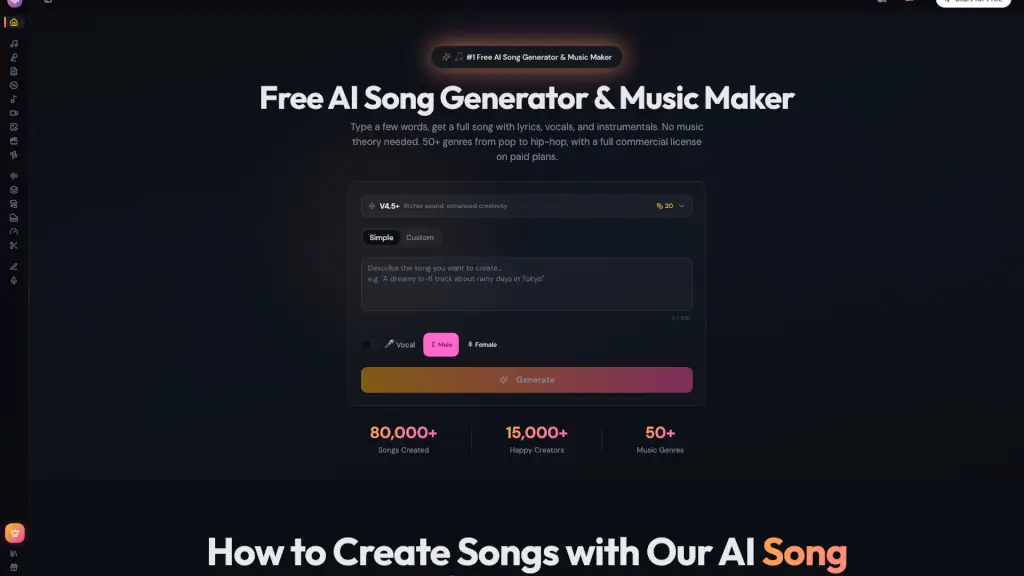
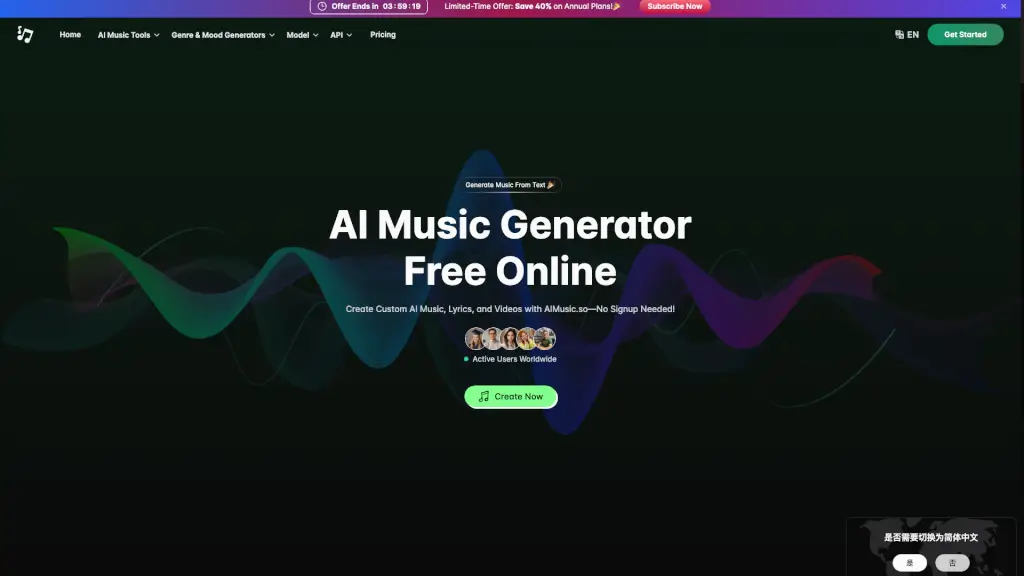
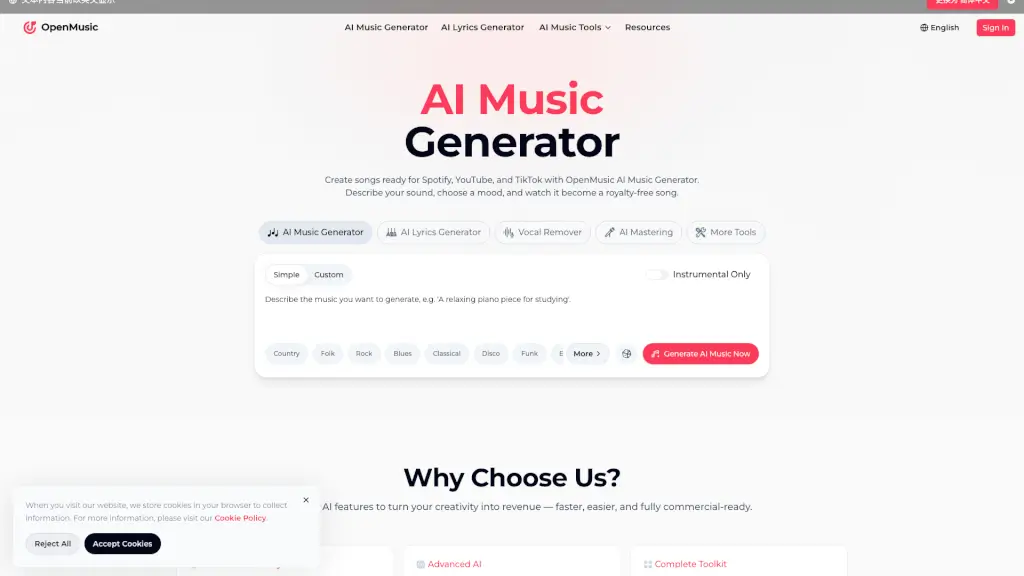
OpenMusic AI is an all-in-one AI music generator for creators, artists, and businesses who need royalty-free songs from text prompts or lyrics. It covers the full music creation workflow — from lyric writing and song generation to vocal removal, stem splitting, and mastering — all in one platform. The tool supports genres like pop, hip-hop, rock, and classical, and outputs studio-quality audio ready for commercial use on YouTube, Spotify, and TikTok.
What are the features of OpenMusic AI?
- AI Music Generator: Turn text prompts or lyrics into full songs up to 8 minutes long. Choose genre, mood, and instruments; output is royalty-free and ready for commercial projects.
- AI Lyrics Generator: Generate rap verses, pop hooks, or emotional ballads from simple ideas. Refine lyrics until they match the song's mood before generating music.
- AI Vocal Remover & Stem Splitter: Separate vocals from instrumentals with precision. Useful for creating acapellas, karaoke tracks, or isolating parts for remixes and sampling.
- AI Music Mastering: Polish tracks with professional-grade balancing, clarity enhancement, and depth. Output is ready for distribution on streaming platforms.
- AI Song Cover Generator: Sing any song in a new voice or convert clean audio into lo-fi versions. Also supports slowed and reverb effects for mood adjustments.
- AI Music Video Generator: Create visuals synchronized with your generated music, enabling you to finish both song and music video in one workflow.
What are the use cases of OpenMusic AI?
- YouTube content creator: Generate royalty-free background music or full songs for videos, avoiding copyright strikes.
- Indie artist: Turn lyrics into a complete song, then master it — no studio or producer needed.
- Game developer: Quickly produce score music that fits different game scenes and moods.
- Podcaster: Create background music for each episode without licensing headaches, using the vocal remover to adjust tracks.
- DJ or performer: Remix songs live with the BPM Tapper and AI Song Cover tools, then generate visuals for performances.
How to use OpenMusic AI?
- Start by describing your sound or pasting lyrics into the AI Music Generator prompt area.
- Choose a genre, mood, and whether you want instrumental-only or vocals.
- Click "Generate AI Music Now" and wait for the output (typically under a minute).
- Download the track as a royalty-free file, then use the AI Mastering tool for final polish.
- Optionally, use the AI Music Video Generator to create a visual accompaniment before sharing.