

Opal Camera logo

Opal Camera

0
5.0
(0 Reviews)
United States21.30%

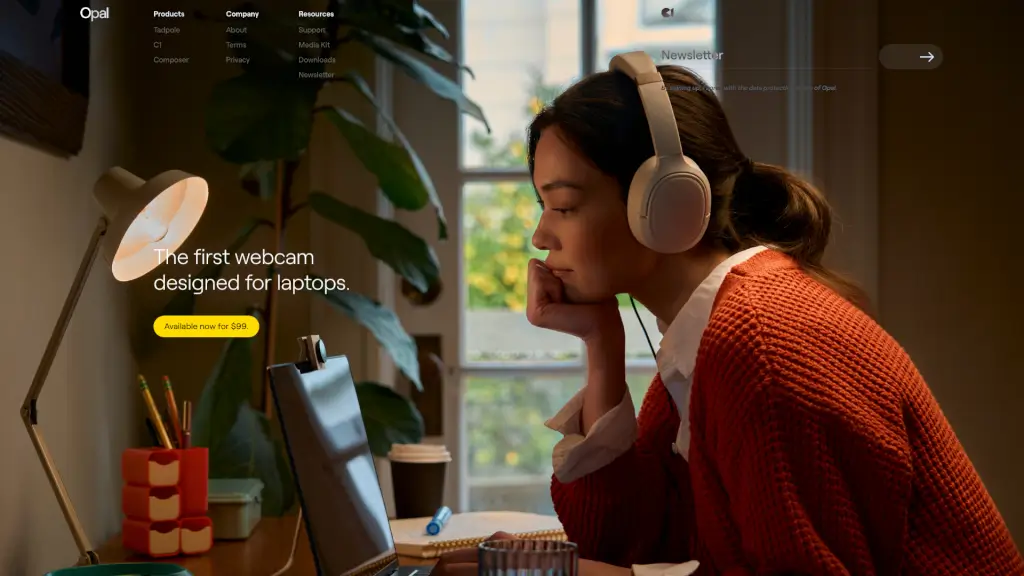
The Opal C1 is the first professional webcam designed specifically for laptops, delivering true 4K video, intelligent lighting, and studio-quality clarity in a sleek, clip-on form.

Added on: 2026.05.29 · Updated on: 2026.05.29
Social Media:
Visit Site
View Alternatives
Opal Camera

Opal Camera Product Information

What is Opal Camera?

Meet the Opal C1—the world’s first professional webcam built specifically for laptop users who demand studio-quality video without the bulk. Whether you're leading remote meetings, streaming creative content, or recording tutorials, the C1 delivers crisp 4K resolution, intelligent lighting correction, and a sleek, minimalist design that clips seamlessly onto your screen.

Unlike standard webcams that compromise on image quality or require complicated setups, the Opal C1 combines pro-grade optics with plug-and-play simplicity. It’s engineered for creators, professionals, and hybrid workers who need to look their best on camera—every single time—without fiddling with external lights or software tweaks.

What are the features of Opal Camera?

  • True 4K Resolution: Capture ultra-sharp video at 3840 x 2160 for crystal-clear detail in every frame.
  • Built-in Studio Lighting: Smart ambient light sensing automatically adjusts exposure and color balance so you always look natural—even in dim rooms.
  • Laptop-Optimized Design: Slim, lightweight form factor with a secure magnetic clip fits perfectly on any modern laptop bezel.
  • Plug-and-Play Compatibility: Works instantly with macOS and Windows—no drivers or apps needed for basic use.
  • Privacy Shutter: Slide-to-close physical cover keeps your camera secure when not in use.
  • Premium Glass Lens: Multi-element glass optics reduce distortion and deliver accurate colors.
  • USB-C Connectivity: Modern, reversible connection with stable power and data transfer.

What are the use cases of Opal Camera?

  • Hosting high-stakes client Zoom calls with broadcast-quality video
  • Streaming gameplay or creative sessions on Twitch or YouTube
  • Recording professional-looking course content or YouTube tutorials
  • Conducting virtual interviews where first impressions matter
  • Working remotely from coffee shops or co-working spaces with inconsistent lighting
  • Creating polished social media videos directly from your laptop

How to use Opal Camera?

  • Clip the Opal C1 securely onto the top bezel of your laptop screen using the integrated magnetic mount.
  • Connect the USB-C cable to your computer—your system will recognize it as a standard webcam.
  • Launch your preferred video app (Zoom, Teams, OBS, etc.) and select “Opal C1” as your camera source.
  • Adjust your position so your eyes are level with the lens for the most flattering angle.
  • Use the included privacy shutter when you’re offline to protect your privacy.
  • For advanced settings (like manual exposure), download the free Composer software from Opal’s website.

Opal Camera Contact Email:

[email protected]

Do you like this tool?

Upvote to help others discover it!

Opal Camera Alternatives

FineShare FineCam

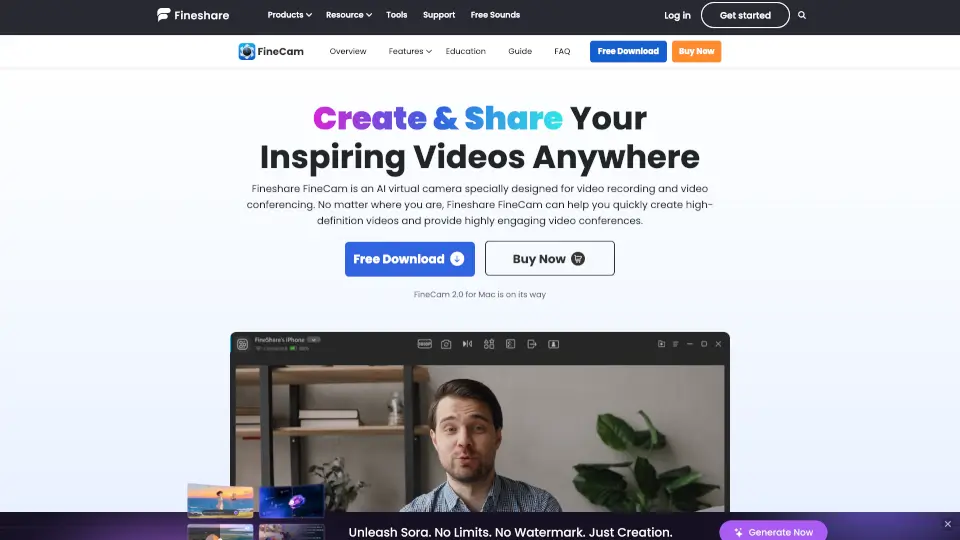
Fineshare FineCam is your go-to AI virtual camera for HD video recording and conferencing. With features like background removal, multi-camera support, and video enhancement, it’s perfect for creators, streamers, and professionals.

US
14.22%
|
477.5K
|
5.0
Petcube

Petcube is a smart pet camera with 1080p HD video, 160º full-room view, two-way audio, treat dispenser, and 24/7 Online Vet, keeping your pets safe and happy.

US
35.34%
|
119.7K
|
5.0
Insta360

The Insta360 X5 is a versatile 8K panoramic camera with interchangeable lenses, ideal for capturing high-quality 360-degree photos and videos in any setting, from travel to action sports.

US
19.51%
|
4.7M
|
5.0
Pixop

Pixop is a cloud-based AI video enhancer that helps professionals and businesses improve video quality and resolution effortlessly.

US
46.99%
|
11.1K
|
4.0
Casablanca

Casablanca brings natural eye contact to your video calls, making meetings more engaging and productive. It’s easy to use, private, and works with all major video tools.

IN
26.76%
|
11.6K
|
4.0
DeepLiveCam

Deep-Live-Cam is your go-to for real-time face swaps—easy, private, and packed with features for streamers, creators, and live events.

US
12.77%
|
232.7K
|
5.0
Camtasia online

TechSmith’s Camtasia online is a free, browser-based screen recorder for Mac and Windows. Record, edit, and share videos with no watermarks or limits.

US
42.37%
|
977.4K
|
5.0
Loom

Loom is a user-friendly screen recorder that simplifies video creation, editing, and sharing for individuals and teams.

US
41.12%
|
18.8M
|
5.0
Opal Camera Related Other Categories

Opal Camera Traffic Analysis

💡 Insights

🌱
Emerging Tool
10K-100K monthly visits. Niche or new tool with potential unique value.
⚠️
Slight Decline
Traffic has slightly decreased recently.
👍
Good Experience
Bounce rate of 41%. Users are willing to explore features.
  • Monthly Visits

    68.84K

  • Bounce Rate

    41.28%

  • Pages Per Visit

    1.76

  • Visit Duration

    00:00:16

  • Global Rank

    537918

  • Country Rank

    479986

Visits Over Time

Traffic Sources

Direct43.86%
SearchOrganic43.03%
Referrals8.93%
SocialOrganic1.98%
SearchPaid1.05%
Mail0.86%
GenAi0.30%
SocialPaid0.00%
Affiliate0.00%

Top Keywords

1
opal c1
CPC$1.41
2.06KTraffic
2
opal camera
CPC$1.81
1.66KTraffic
3
opal
CPC$0.66
750Traffic
4
opal tadpole
CPC$1.34
480Traffic
5
opal c1 webcam
CPC$1.07
410Traffic

Top Regions

RegionPercentage
United States
United States
21.30%
India
India
7.79%
Canada
Canada
6.08%
Russia
Russia
5.24%
Nigeria
Nigeria
5.09%
Low
High

Opal Camera FAQ

Is the Opal C1 compatible with Mac and Windows?

Does it work with popular video conferencing apps like Zoom or Microsoft Teams?

What makes the Opal C1 different from cheaper webcams?

Do I need the Composer software to use the C1?

Can I mount the C1 on a monitor instead of a laptop?

Does it have a microphone?

Opal Camera Reviews

0

0

0 Reviews
Sign Into leave a review

Recent Reviews

No reviews yet

Opal Camera Embed

Use website badges to drive community support for SeekTool.ai. They are easy to embed in your homepage or footer.

Light
Dark
Opal Camera - Featured on SeekTool.aiOpal Camera - Featured on SeekTool.ai
How to install?

Looking for Opal Camera Alternatives?

Compare top AI tools similar to Opal Camera. Find the best option for your needs.

View Alternatives

Reviews

0.0

Share your experience with this tool...

Trending

Featured

Subscribe to our AI Newsletter

Get the top AI stories delivered to your inbox weekly.